Table of Contents
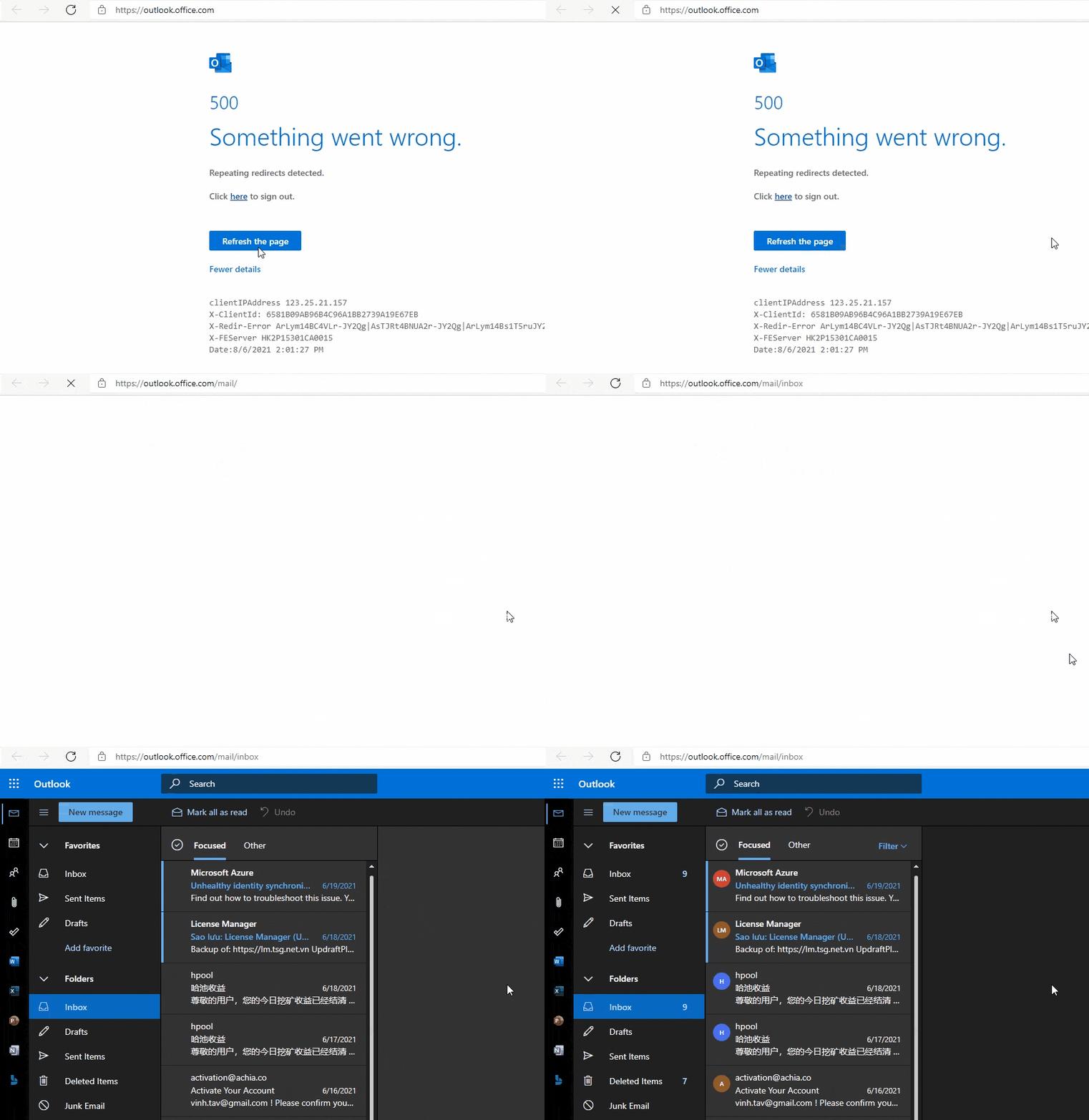
Something went wrong Microsoft 365
If a user is assigned too many roles in Microsoft 365, when accessing the Outlook Web App, you can get into an endless redirect loop error.

By ‘too many roles’, I mean your Microsoft 365 user account has been assigned too many admin roles. Fortunately, this is an easy issue to resolve.
Microsoft 365 admin center
When you open the manage admin role for your account, you can see, too many roles are assigned to your account. The Global Admin role is enough in the most cases.
But, you cannot change your own role from Microsoft Admin center ?
Note
Tip: Let create an other Global admin account then using that account to edit admin roles for your account.

Edit your own roles from Azure Active Directory
If you don’t want to create a new global admin account. You can edit your own roles using Entra ID. Remove all admin roles other than ‘Global Administrator’ and click ‘Save changes’.

After the unnecessary roles are removed, the assigned role of your account should be like below image.

Now, refresh your webmail then verify it works.