
Table of Contents
Redirect old webmail to Microsoft 365 webmail
We are fully hosted in Microsoft 365 and want to setup to redirect webmail from http://mail.domain.com to https://mail.office365.com.
To achieve this goal, let visit your DNS provider’s website, add CNAME records to redirect mail.domain.com to outlook.office365.com.
Note
You can create a CNAME record point to mail.office365.com. It would work as well.
Create a CNAME record on the DNS server of your domain.


Now, you can visit mail.domain.com then verify it works.
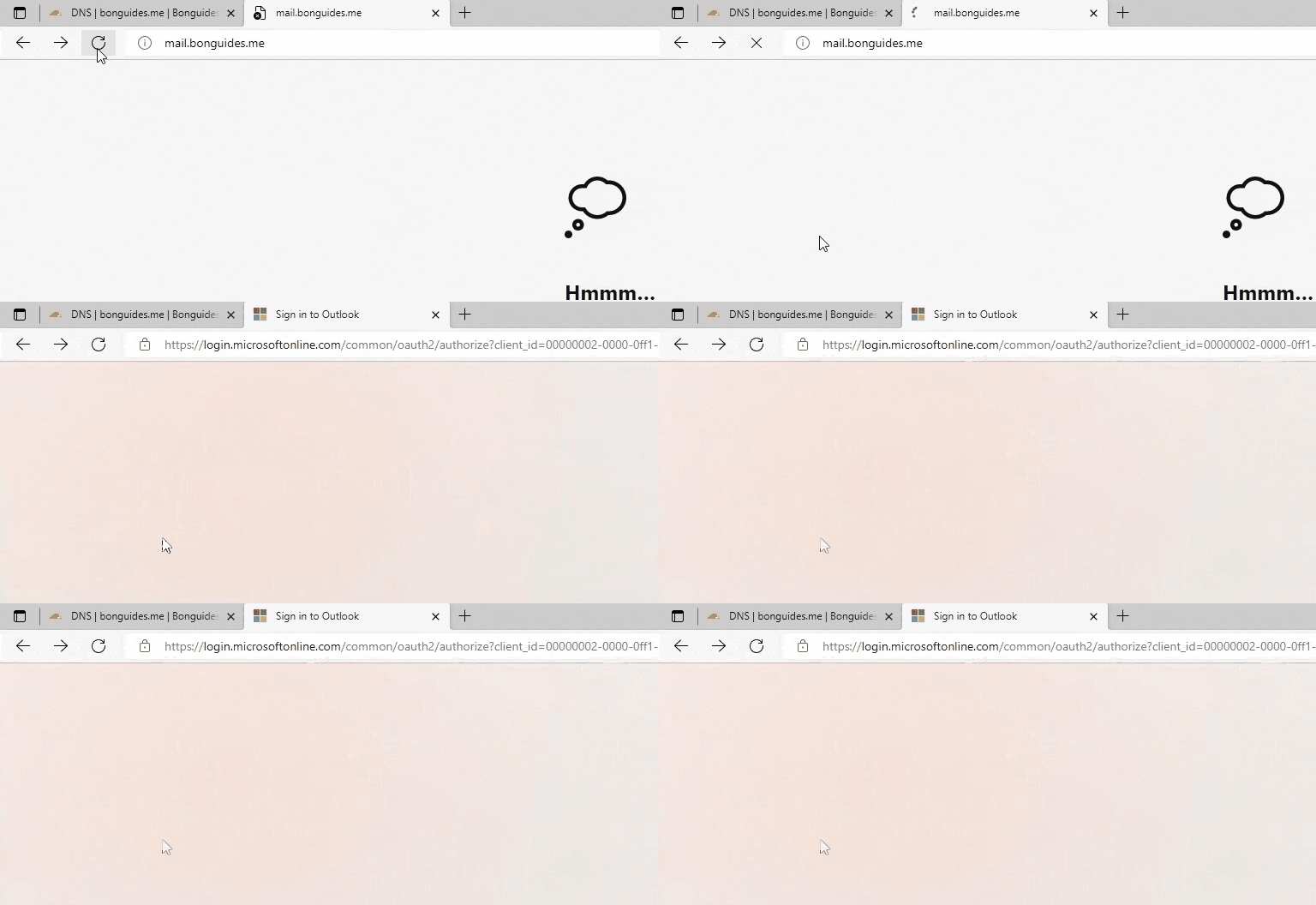
Certificate error when access https://mail.domain.com
This is working fine however many of our users are navigating to https://mail.domain.com and that comes up with a certificate error in the browser. That’s because your CNAME record doesn’t match Microsoft’s certificate for their server.
Depending on your DNS provider you might be able to set up web forwarding so that when they put in your URL it gets forwarded to mail.office365.com (although in this setup it should be an A record, not a CNAME).


