Table of Contents
Disk Usage or Bandwidth Usage Show 0MB
In some cases, after creating a website in CyberPanel. The panel shows that Disk Usage and Bandwidth Usage are at 0MB, but that’s not true at all.
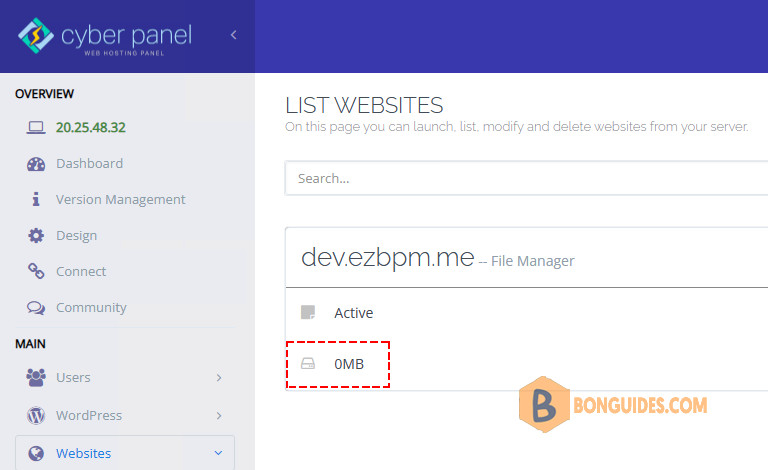
This occurs because the disk usage (du) updates when the cron runs, it’s not instant so you need to wait for a day and see if it gets resolved. If you want to show it immediately, you can do the following steps:
1. SSH to the sever with root privilege.
2. Run command below to update the disk usage.
/usr/local/CyberCP/bin/python \
/usr/local/CyberCP/IncBackups/IncScheduler.py CalculateAndUpdateDiskUsage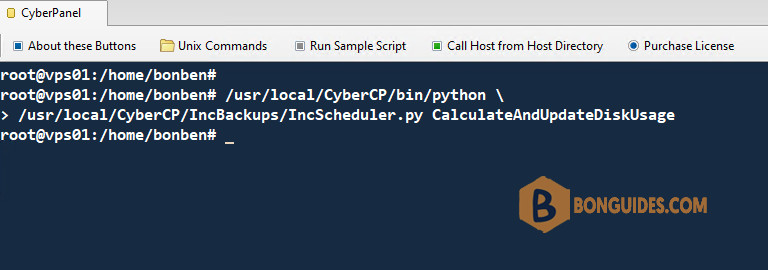
Note: If the first command doesn’t works, you can try the below one.
/usr/local/CyberCP/bin/python \
/usr/local/CyberCP/IncBackups/IncScheduler.py checkDiskUsage
Once done, refresh the web console. The disk usage should be shown correctly.
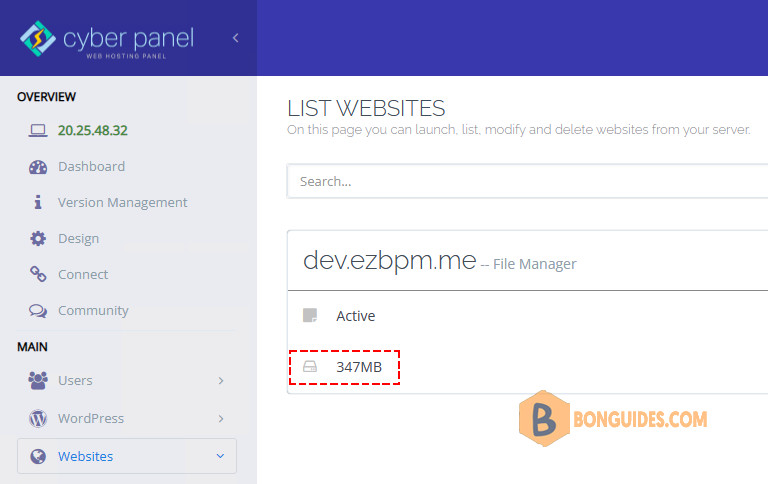
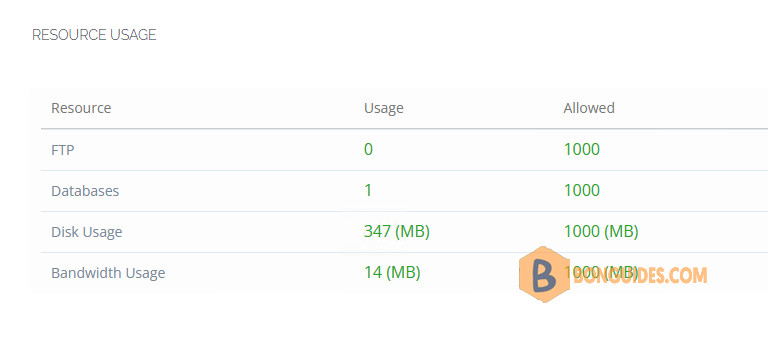
In the resource use the disk information should be updated.