Table of Contents
Unsupported Processor Error in Windows 10 VM on VMware
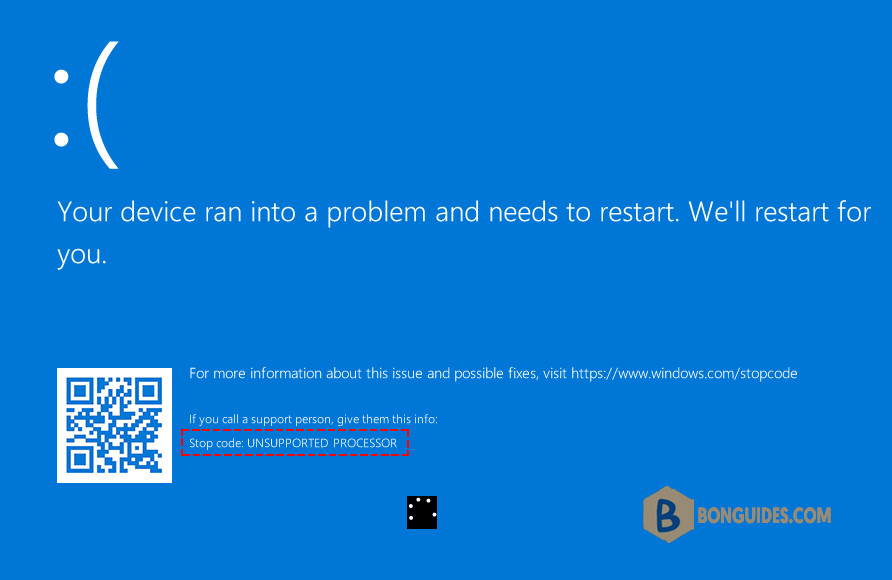
So I’ve been running a Windows 10 VM and it’s been working fine for months. However, I had to update Windows, and ever since then, I get a blue screen saying Stop code: UNSUPPORTED PROCESSOR.
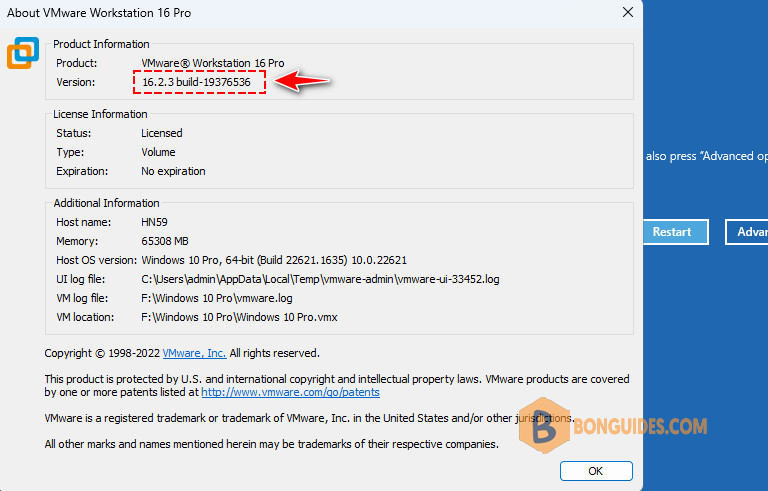
To fix it, we need to update to the latest version of VMWare Workstation. It’s a bug that showed up with the December Windows update. Fixed in VMWare 17 first and then 16.2.5 (I think that’s the right version).
Note: VMware Workstation is now free for personal use. You can check the below post to get it for free.
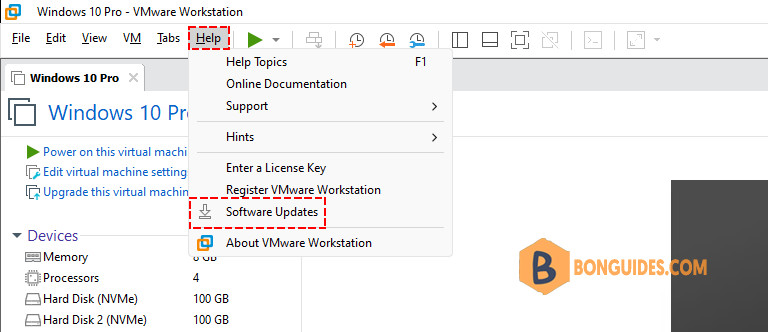
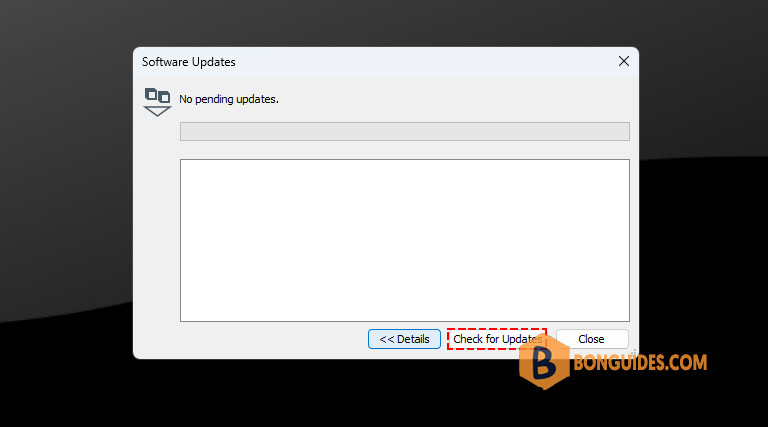
To update to the latest version. From the VMware console, navigate to Help → Software Updates.
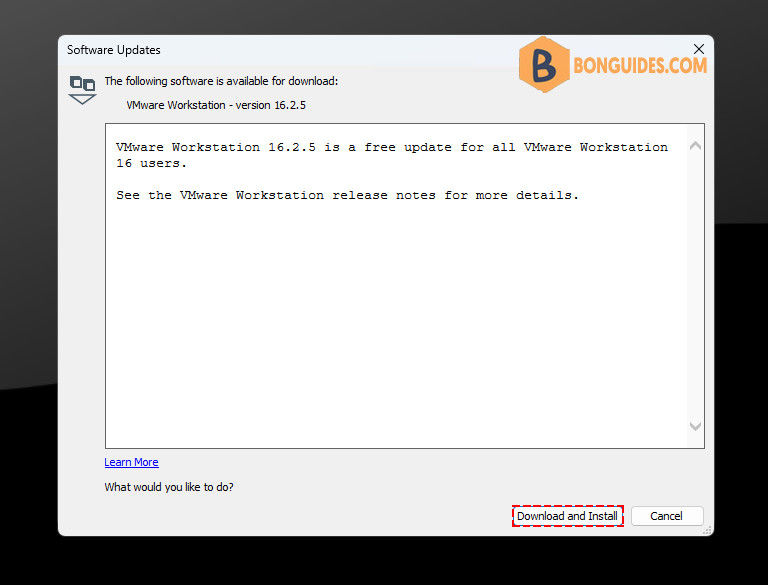
Click on the Check for Update button, then install the latest one.
Once the latest update is applied, the error should be gone, and you can boot to your VM without any issues.