Table of Contents
View your Mailbox size and Exchange quota in Outlook
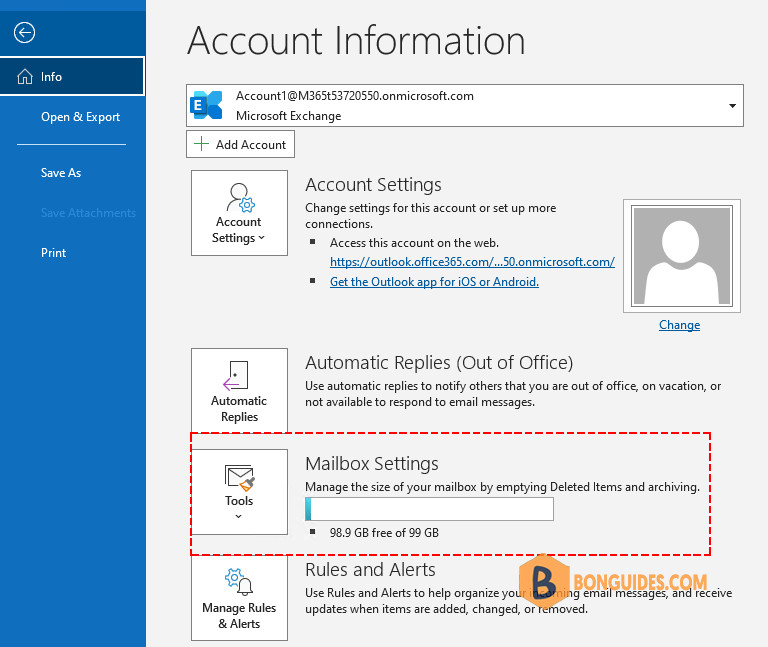
If you are using Outlook 2010 or later, your quota and current mailbox size is displayed when you go to the File menu in the Microsoft Outlook app.
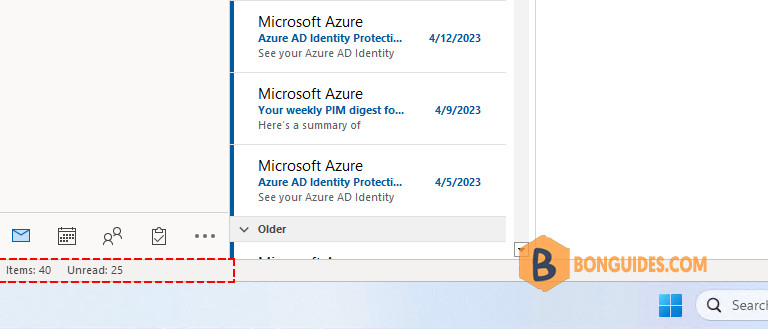
You can also display your free mailbox space in Outlook’s Status Bar. But it’s not enabled by deefault.
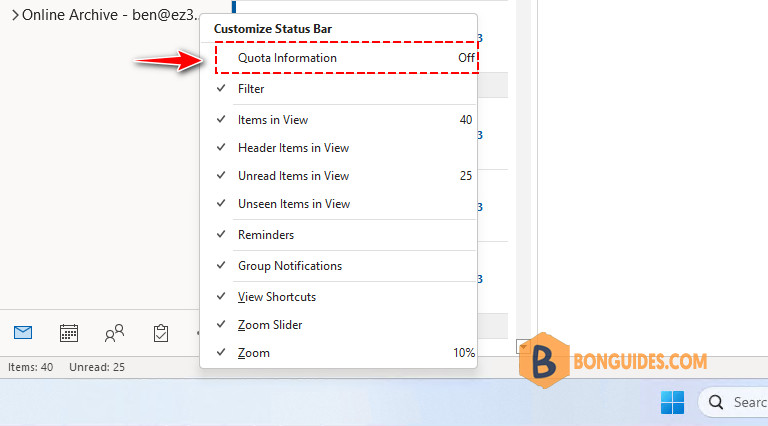
To enable it, let’s right click on the Microsoft Outlook status bar, and then select Quota Information in the Customize Status Bar menu.
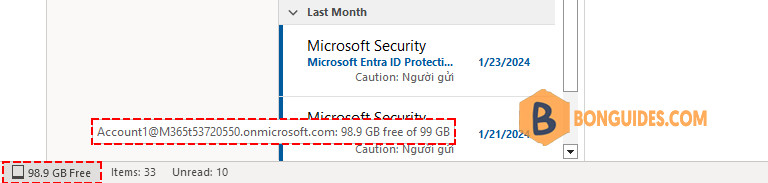
The following screenshot shows mailbox quota information in the Outlook status bar. When you hover your mouse cursor over the quota information, more quota information appears in a tooltip.