
Table of Contents
Upgrade PowerShell 2.0 to 5.1
You can update to PowerShell 5.1 on Windows 7, and in fact it’s recommended to do so to add suspicious-script block-logging that is not in the PowerShell shipped on Windows 7.
WMF availability across Windows operating systems:
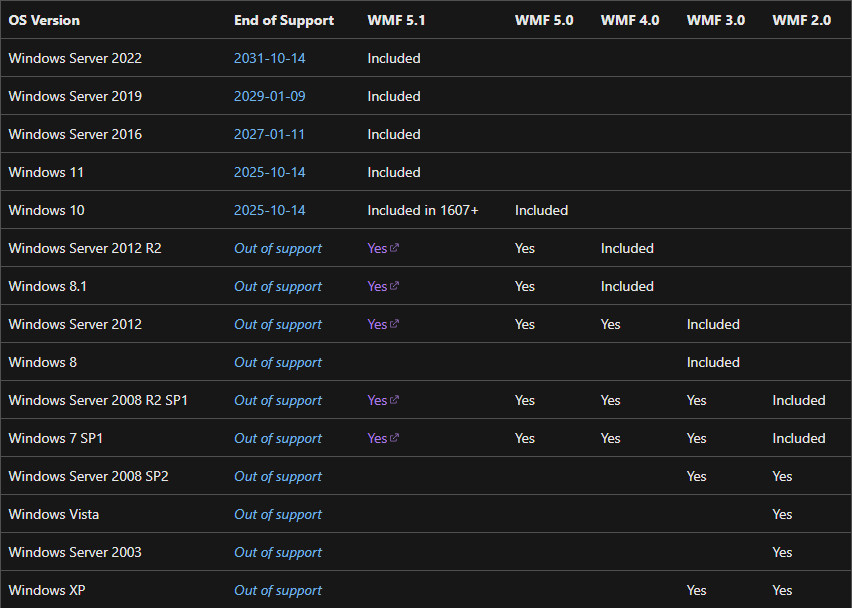
To check the current version of the installed Windows PowerShell. Let’s open PowerShell as administrator and run the following command:
$PSversiontablePS C:\Users\bonguides> $PSversiontable
Name Value
---- -----
CLRVersion 2.0.50727.8964
BuildVersion 6.1.7601.17514
PSVersion 2.0
WSManStackVersion 2.0
PSCompatibleVersions {1.0, 2.0}
SerializationVersion 1.1.0.1
PSRemotingProtocolVersion 2.1To install PowerShell 5.1 on Windows 7, there are a few mandatory prerequisites:
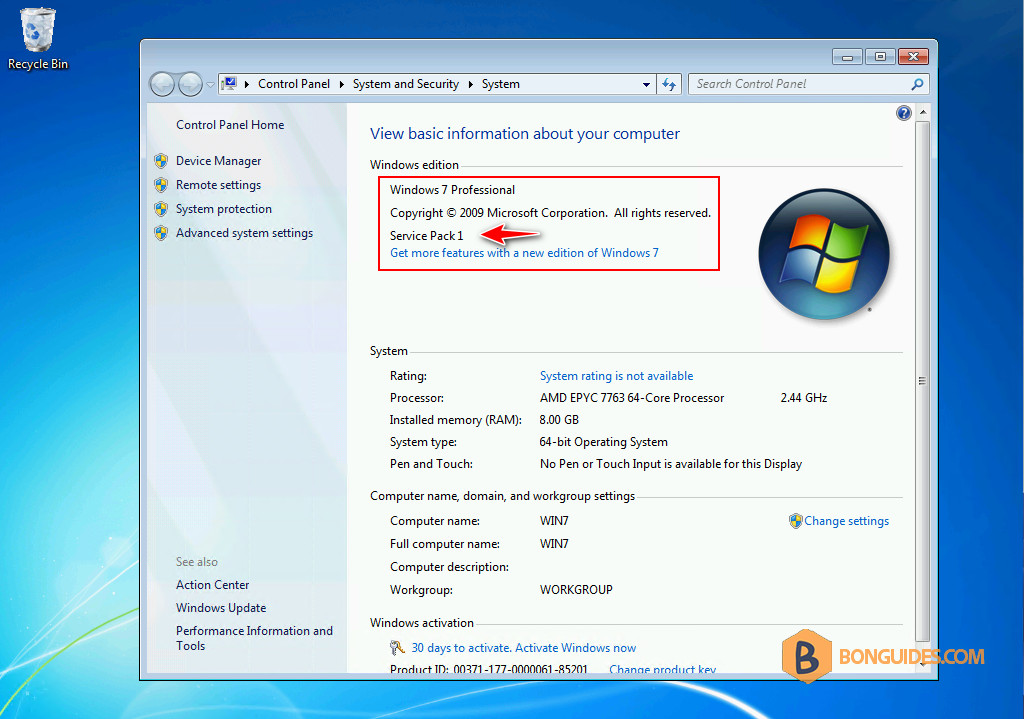
Before you begin, make sure you’re using Windows 7 Service Pack 1.
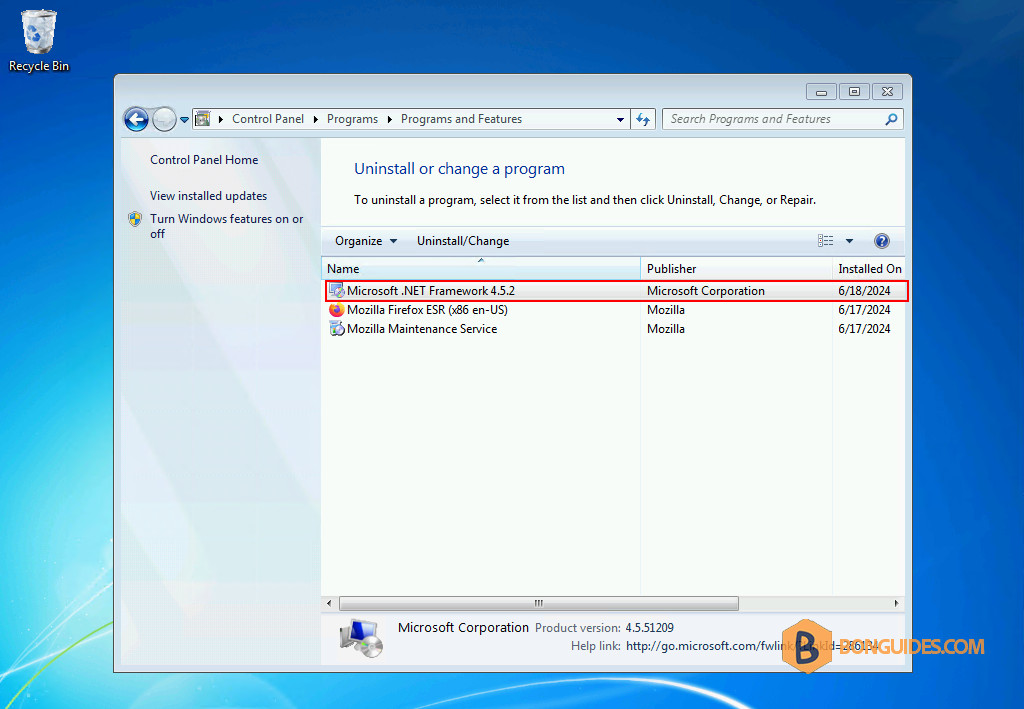
1. Download then install .NET Framework 4.5 on Windows 7: Microsoft Download Center | OneDrive. If it’s been installed. You can skip this step and move to the next one.
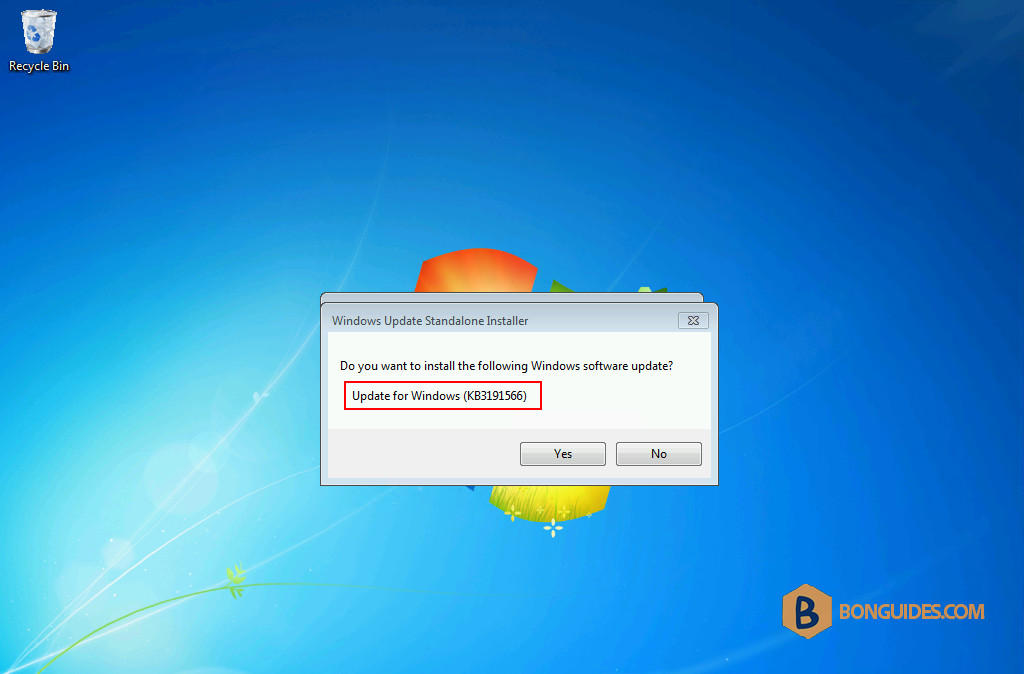
2. Download and install Windows Management Framework 4.0. After the computer restarted, this time if you check the version of PowerShell. It should be 4.0 like below.
PS C:\Users\bonben365> $PSVersionTable

Name                           Value
----                           -----
PSVersion                      4.0
WSManStackVersion              3.0
SerializationVersion           1.1.0.1
CLRVersion                     4.0.30319.42000
BuildVersion                   6.3.9600.16406
PSCompatibleVersions           {1.0, 2.0, 3.0, 4.0}
PSRemotingProtocolVersion      2.2
3. With the first two steps done, you can install Windows Management Framework 5.1. Once this is in place, you can use the abilities of PowerShell 5 on Windows 7 and turn on the enhanced logging that 5 provides.
Download links for Windows Management Framework 5.1: Microsoft Download Center | OneDrive
You may ask to restart your computer. Once the computer restarted, let’s open PowerShell as administrator then run the command $PSVersionTable to verify it works.
PS C:\Users\bonguides> $PSVersionTable

Name                           Value
----                           -----
PSVersion                      5.1.14409.1005
PSEdition                      Desktop
PSCompatibleVersions           {1.0, 2.0, 3.0, 4.0...}
BuildVersion                   10.0.14409.1005
CLRVersion                     4.0.30319.42000
WSManStackVersion              3.0
PSRemotingProtocolVersion      2.3
SerializationVersion           1.1.0.1


The link to download Windows Management Framework 4.0 (https://bonguides610-my.sharepoint.com/:f:/g/personal/admin_bonguides610_onmicrosoft_com/Eq-UK4ZQzA5AtOZFmdfAcesBR7tI_zQwxX-MgLok14Z5vA?e=tQgibj) goes to an empty folder
Updated.
It is not required to install WMF 4.0 prior to installing WMF 5.1 on Windows 7 and Windows Server 2008 R2.
It is not required to install WMF 4.0 prior to installing WMF 5.1 on Windows 7 and Windows Server 2008 R2. Microsft web Download and install the WMF 5.1 package.
It is not required to install WMF 4.0 prior to installing WMF 5.1 on Windows 7 and Windows Server 2008 R2. Microsoft web Install and Configure WMF 5.1 to Windows 7…
Microsoft web: It is not required to install WMF 4.0 prior to installing WMF 5.1 on Windows 7 and Windows Server 2008 R2.