Table of Contents
Bypass Plink Access Granted. Press Return to Begin Session
We’re writing a simple Windows batch script to allow us to execute some Linux command on my remote server with the help of plink.exe.
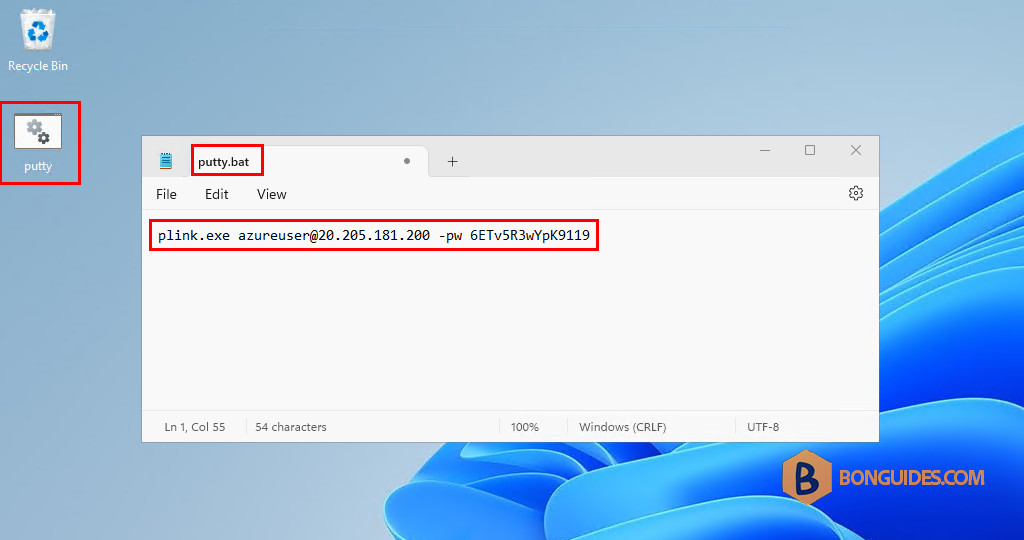
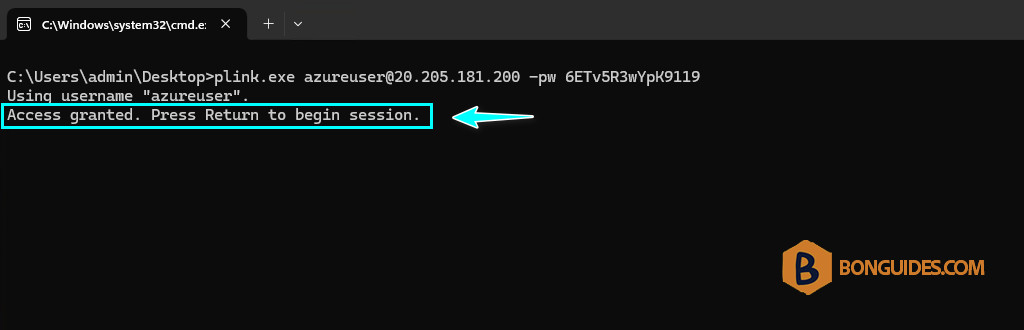
When we double click on the batch, it works as expected but except that we have to press Enter each time.
To bypass this, we need to add the -batch switch into the command as below:
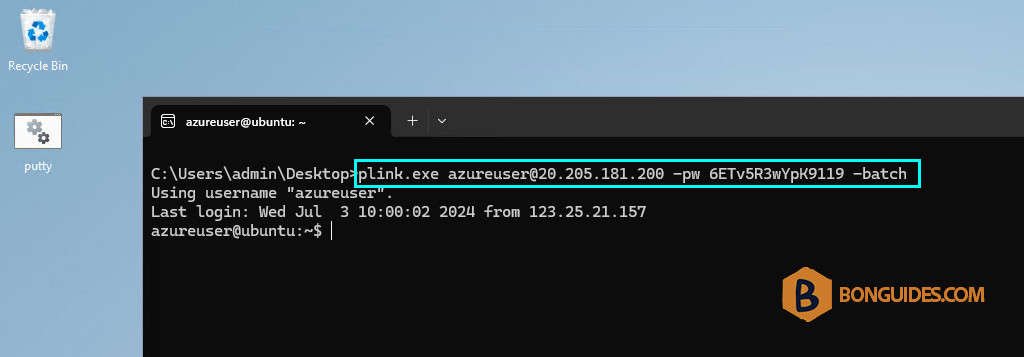
plink.exe [email protected] -pw 6ETv5R3wYpK9119 -batch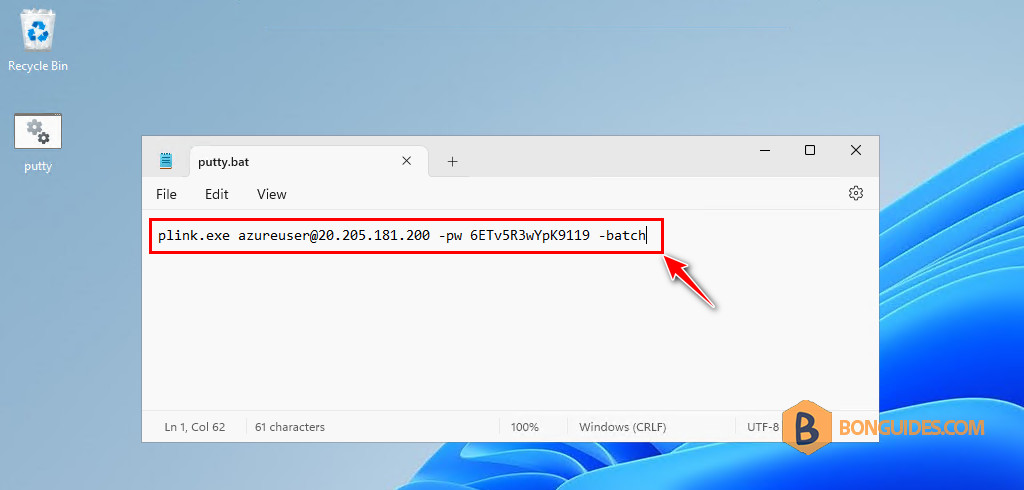
As you can see, this time, we don’t need to press the Enter key to begin the session.