Table of Contents
You may have heard the exciting news about VMware Fusion and Workstation being free for personal use, but maybe you’re finding the Broadcom support portal a little overwhelming… This post is for you! I’ll walk through how to download the new personal use editions of VMware Fusion Pro and VMware Workstation Pro without creating the Broadcom account.
In case, you want to create a Broadcom account to download the installer. Please visit this post:
Steps by steps: How to Download VMware Workstation Pro 17 Free for Personal Use
Note
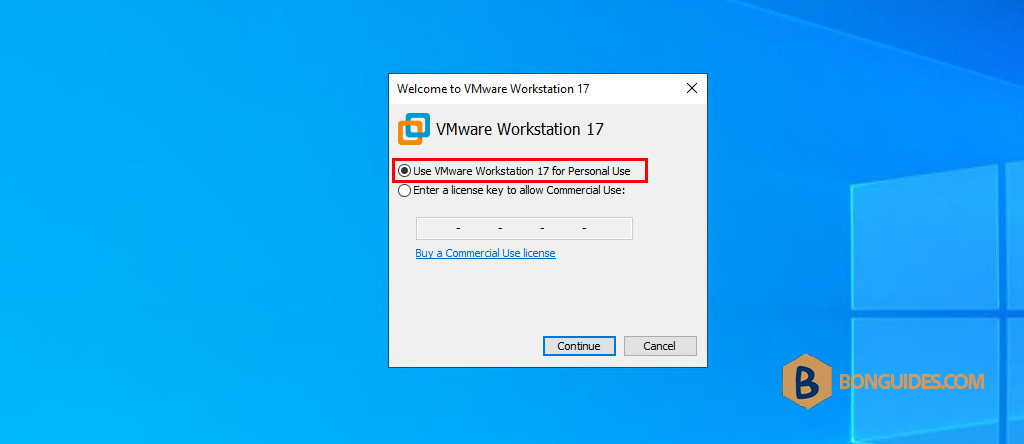
In order to use the Pro edition for Personal Use, you need to install either Fusion Pro 13.5.2 or Workstation Pro 17.5.2 (Windows or Linux).
Download VMware Workstation Pro without Broadcom account
If you don’t want to do it manually. There’s an official repository to download it directly.
- For Windows and Linux: https://softwareupdate.vmware.com/cds/vmw-desktop/ws/
- For macOS: https://softwareupdate.vmware.com/cds/vmw-desktop/fusion/
Download VMware Workstation Pro 17 for Windows
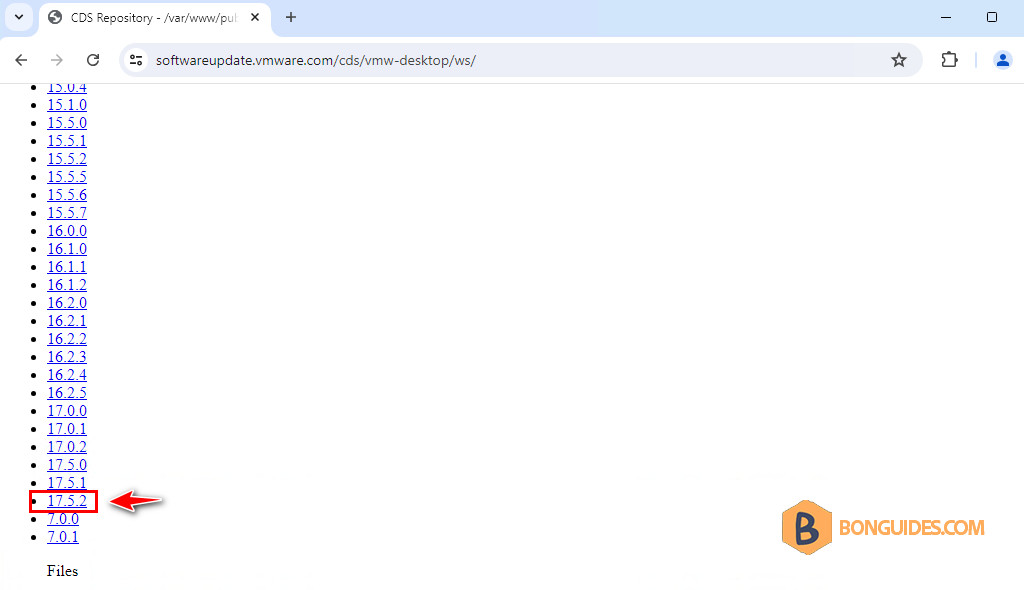
1. In the repository, you can download all the versions of VMware Workstation Pro. We will download the version 17.5.2 (the version supports free personal use).
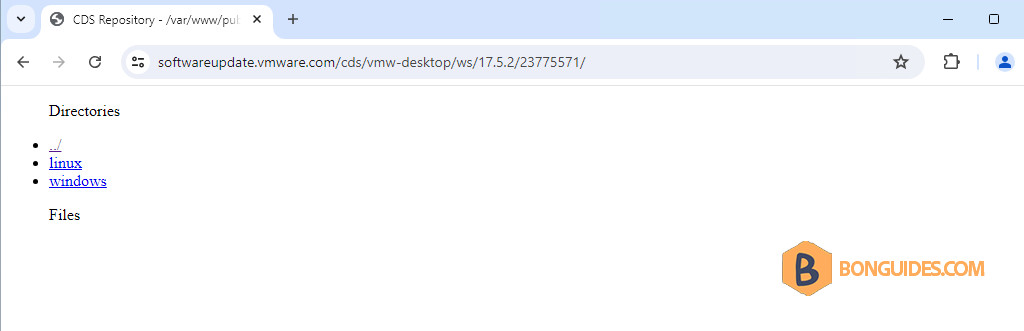
2. You can download the installer for Windows and Linux operating systems.
3. Select core to download the installer. the package for VMware Tools…
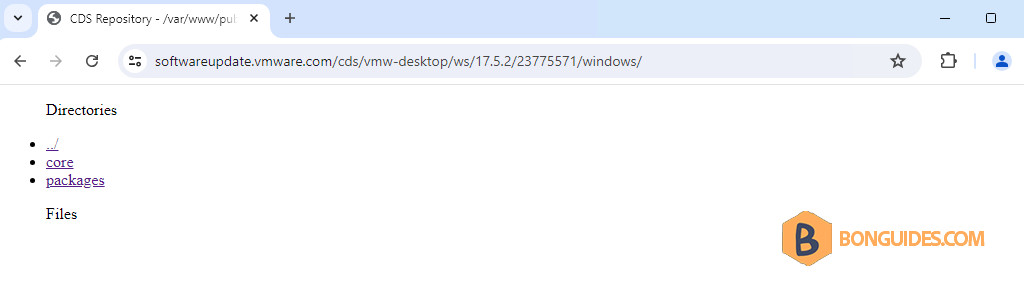
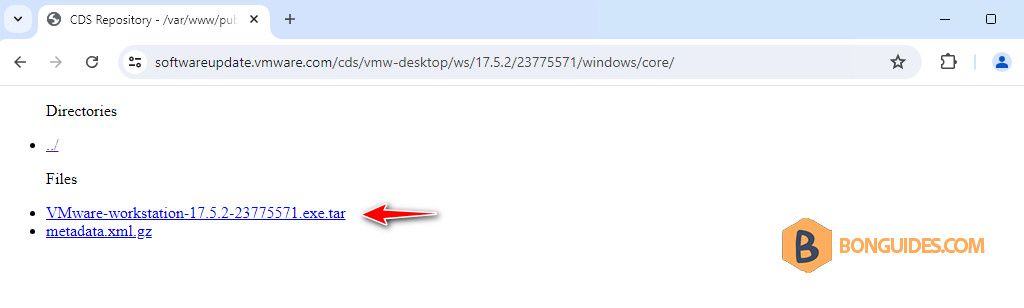
4. Click on the link to download the installer in the .tar format.
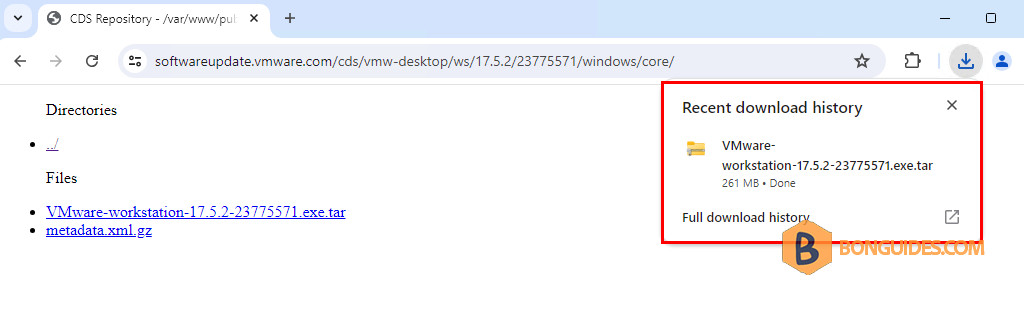
5. The downloaded file is in the .tar format. So, we need to do addition steps to get the executable file for Windows. Let’s open the Downloads folder.
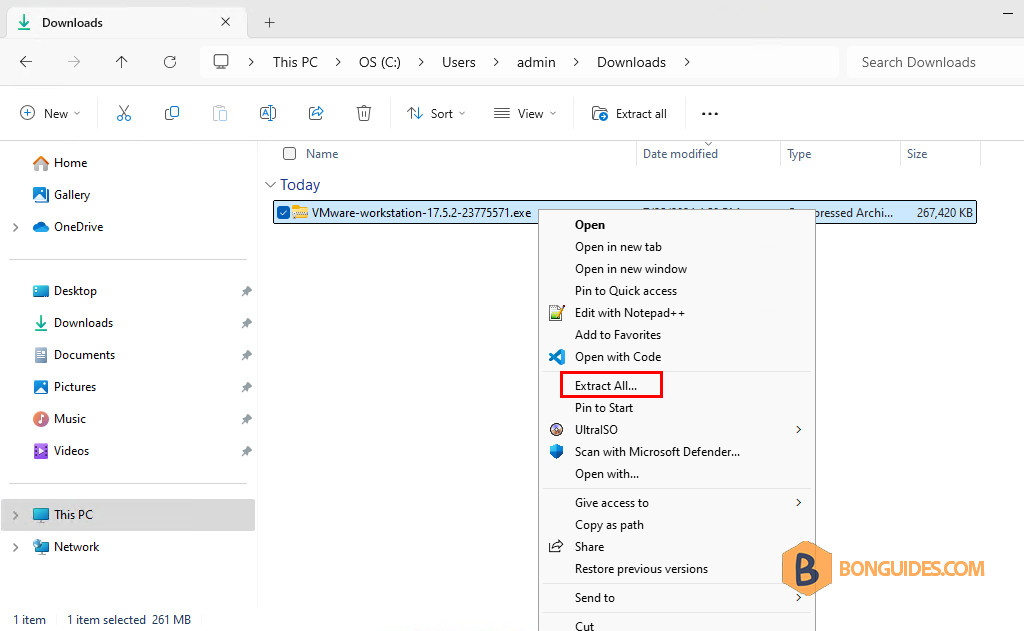
6. Right click on the downloaded file then select Extract All… to extract it to a folder on your computer.
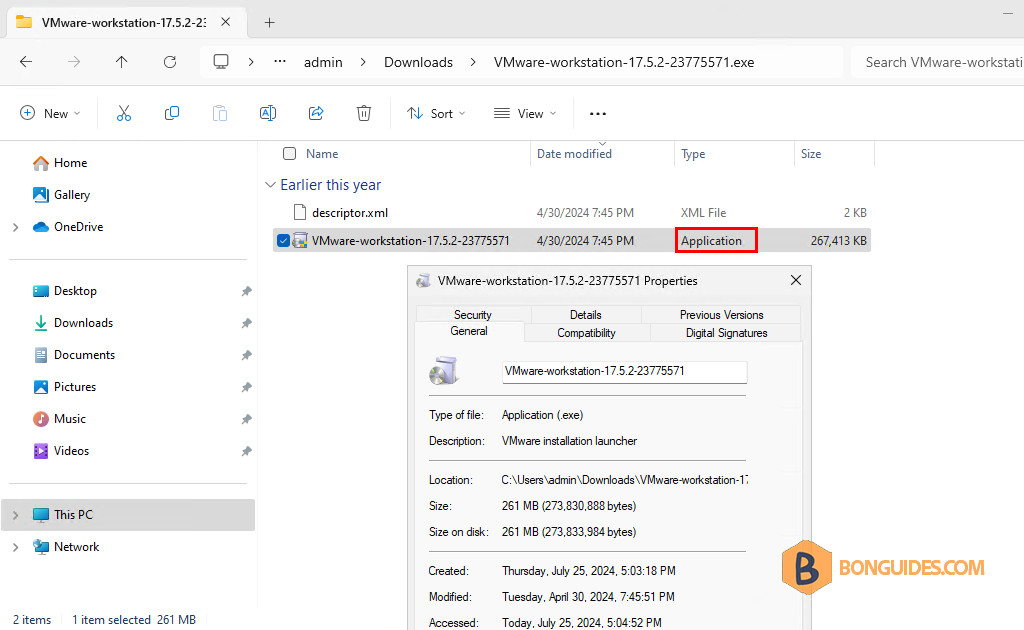
7. Go to the extracted folder. You can ignore the .exe in the folder name.
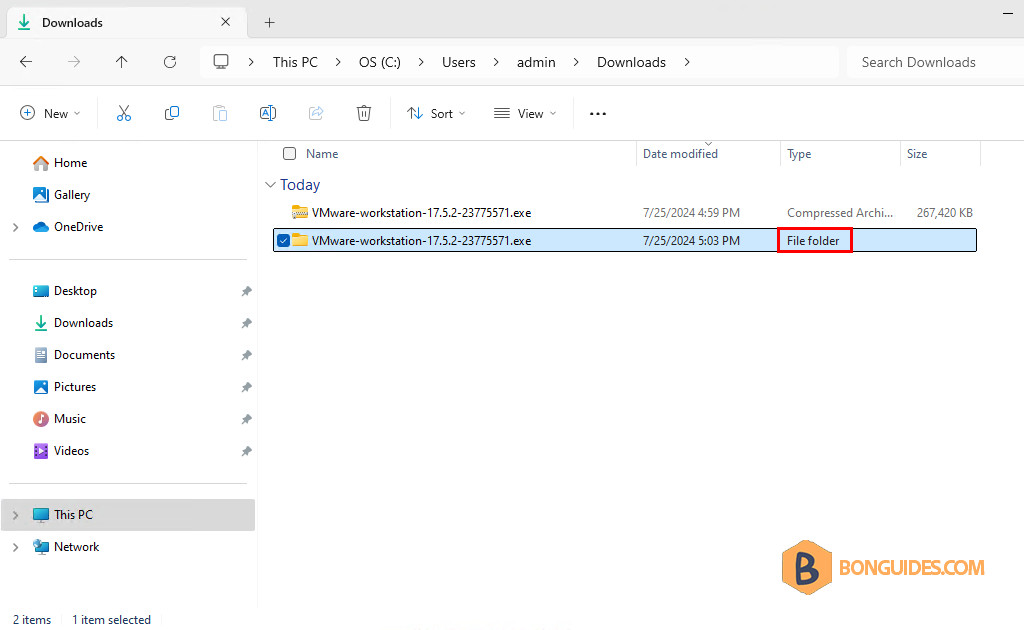
You’ve done. The installer is ready for installation.
Download VMware Workstation Pro 17 for macOS
Note
In order to use the Pro edition for Personal Use, you need to install either Fusion Pro 13.5.2 or Workstation Pro 17.5.2 (Windows or Linux).
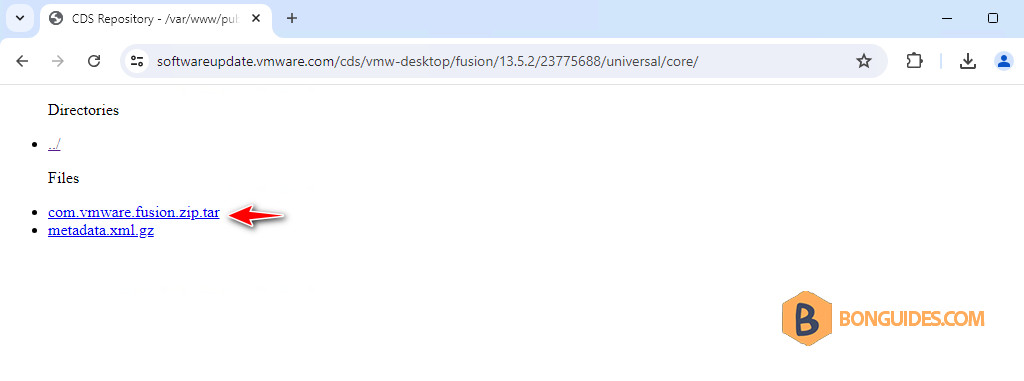
Direct link: https://softwareupdate.vmware.com/cds/vmw-desktop/fusion/13.5.2/23775688/universal/core/
The steps are the same for VMware Fusion for macOS.