
Table of Contents
Run an Executable Whose Path Has Spaces in PowerShell
Running an executable from a directory whose path has spaces in it is not straightforward in PowerShell. For example, the command below will not work since PowerShell thinks that it is a string because it is quoted:
"C:\Program Files (x86)\UltraISO\UltraISO.exe"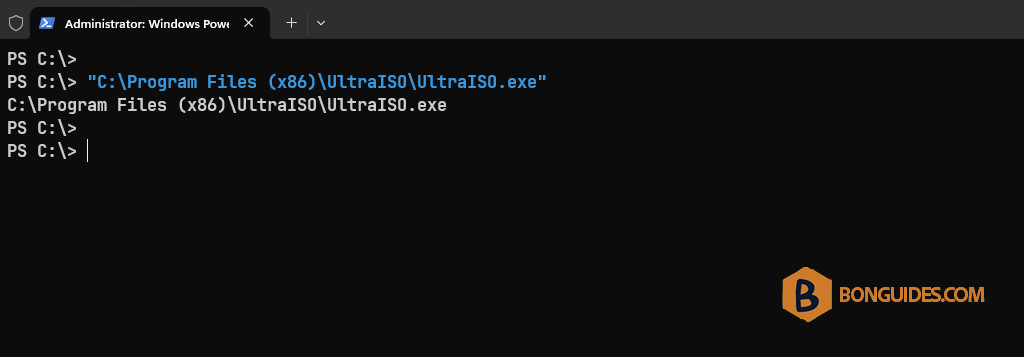
To run this executable, PowerShell needs to be instructed explicitly to execute the string that it is given. This is done using the function call operator (&):
& "C:\Program Files (x86)\UltraISO\UltraISO.exe"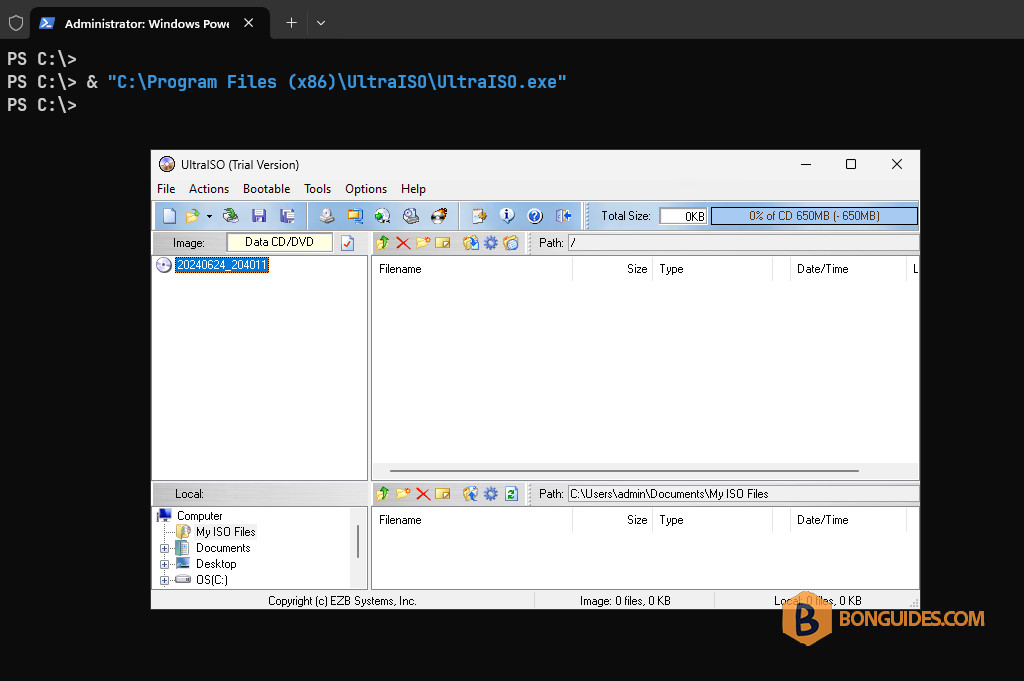
Alternatively, it can be done with a dot-source notation, you need type a dot and a space (. ) before the path to the executable file.
. "C:\Program Files (x86)\UltraISO\UltraISO.exe"