Table of Contents
In some cases, you get the following error when trying to open an WSL instance in Windows Subsystem for Linux.
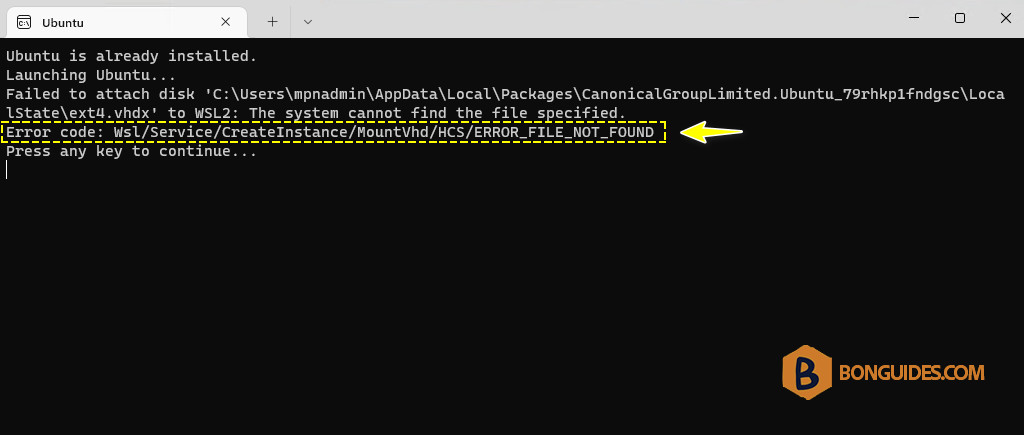
You got it because you’ve installed both versions of an instance. You can check it from Microsoft Store and Powershell with wsl -l -v command.
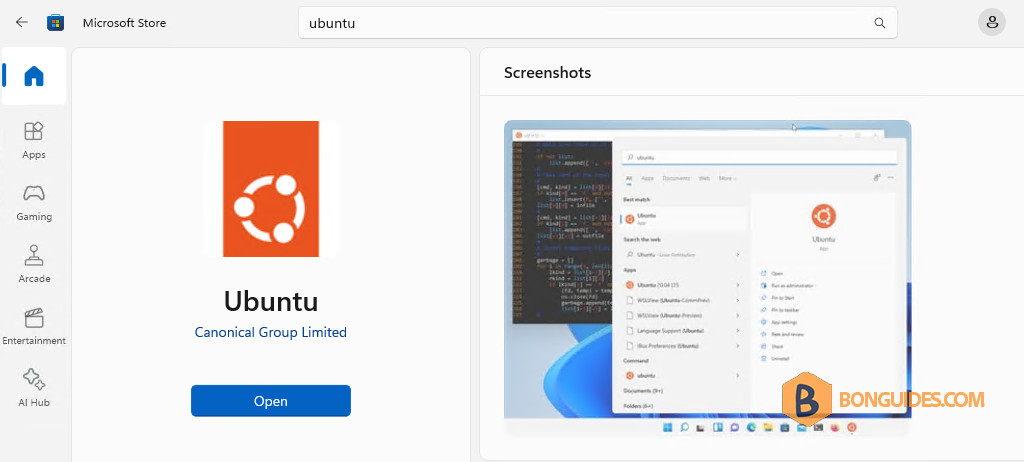
As you can see, we’ve installed the same Ubuntu instance from command line.
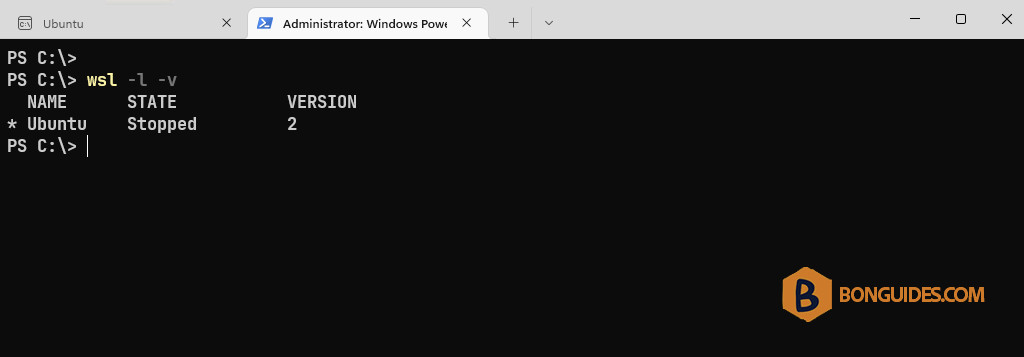
To fix it, we need to remove the instance installed from command line first with the following command:
wsl --unregister ubuntu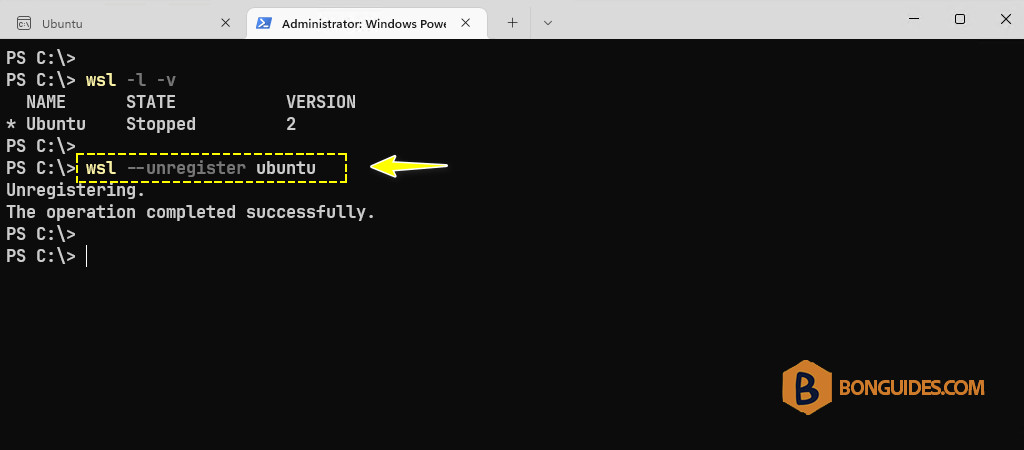
Once the instance was removed, open the Ubuntu instance from the Microsoft Store. The error should be gone, and you can continue to setup the instance.