Table of Contents
Sorry We are Having Some Temporary Server Issues in Windows 7
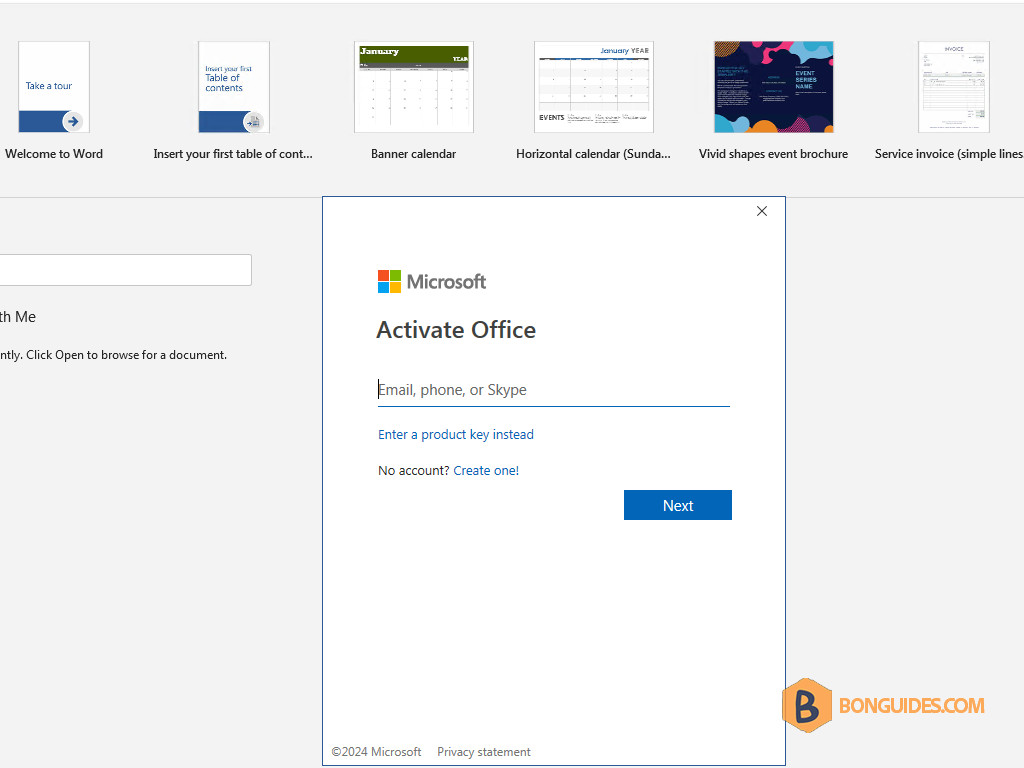
In some cases, you get the error “Sorry, we are having some temporary server issues” when sign-in into your Microsoft account in Microsoft Office in Windows 7.
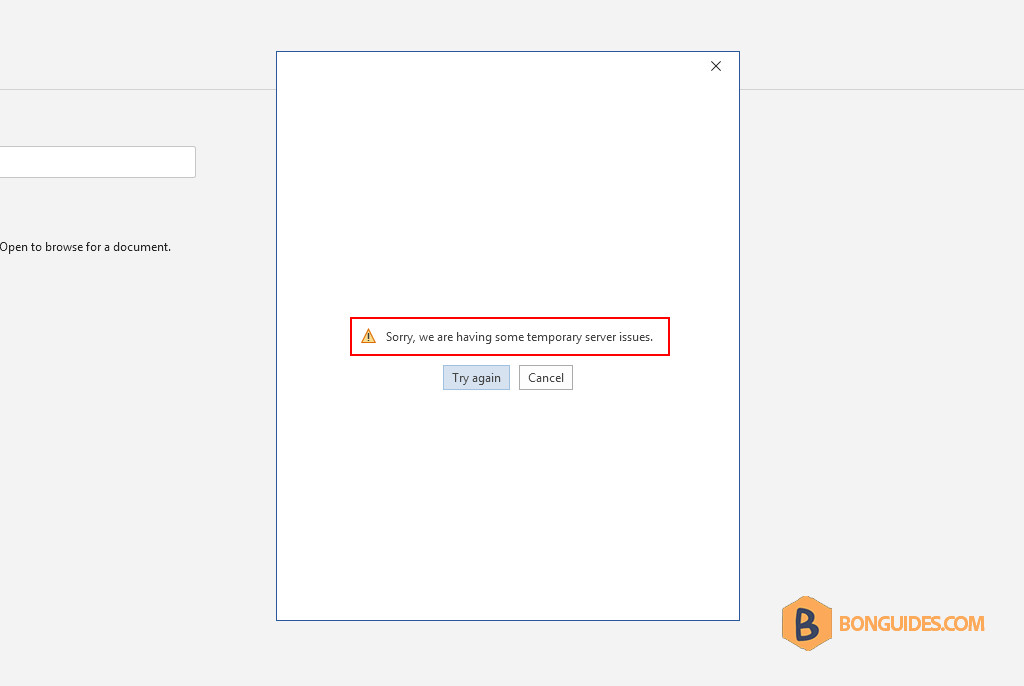
1. To fix it, we need to install some required security updates, enable TLS 1.2, and install the Internet Explorer 11. All required updates can be downloaded from the below link.
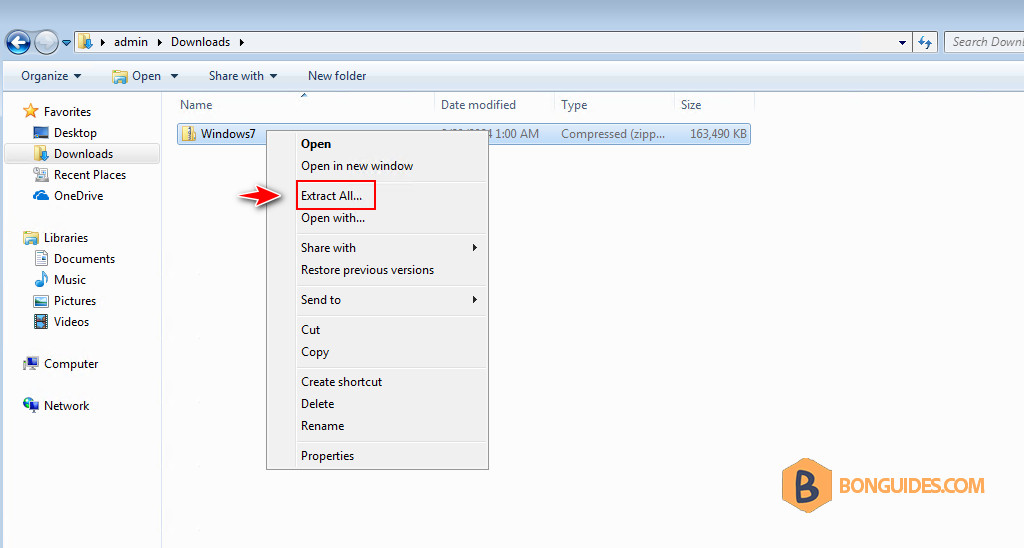
2. Extract the downloaded file to your computer to continue.
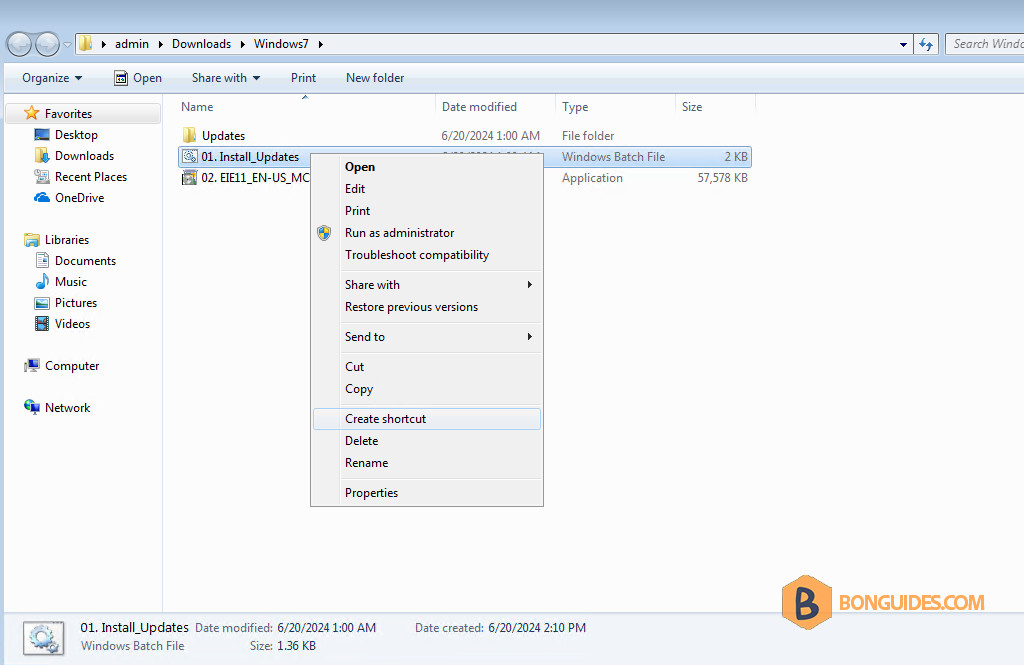
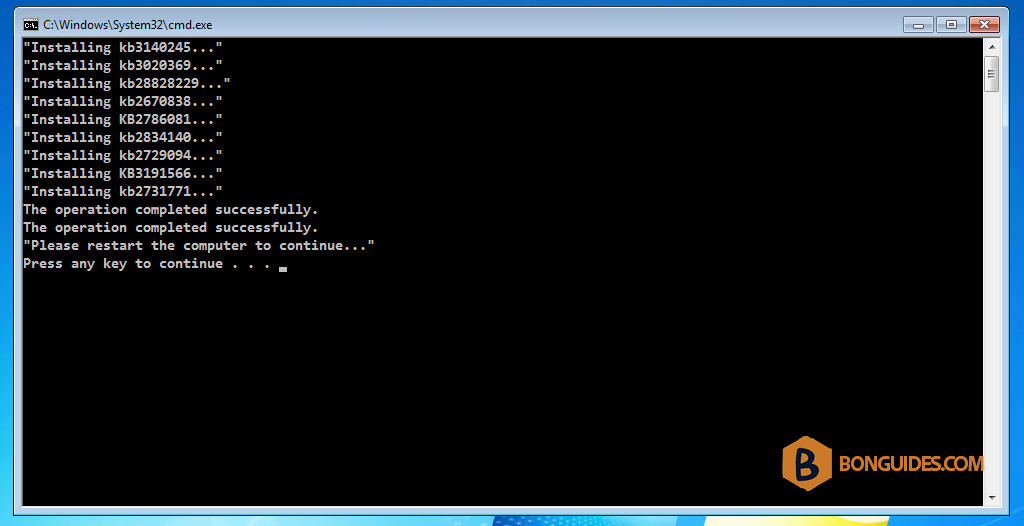
3. Right-click on the Install_Updates.bat file then select Run as administrator to install all required secutiry updates automatically.
4. The security updates will be installed automatically. Once done, restart your computer before installing the Internet Explorer 11.
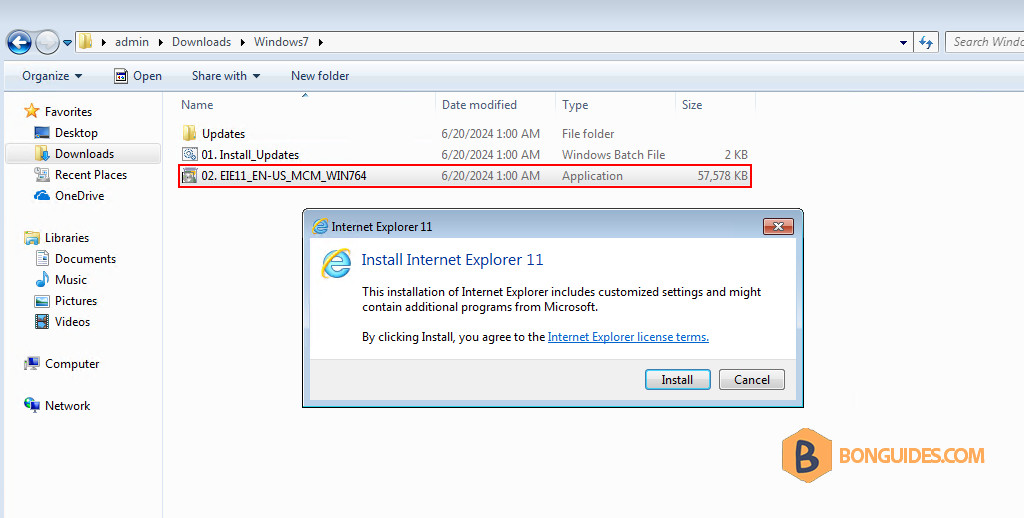
5. Now, install the Internet Explorer 11 then restart the computer one more time.
6. After the computer restarts, open any Microsoft Office app then sign in to your account to verify it works.