
A simple question, how to move a block of code to the left?
....
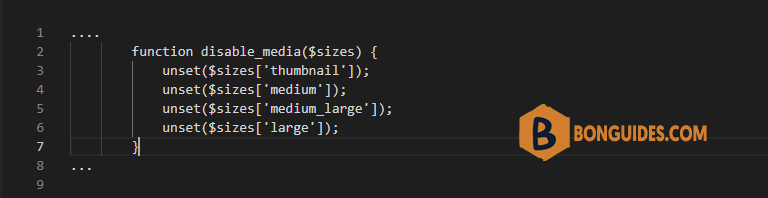
        function disable_media($sizes) {
            unset($sizes['thumbnail']);
            unset($sizes['medium']);
            unset($sizes['medium_large']);
            unset($sizes['large']);
        }
...
The answer: In Visual Studio and most other IDEs you can simply do press combination keys .
Move blocks of code in VSCode?
- To move the text to the right, press Tab.
- To move the text to the left, press Shift + Tab.
- Move a block of code to another line: Alt + Up/Down
Align codes in Visual Studio Code
- On Windows : Shift + Alt + F.
- On Mac : Shift + Option + F.
- On Linux : Ctrl + Shift + I.

