Table of Contents
Cannot Copy and Paste Between Ubuntu Desktop VM and Host
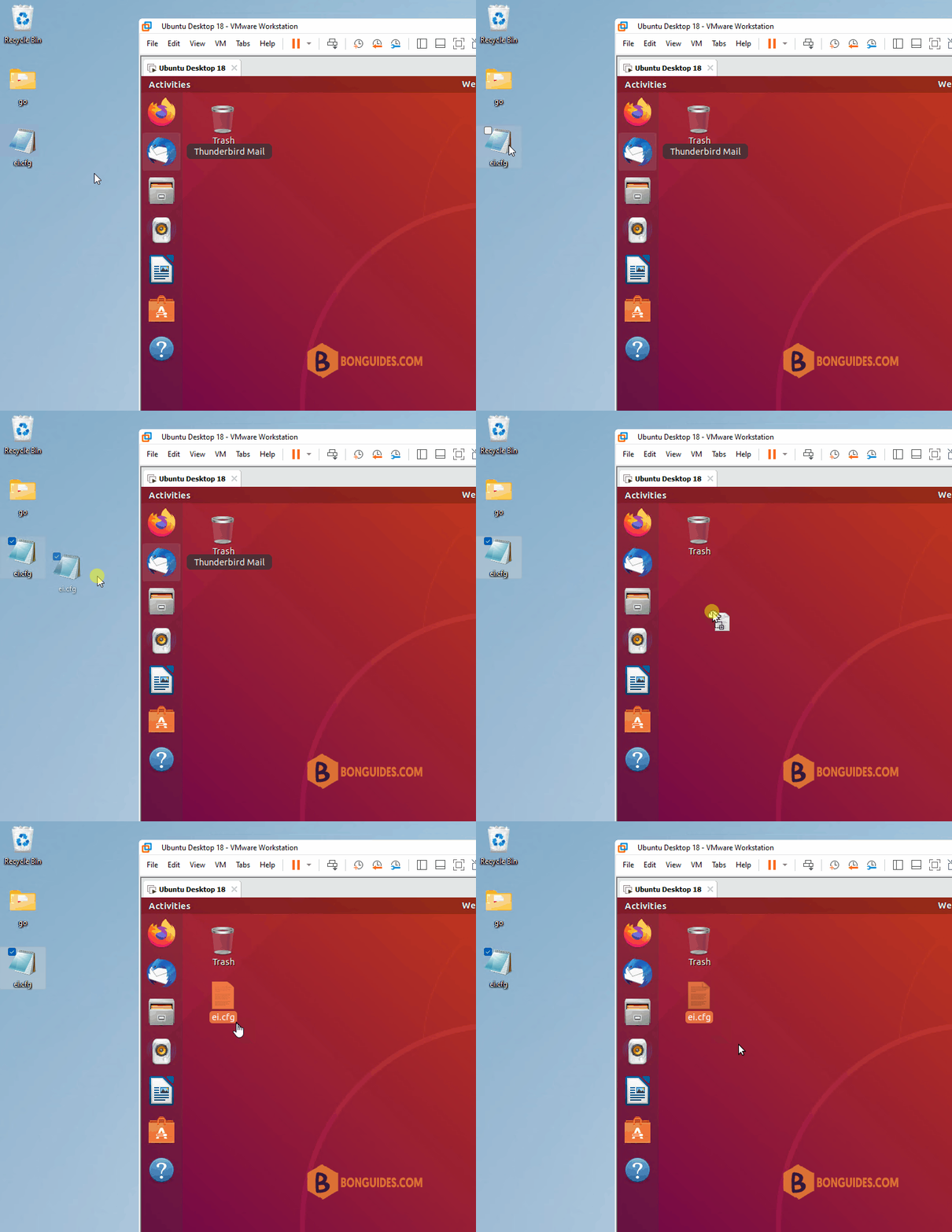
In some cases, when you copy files between an Ubuntu VM and Windows host. It doesn’t work as expect. The drag and drop feature also not working.
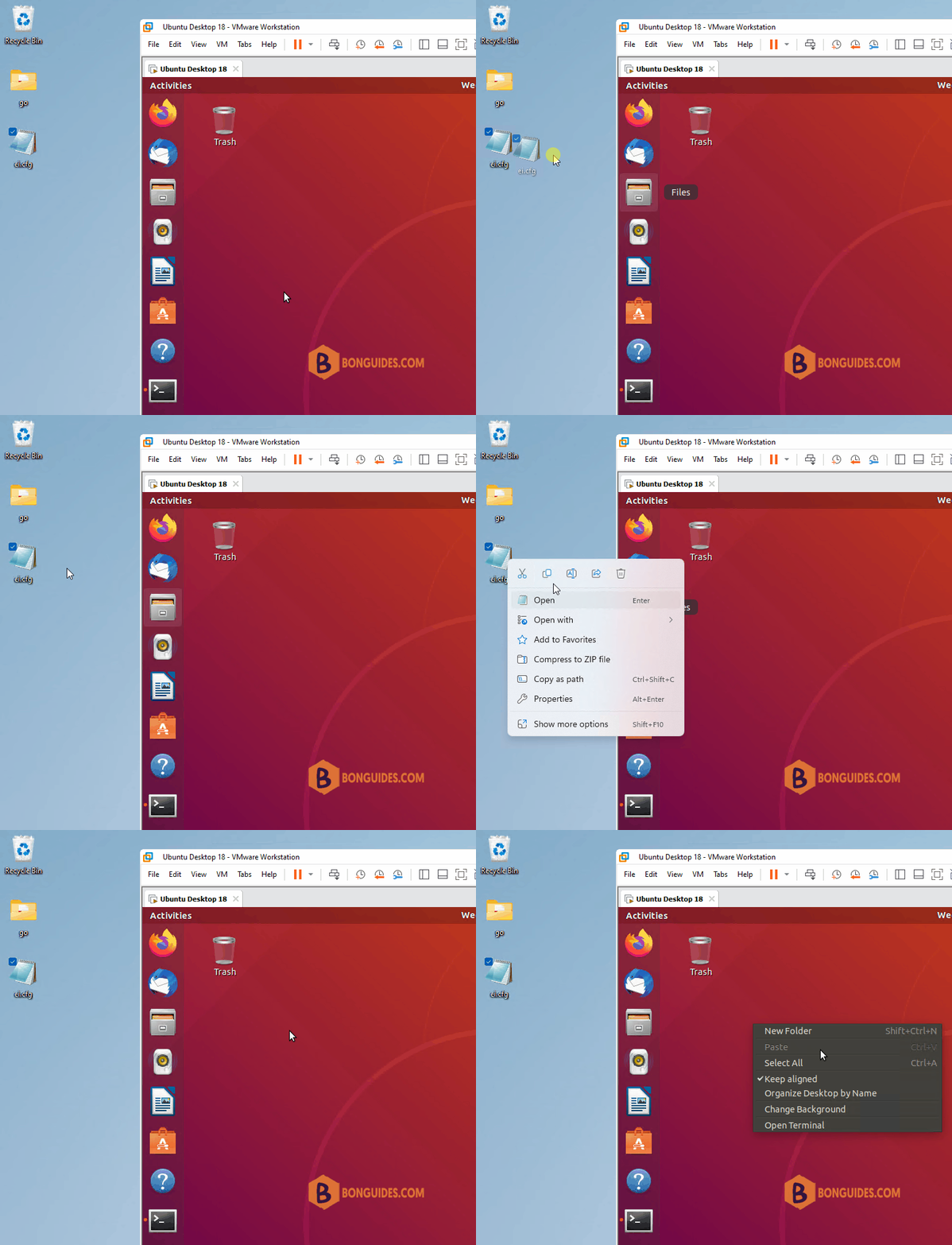
Even the VMware Tools is installed in the Ubuntu VM.
bonben@ub18:~$ apt list | grep open-vm

open-vm-tools/bionic-updates,bionic-security,now 2:11.0.5-4ubuntu0.18.04.2 amd64 [installed]
open-vm-tools-desktop/bionic-updates,bionic-security,now 2:11.0.5-4ubuntu0.18.04.2 amd64
open-vm-tools-dev/bionic-updates,bionic-security,now 2:11.0.5-4ubuntu0.18.04.2 amd64
The root of the issue is, on an Ubuntu Desktop guest system, you need install the open-vm-tools-desktop instead of open-vm-tools.
To install the missing package, let’s open Terminal then run the following command:
sudo apt install open-vm-tools-* -yOnce done, restart your Ubuntu VM to take the changes go into effect.