Table of Contents
If you’re facing the error “Cannot register the hard disk because a hard disk already exists” in VirtualBox, it typically means that the virtual hard disk (VHD, VDI, etc.) you’re trying to add has a UUID that is already registered in VirtualBox.
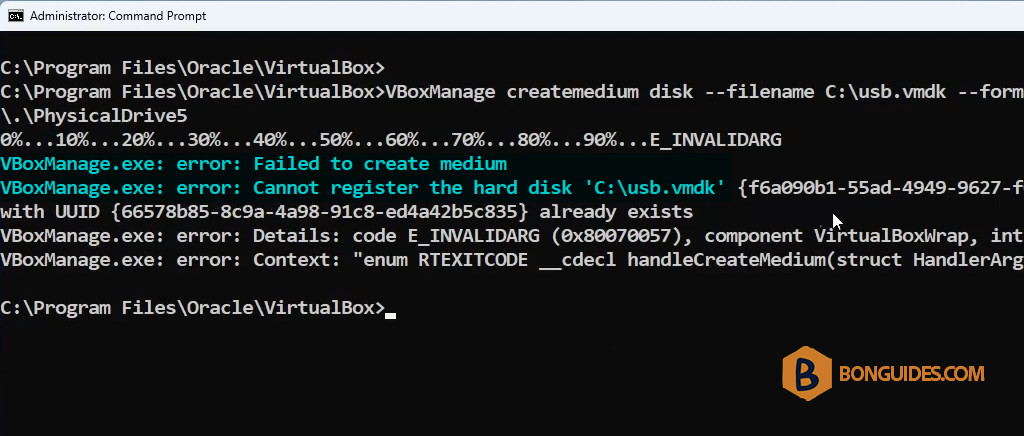
Here are some steps to resolve this issue.
Remove the Existing Hard Disk Entry
You can remove the existing hard disk entry from VirtualBox’s configuration:
1. Open VirtualBox Manager.
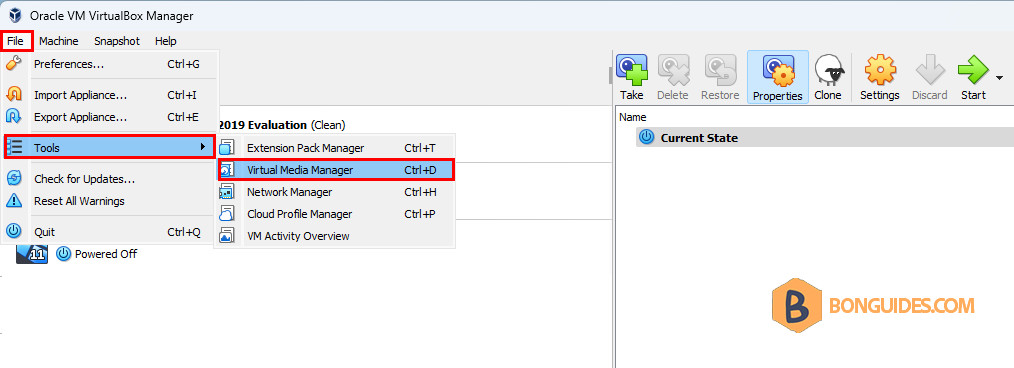
2. Go to File → Tools → Virtual Media Manager
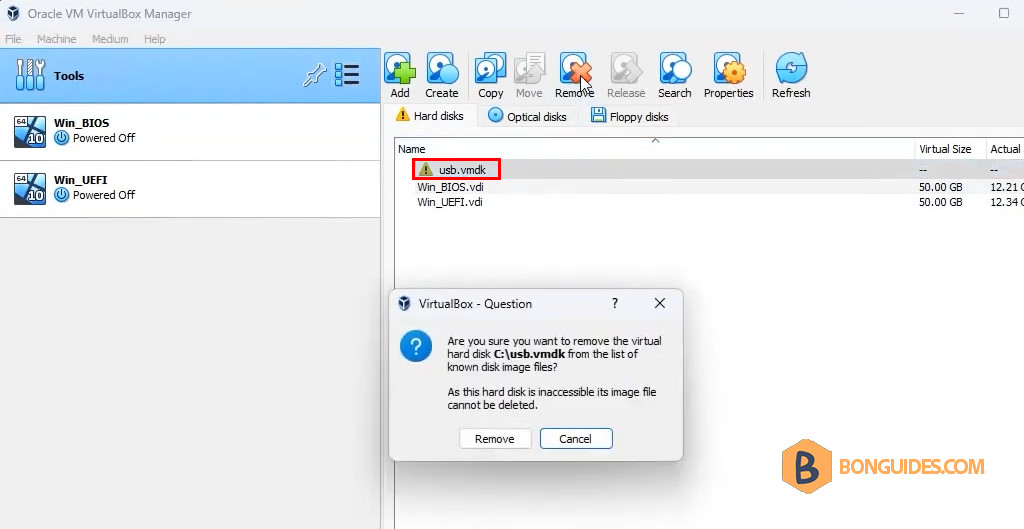
3. Look for the hard disk that is causing the issue and remove it from the list. This will only remove the reference from VirtualBox, not delete the actual disk file.
4. These steps should help you resolve the “Cannot register the hard disk because a hard disk already exists” error in VirtualBox.
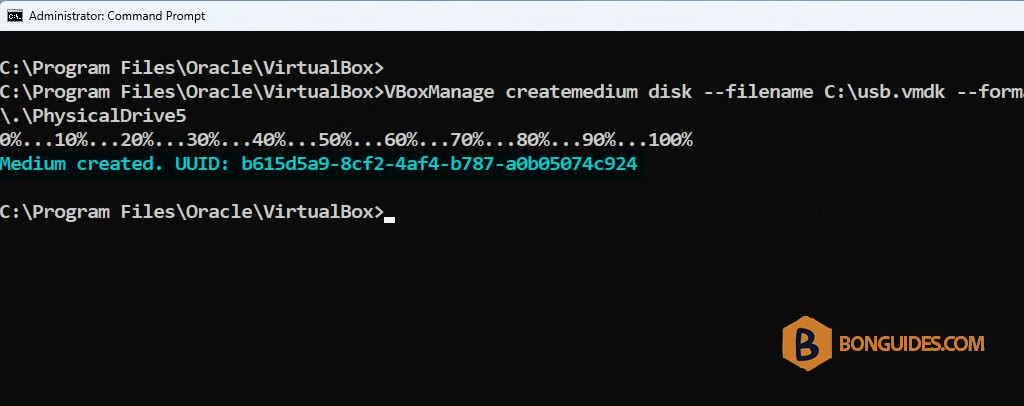
VBoxManage createmedium disk --filename C:\usb.vmdk --format=VMDK --variant RawDisk --property RawDrive=\\.\PhysicalDrive5