Table of Contents
Your Instance Was not Created – Defender for Identity
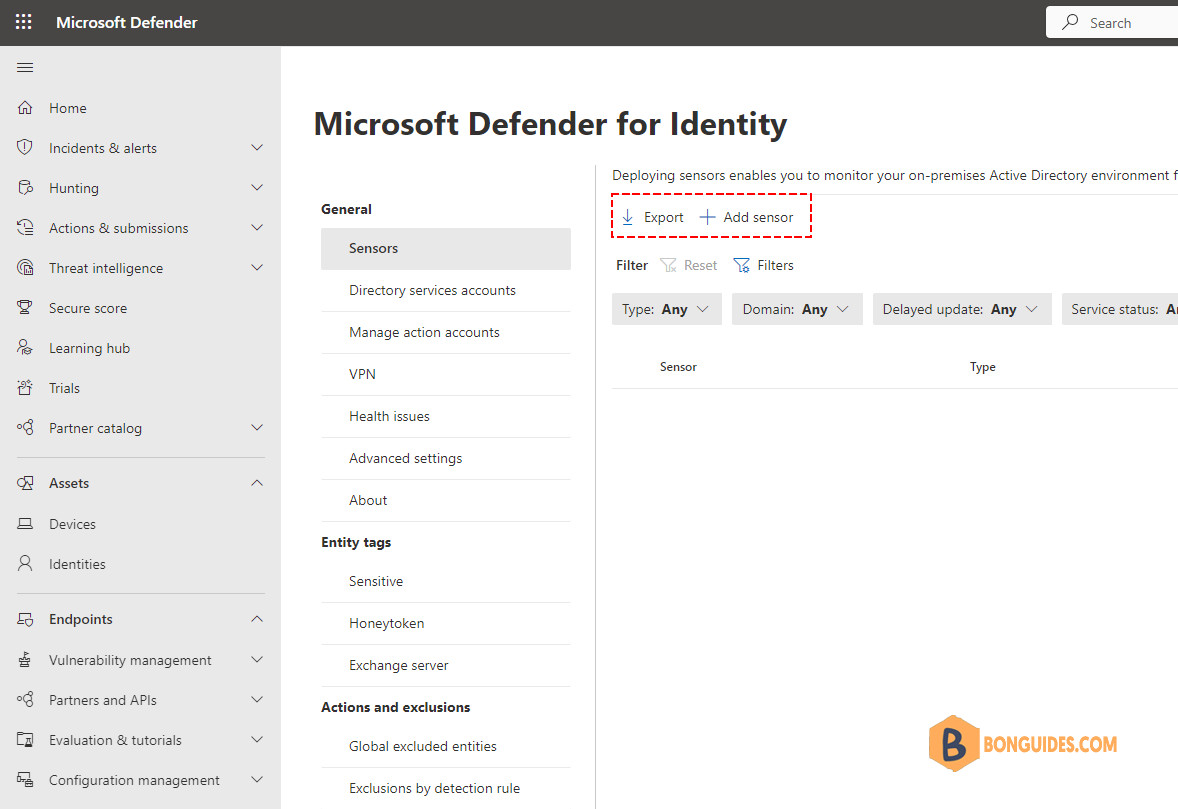
In some cases, when creating a Defender for Identity instance, you got the below message: Your instance was not created because there is already a security group with the same name as the Azure Active Directory.
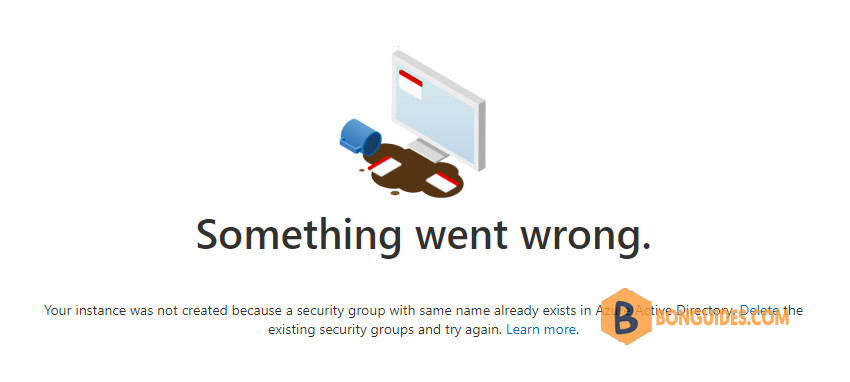
To fix it, let’s delete or rename the existing three security groups from either Microsoft 365 admin center or Microsoft Entra admin center and try again.
Below is the list of security groups that need to be deleted or renamed from your tenant:
- Azure ATP {instance name} Administrator
- Azure ATP {instance name} Users
- Azure ATP {instance name} Viewers
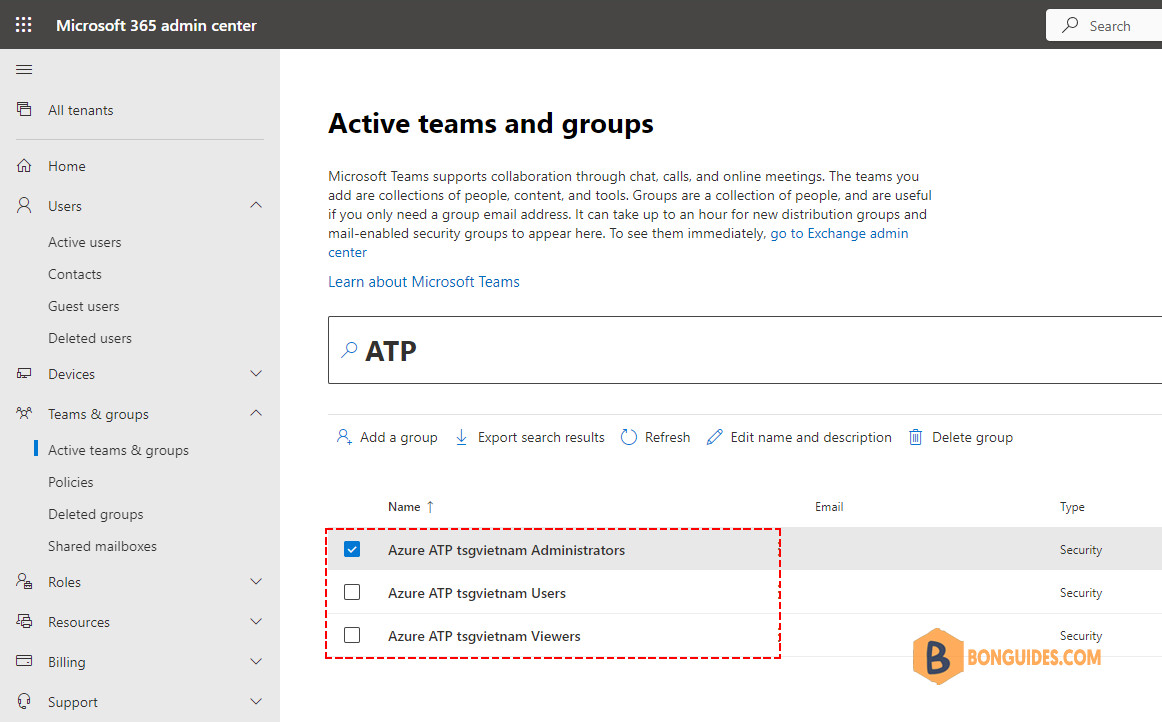
Once the security groups are deleted, go to the Microsoft Defender portal and then try to create the Defender for Identity instance again.
If you get the following error, let’s wait a few minutes and try again.
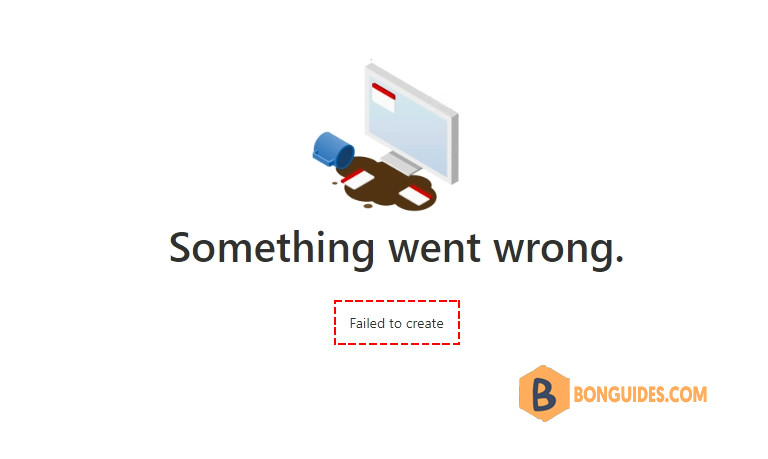
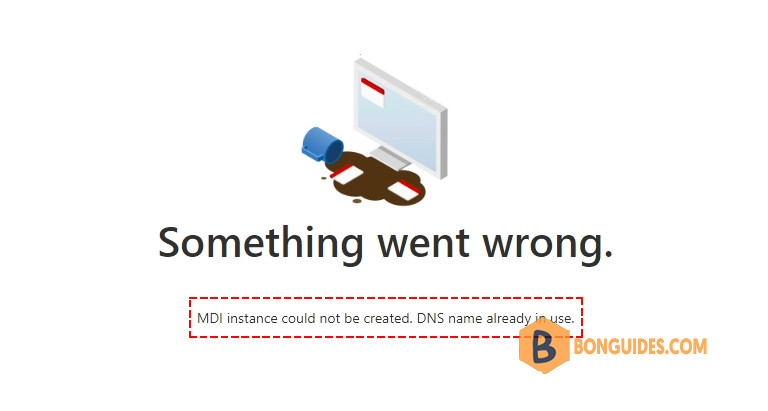
In some cases, you would get the below error. Don’t worry, let’s wait a few hours or try again after 24 hours.
Below is our Microsoft Defender for Identity instance.