
Table of Contents
Spaces Cause Split in Path With PowerShell
In some cases, you want to invoke an executable file with the path containing spaces in PowerShell.
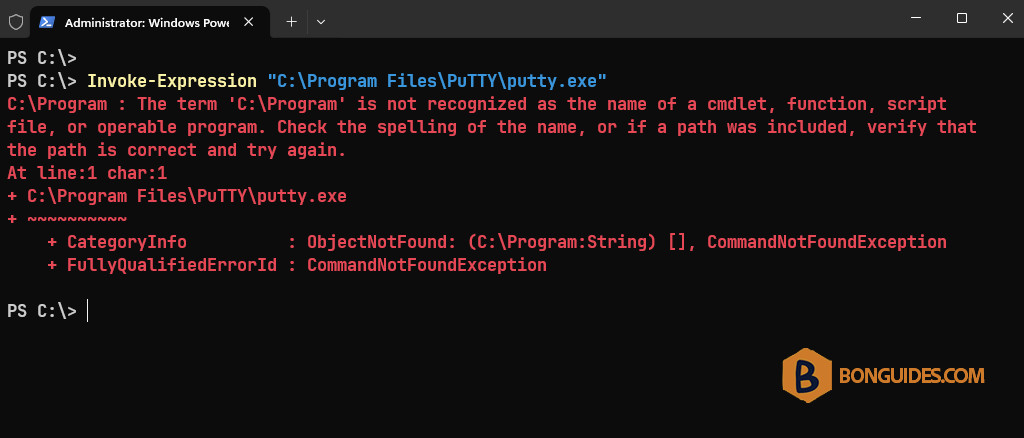
Invoke-Expression "C:\Program Files\PuTTY\putty.exe"But you got the below error. The space is special character, PowerShell will break the command after it.
Using the dot notation
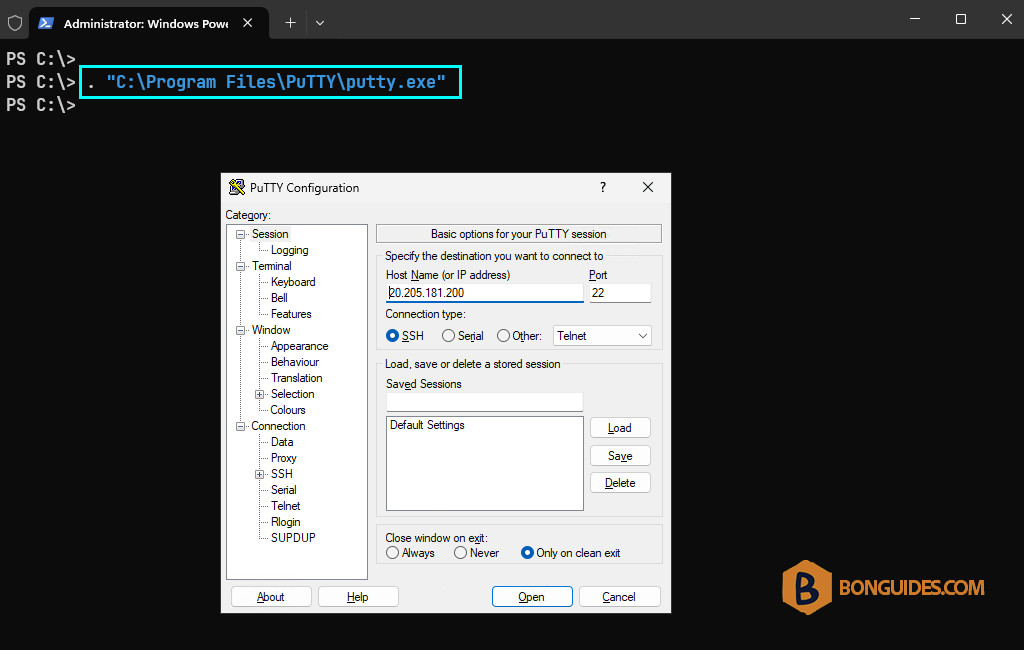
To bypass this, you can round the path with single quote instead of double quote and use the dot (.) notation to call the program.
Invoke-Expression ". 'C:\Program Files\PuTTY\putty.exe'"As you can see, the error message was gone, and the app launches as expected.
Use the call operator
The second way, we can use the call operator (&), to invoke commands whose names or paths are stored in quoted strings and/or are referenced via variables.
Invoke-Expression "& 'C:\Program Files\PuTTY\putty.exe'"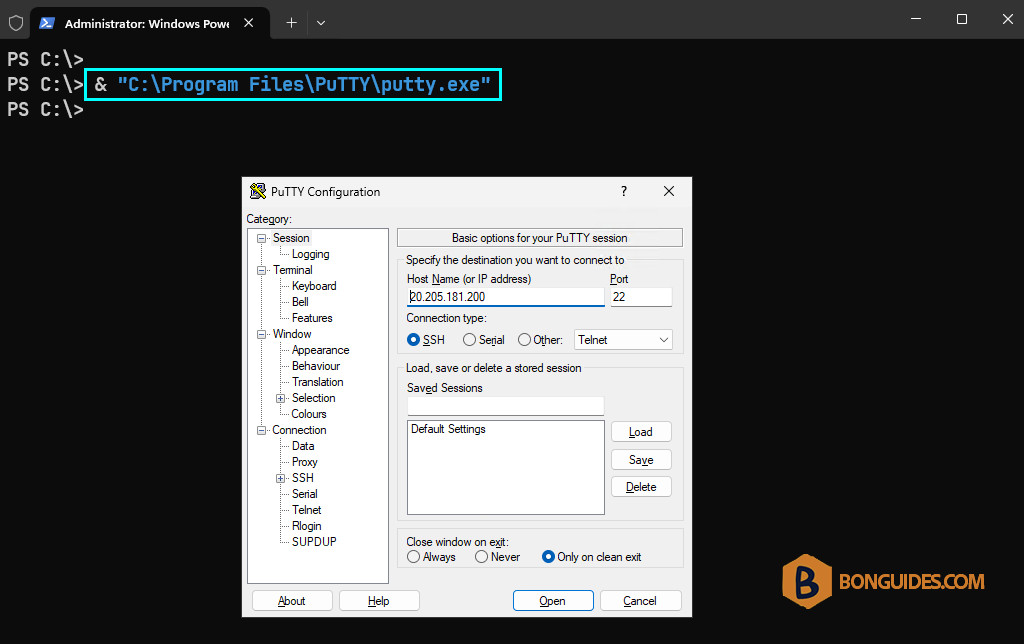
Use the backtick
The third way, you can escape the space by using single quotations and a backtick before the space. You also need to round the path with a single quote.
Invoke-Expression 'C:\Program` Files\PuTTY\putty.exe'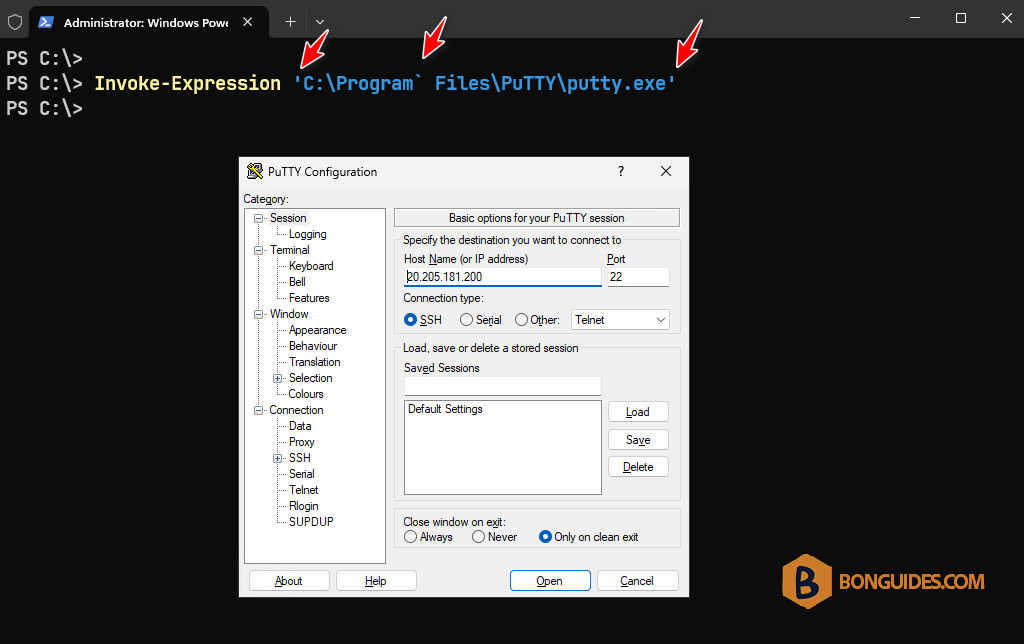
Use the Start-Process cmdlet
And the last way, you can use the Start-Process to call a program that has path or file name contain spaces.
Start-Process -PSPath "C:\Program Files\PuTTY\putty.exe"

