Table of Contents
Read-Host Path With Space in PowerShell
We have a simple Powershell script to get items in a folder. We use the Read-Host cmdlet that catch the folder path input from the user and store path as as strings in a variable. This makes life easier as we can drag and drop rather than full typing the path.
$path = Read-Host "Enter the path"
Write-Host "The path you've entered: $path" -ForegroundColor Green
Get-ChildItem -Path $path | Select-Object Name
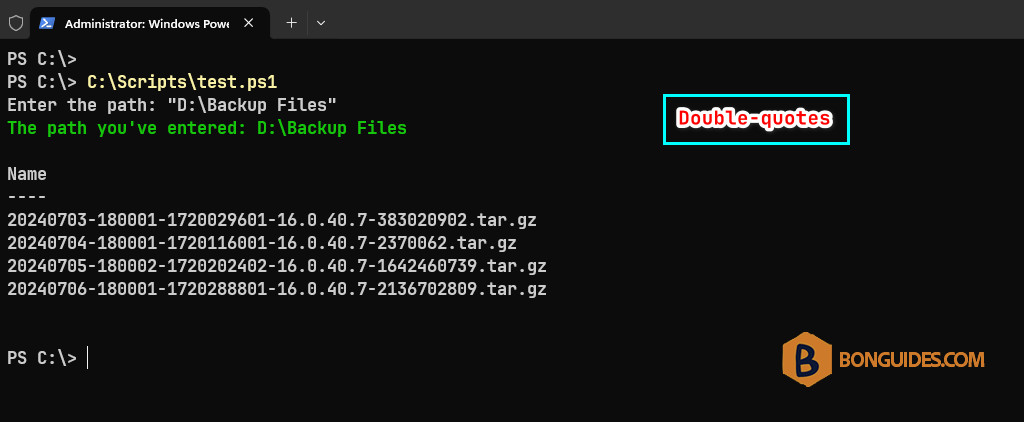
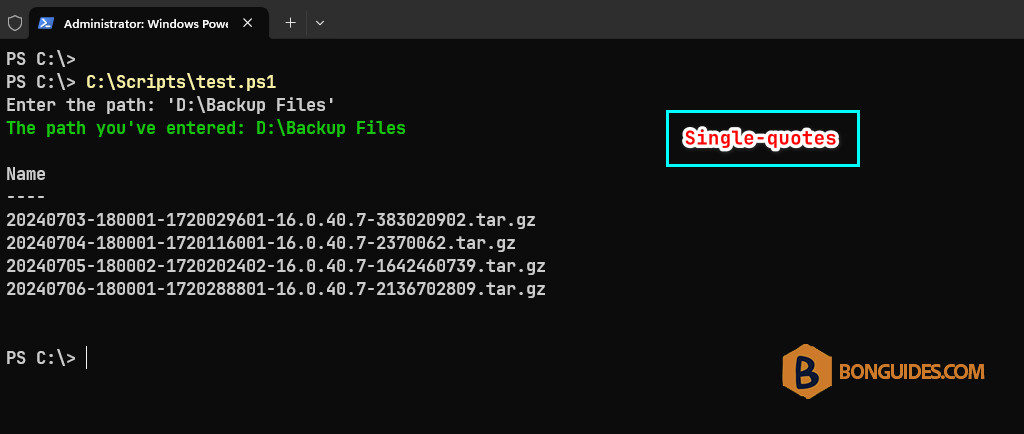
Normally, when the path has space, user will round it with a single or double quotes.
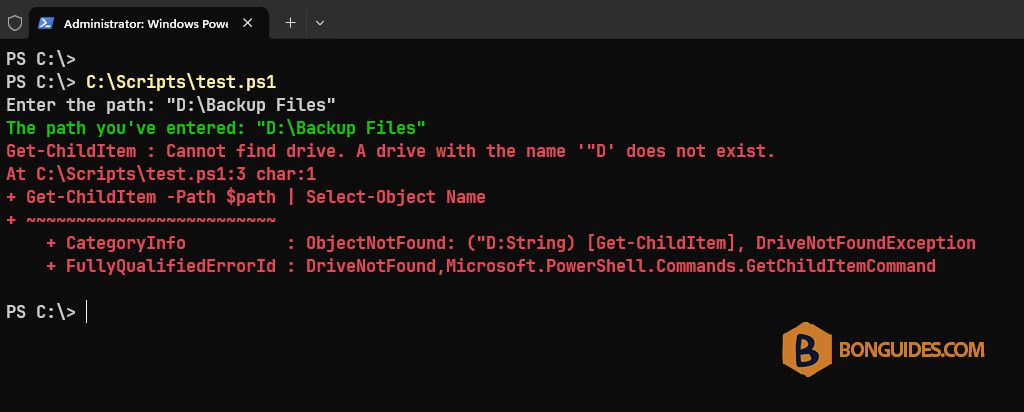
As you can see, PowerShell though all string from Read-Host to the variable. So, the Get-ChildItem will return error becase the path is not valid.
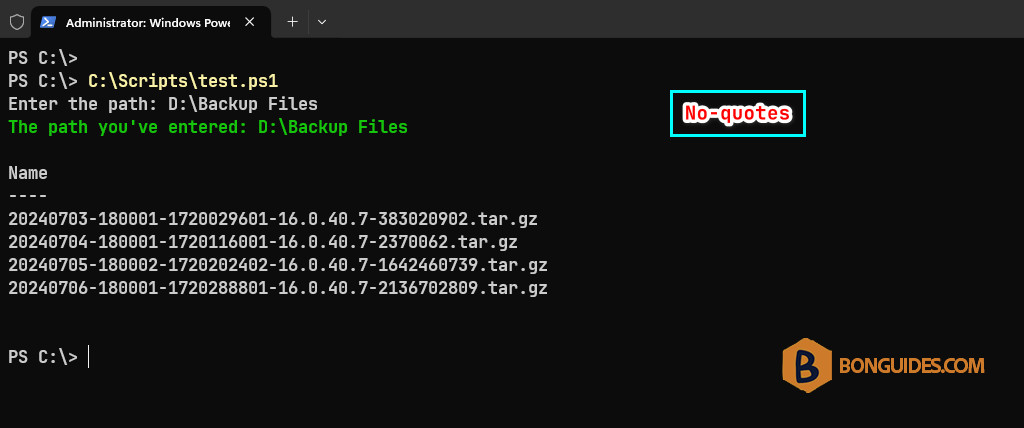
If user input the path without any quotes. The script works normally.
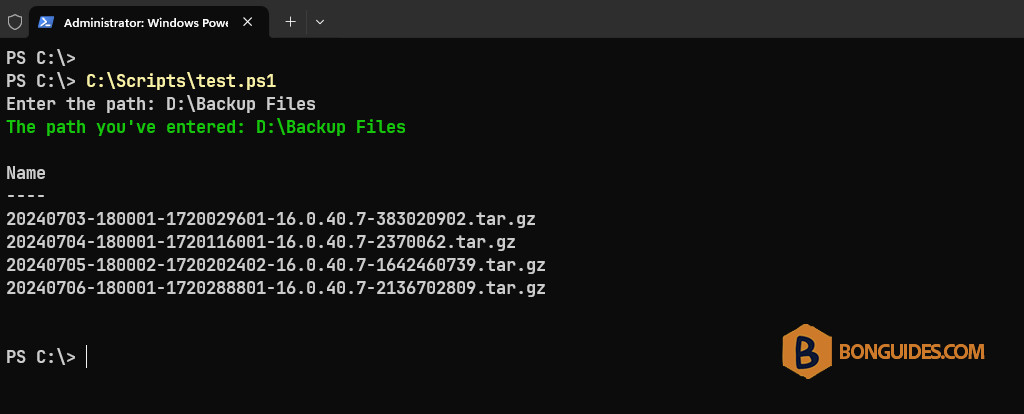
Removing the quotes
To make it work all the time regardless user round the path with or without quotes. We need to remove the quotes from the $path variable before using it in the Get-ChildItem cmdlet.
$path = Read-Host "Enter the path"
$path = ($path).trim('"')
$path = ($path).trim("'")
Write-Host "The path you've entered: $path" -ForegroundColor Green
Get-ChildItem -Path $path | Select-Object Name
Now, regardless user input the path with a single quote or double quotes. The script will work normally.