
Table of Contents
Winget Error 0x8a15000f : Data Required By The Source is Missing
In some cases, you got the following error when trying to install an app using the Windows Package Manager (winget) on Windows 10/11 computers.
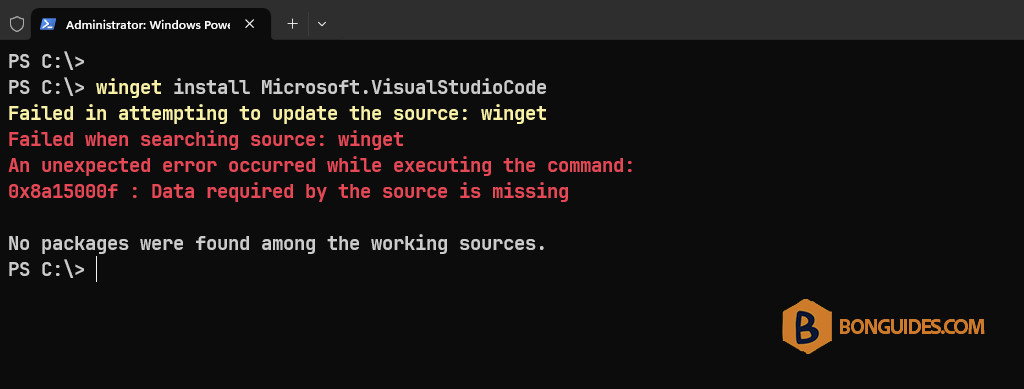
You got this because you’re using an old version of winget (App Installer). You can check the current version of winget by winget –version command.
PS C:\> winget --version
v1.2.10691
To fix it, you need to update the App Installer to the latest version form the Microsoft Store.
1. Open the Microsoft Store.
2. Search App Installer from the Store’s search bar or you can find it in the Library section.
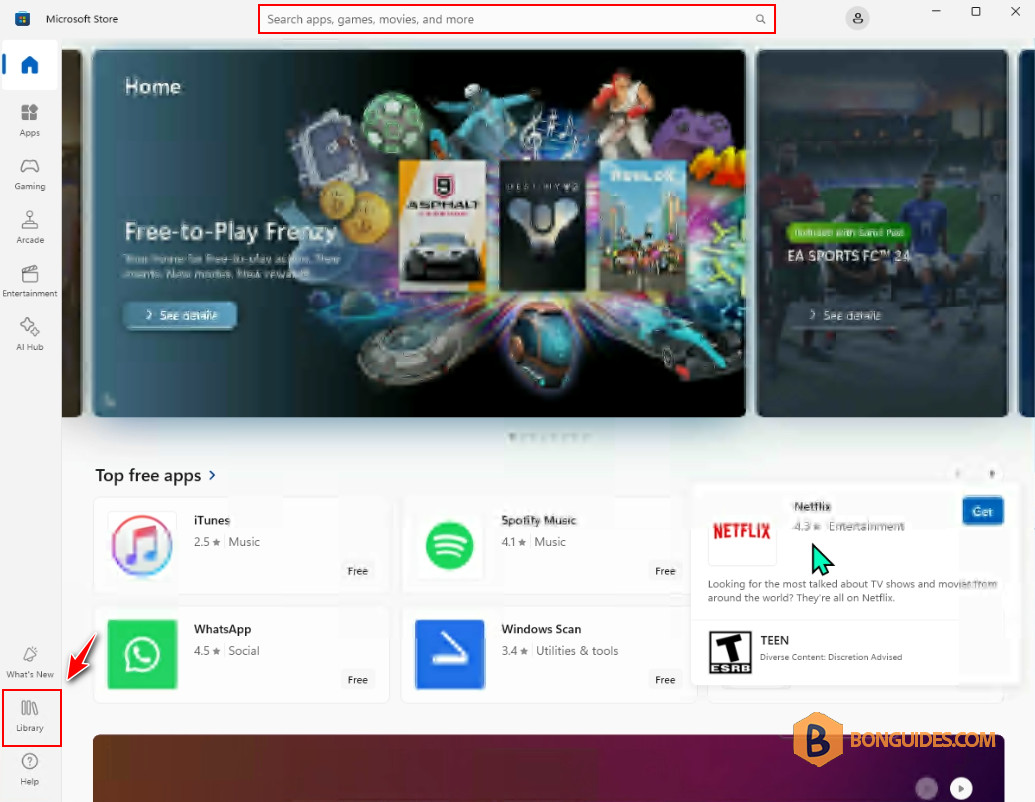
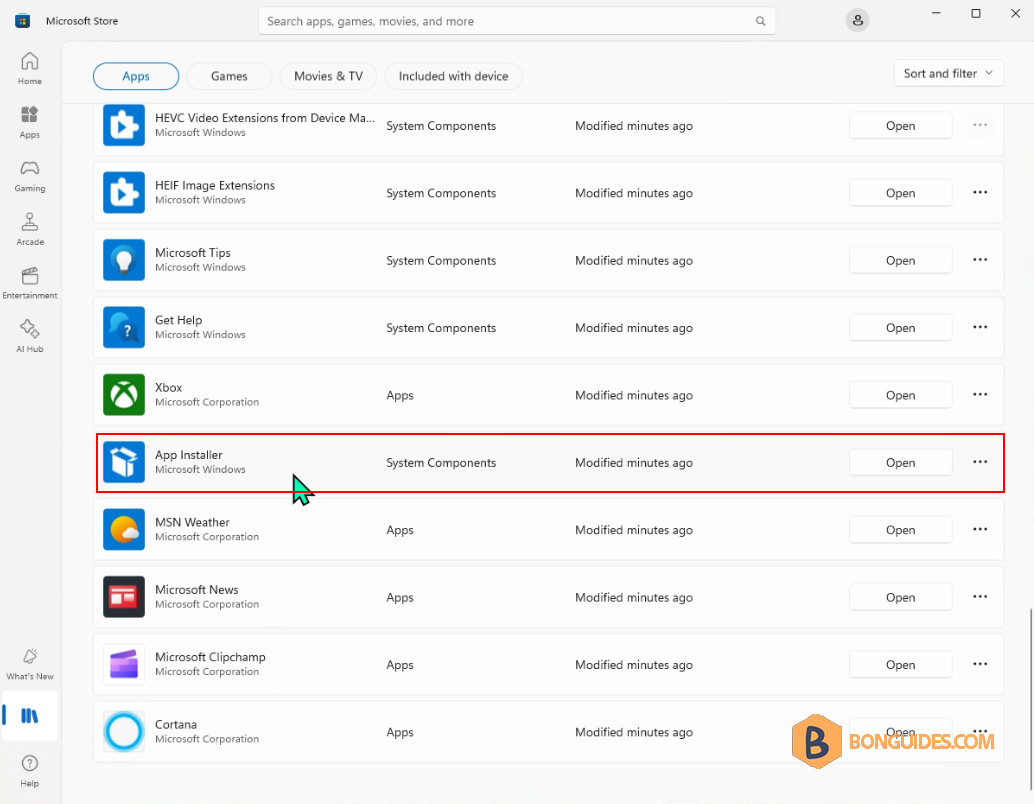
3. Select the App Installer to open it.
4. The app should be updated automatically. Please wait a few minutes.
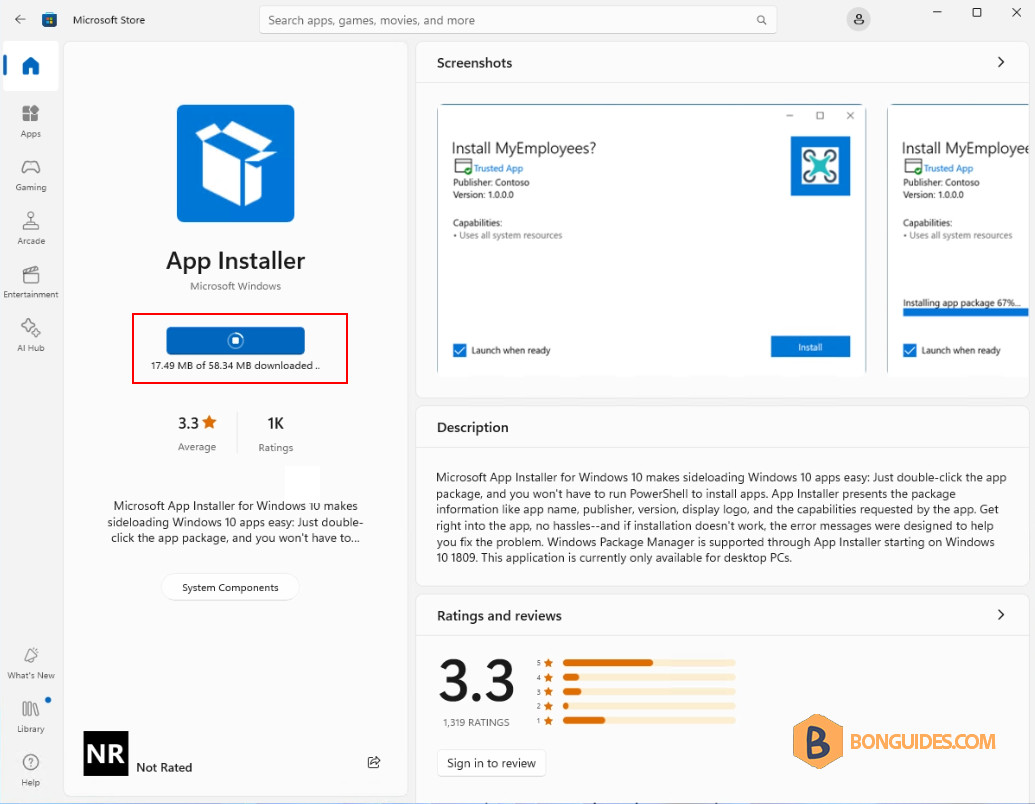
In some cases, if you get an error when updating the App Installer. Let’s go back to the Library section then click on the Update button to update it manually.
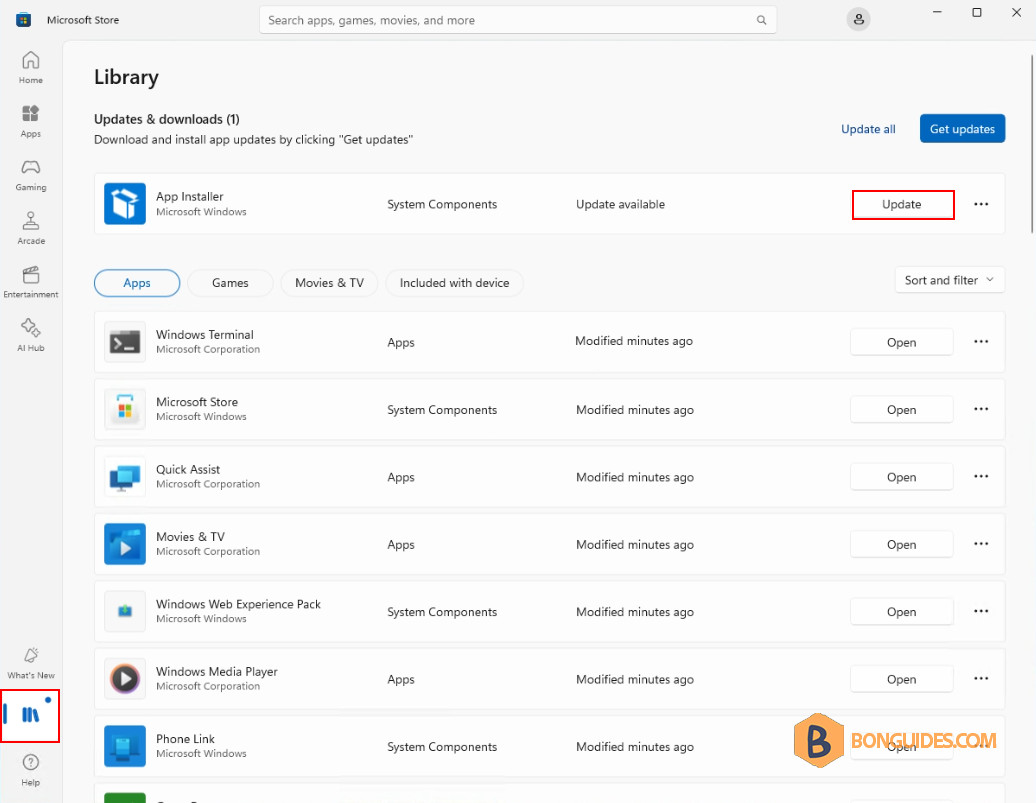
5. Once the app is updated, when you click on the app in the Microsoft Store. You won’t see any update prompt for this app.
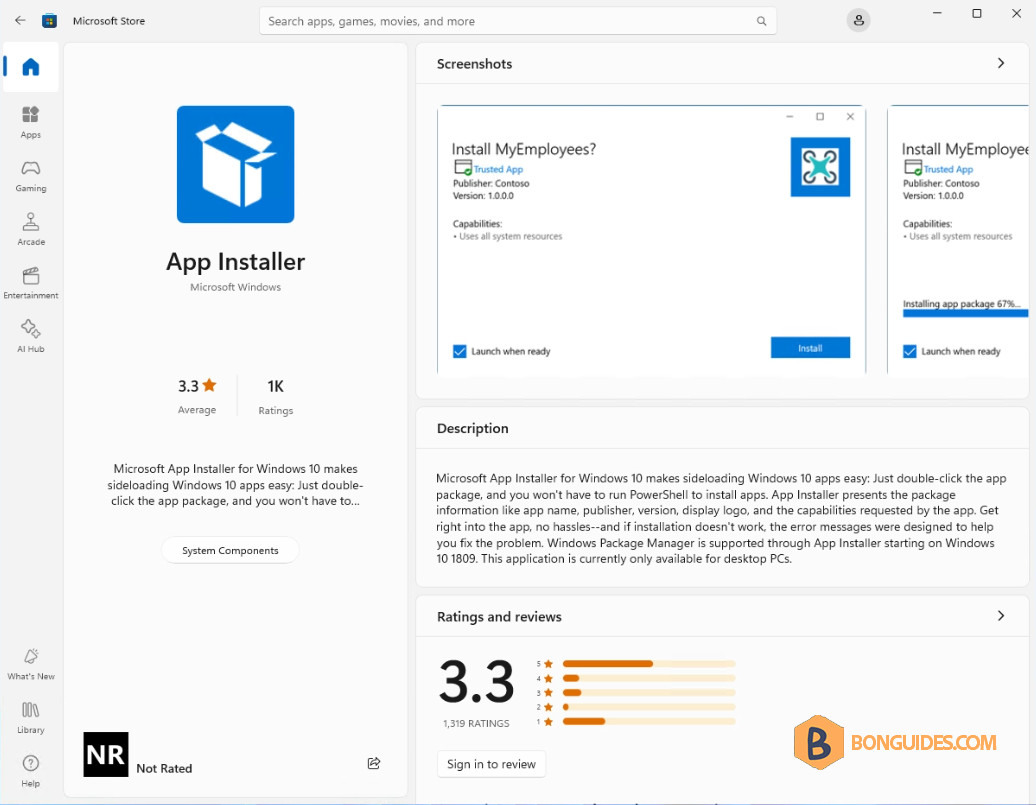
6. Now, close all openning PowerShell/ Terminal window then open a new one.
7. Run the following command to check the winget version. As you cans see, it has been updated to the latest version.
PS C:\> winget --version
v1.8.1791
Finally, try to install an app using winget to verify it works.
PS C:\> winget install Microsoft.VisualStudioCode
Found Microsoft Visual Studio Code [Microsoft.VisualStudioCode] Version 1.91.0
This application is licensed to you by its owner.
Microsoft is not responsible for, nor does it grant any licenses to, third-party packages.
Downloading https://vscode.download.prss.microsoft.com/stable/VSCodeUserSetup-x64-1.91.0.exe
  ██████████████████████████████  94.9 MB / 94.9 MB
Successfully verified installer hash
Starting package install...
Successfully installed

