
Table of Contents
Sorry We are Having Some Temporary Server Issues in Windows 7
In some cases, you get the error “Sorry, we are having some temporary server issues” when sign-in into your Microsoft account in Microsoft Office in Windows 7.
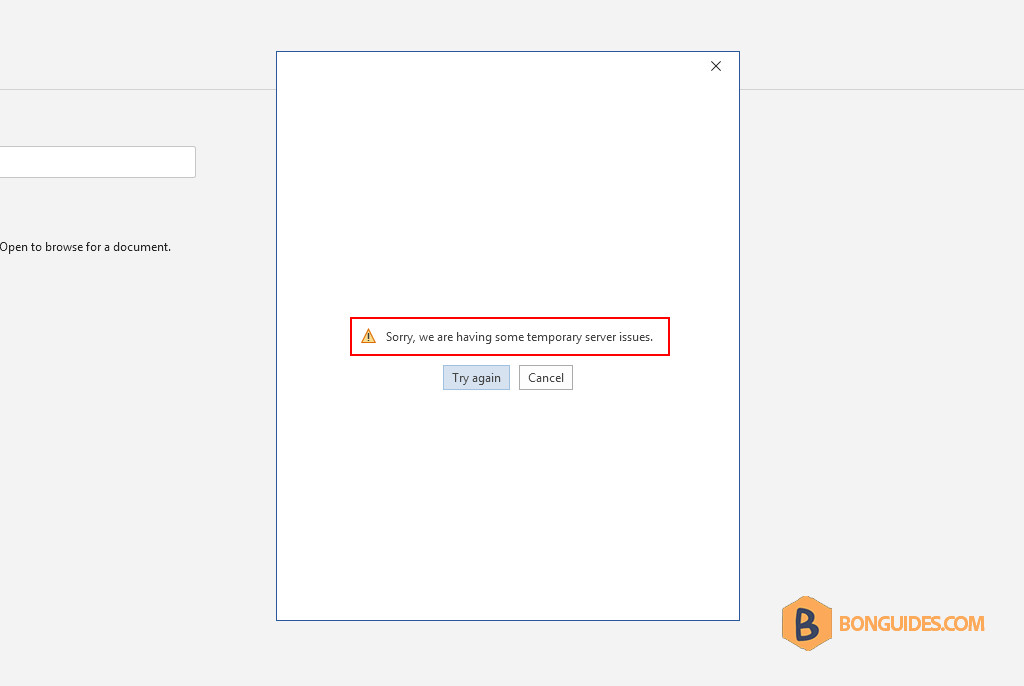
To fix the issue, we need to install necessary security updates, enable TLS 1.2, and install Internet Explorer 11.
1. You can download all the necessary updates from the link provided below.
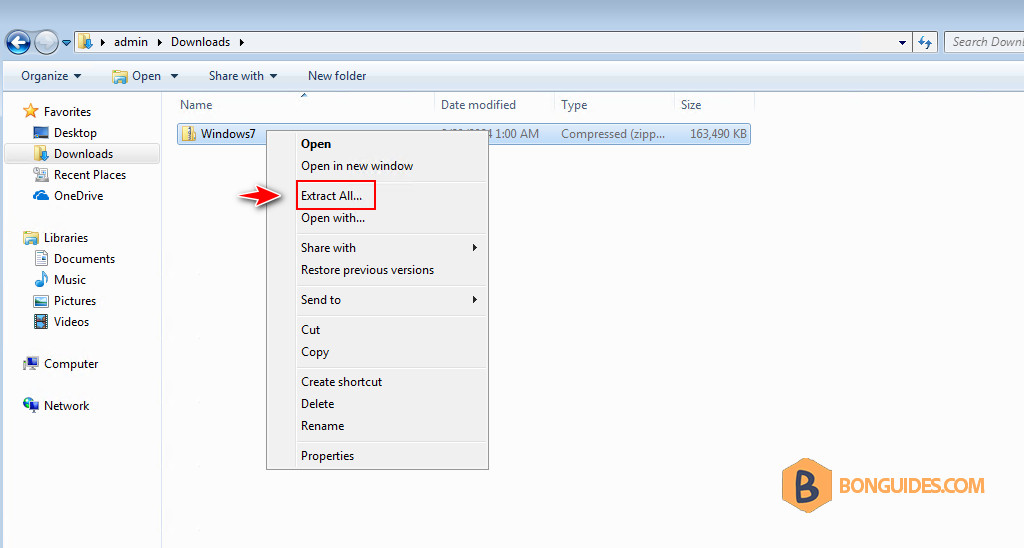
2. Extract the downloaded file to your computer to continue.
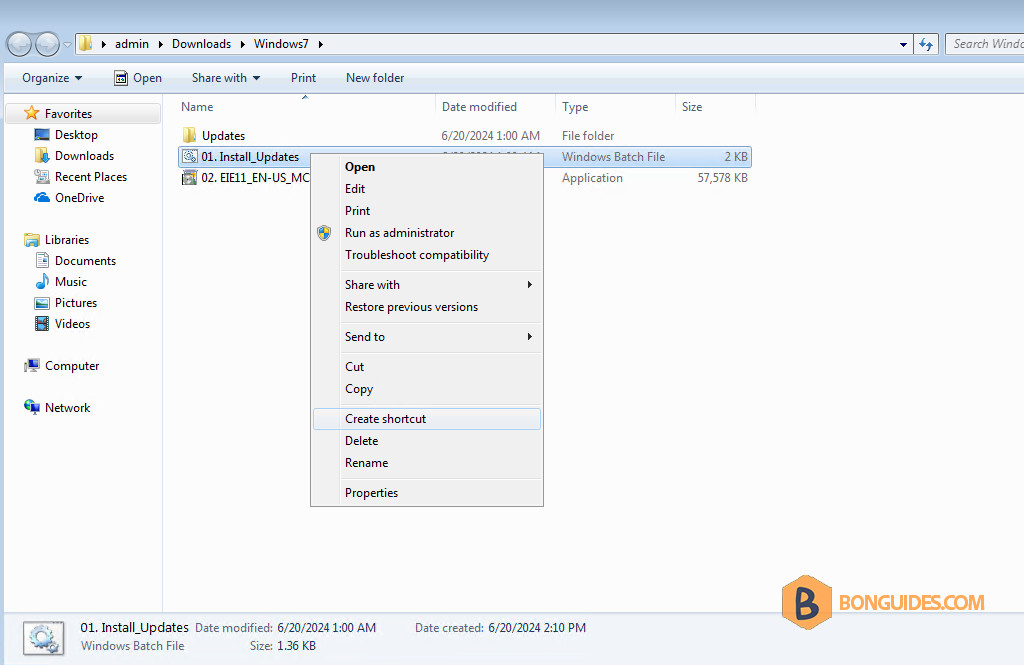
3. Right-click on the Install_Updates.bat file then select Run as administrator to install all required secutiry updates automatically.
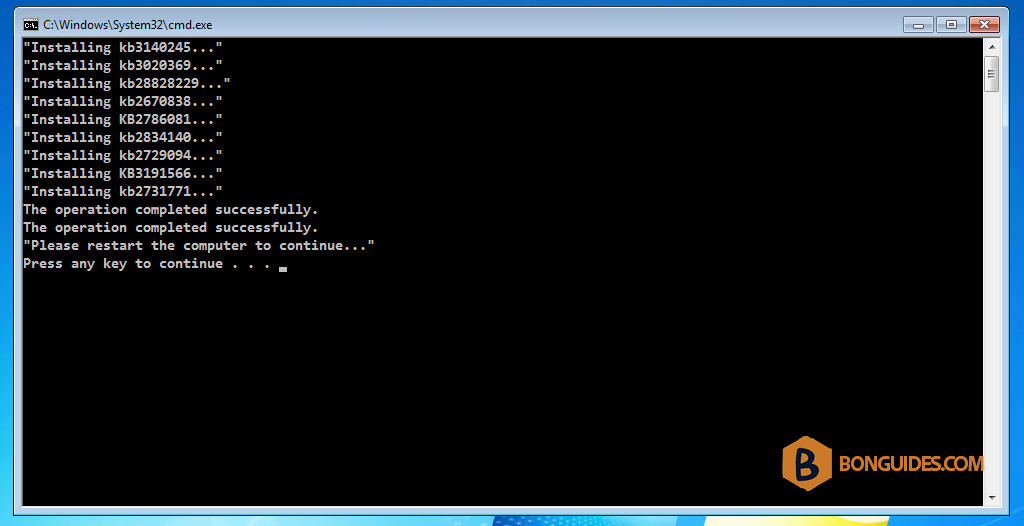
4. The security updates will be installed automatically. Once done, restart your computer before installing the Internet Explorer 11.
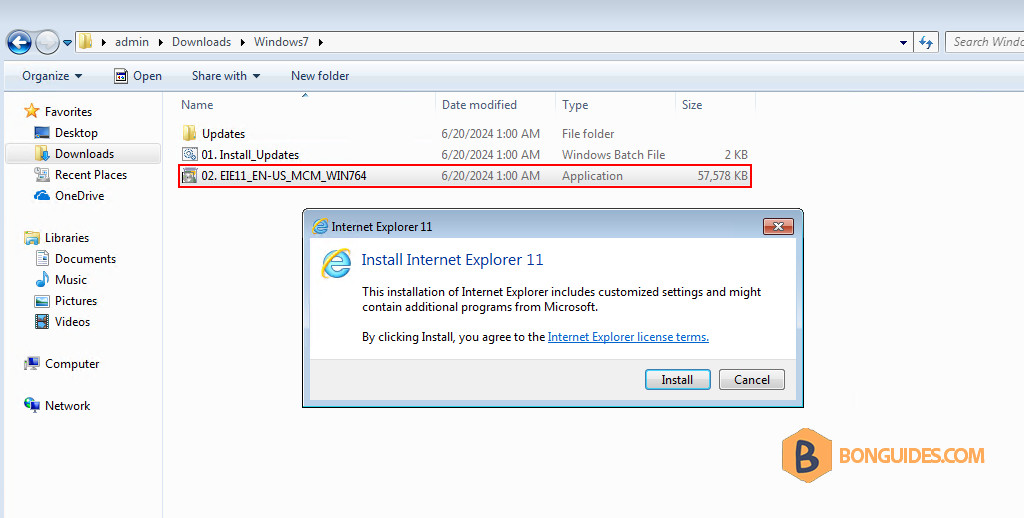
5. Now, install the Internet Explorer 11 then restart the computer one more time.
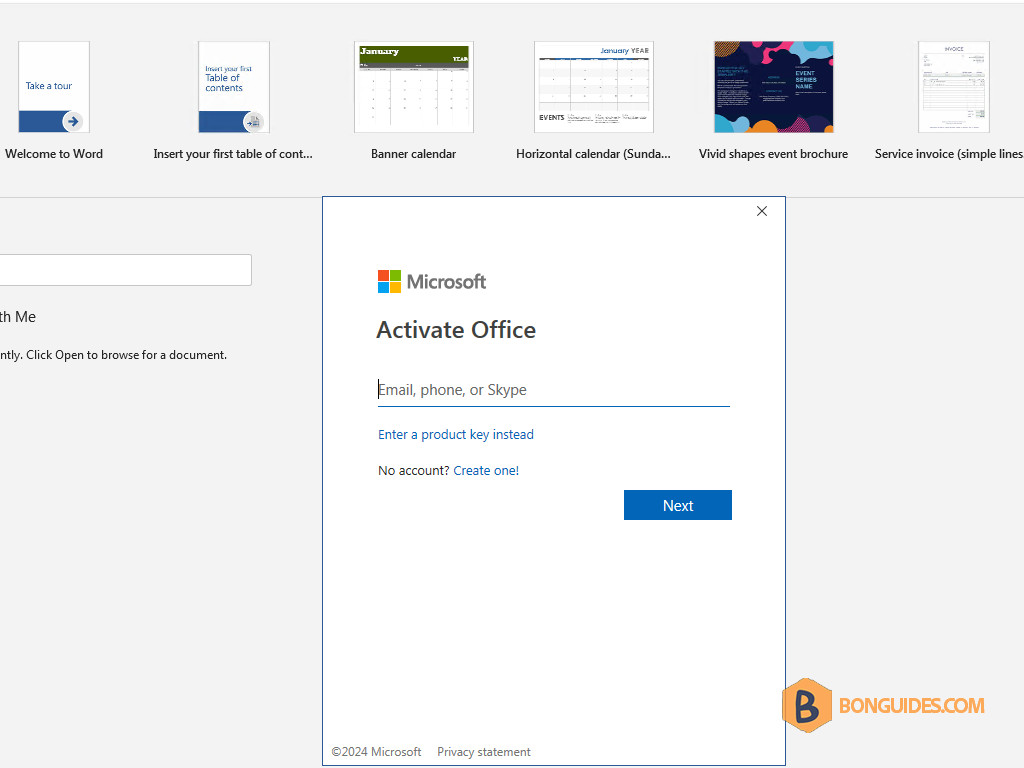
6. After the computer restarts, open any Microsoft Office app then sign in to your account to verify it works.
Related Titles:
- How to Resolve Temporary Server Issues on Windows 7
- Fixing Server Connection Problems on Windows 7
- Quick Fix: Temporary Server Issues in Windows 7
- Troubleshoot “Temporary Server Issues” Error on Windows 7
- Step-by-Step Guide to Fix Server Errors in Windows 7
- Windows 7: How to Resolve Server Connection Errors
- Easy Fix for “Temporary Server Issues” on Windows 7
- How to Fix Server Issues on Your Windows 7 Computer
- Solving “We are Having Some Temporary Server Issues” in Windows 7
- How to Fix Network Problems in Windows 7
- Resolve Server Connectivity Problems on Windows 7
- Windows 7 Troubleshooting: Server Issues Explained
- How to Get Rid of Temporary Server Errors on Windows 7
- Windows 7 Server Error Fix Guide
- How to Resolve “We are Having Some Temporary Server Issues” on Windows 7
Keywords:
Windows 7, temporary server issues, server issues fix, how to fix server issues, network troubleshooting, Windows 7 network error, server connection error, Windows 7 server problem, fix Windows 7 error, troubleshoot Windows 7, server error solution, Windows 7 guide, computer network issues, Windows 7 tech guide, temporary server error fix
Hashtags:
#bonguides, #Windows7, #ServerIssues, #TechGuide, #HowToFix, #NetworkTroubleshooting, #Windows7Tips, #ServerErrorFix, #ComputerHelp, #Troubleshooting, #TechTutorial, #PCFix, #ErrorSolution, #FixServerIssues, #WindowsHelp


Thank you ! i was about to reinstall windows again, but i´m already resolved this.
Glad it helped.
Hi, i already try to follow your method. But the office still giving the same error.
Problem solved. Thank you!
Glad it helped.
first two files not run on my pc and i got this message “this update is not belong to your system”
Did it work ?
I downloaded every update and installed like told the internet explorer 11 and still the same message