Table of Contents
In some cases, you need to install the Windows Management Framework 4.0 (PowerShell 4.0). For example, Exchange Server 2013 requires PowerShell 4 to run the automation PowerShell scripts.
Microsoft provides the download link for it. But it does not work anymore:
Microsoft link: http://go.microsoft.com/fwlink/?linkid=293881
The official WMF 4.0 download link is broken. The WMF 4.0 install package name:
- Windows6.1-KB2819745-x64-MultiPkg.msu
- Windows6.1-KB2819745-x86.msu
After searching for it on Google. We found some resources that you can download the WMM 4.0:
Download from web.archive.org
1. The first try from web.archive.org. After loading the page, it asks you then download a .docx file automatically, but you ignore it.
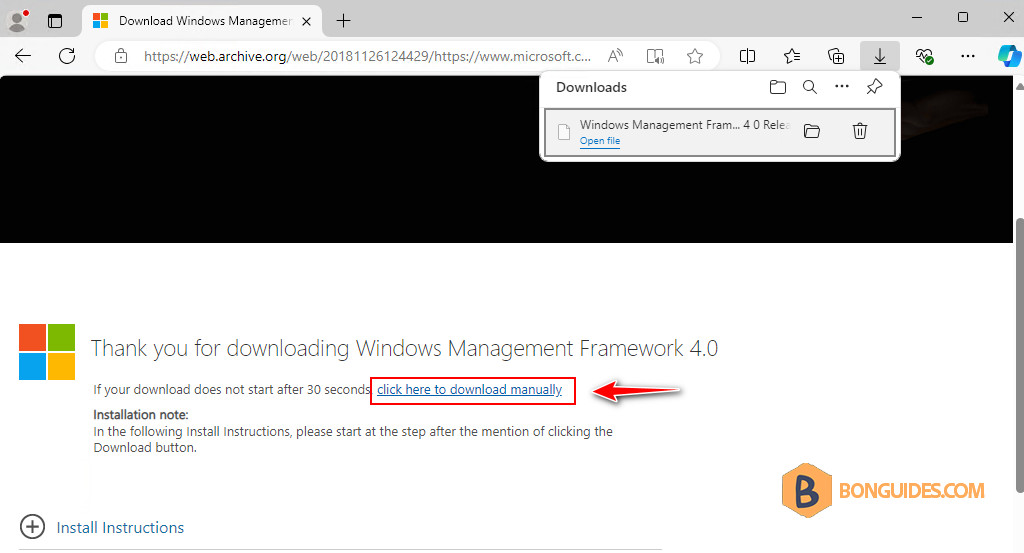
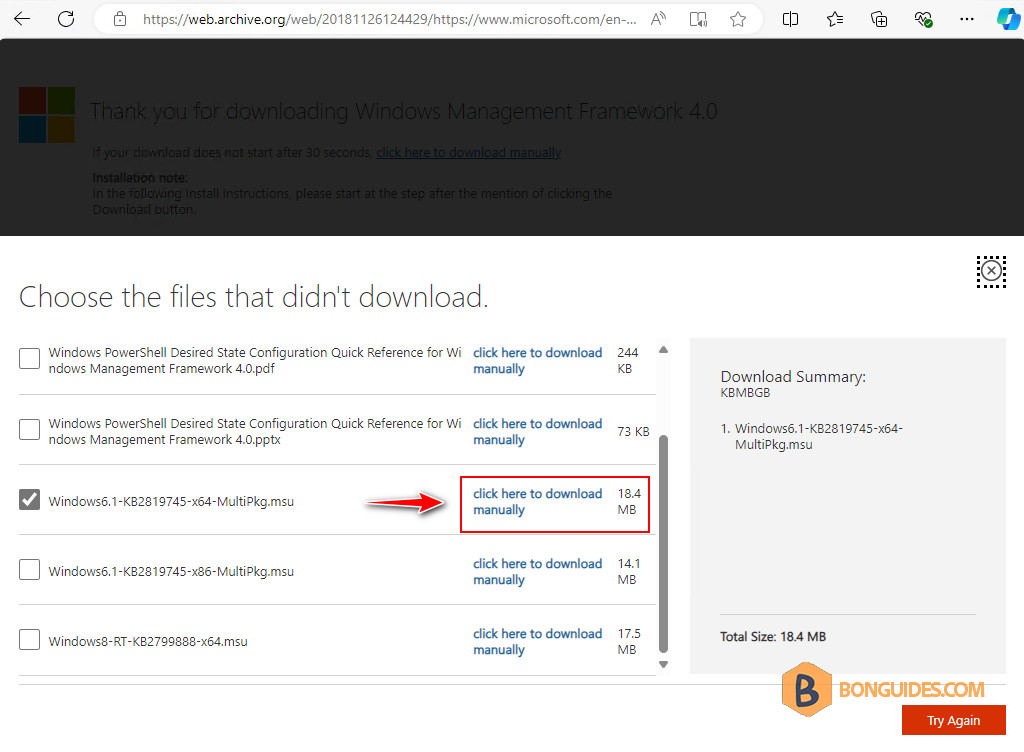
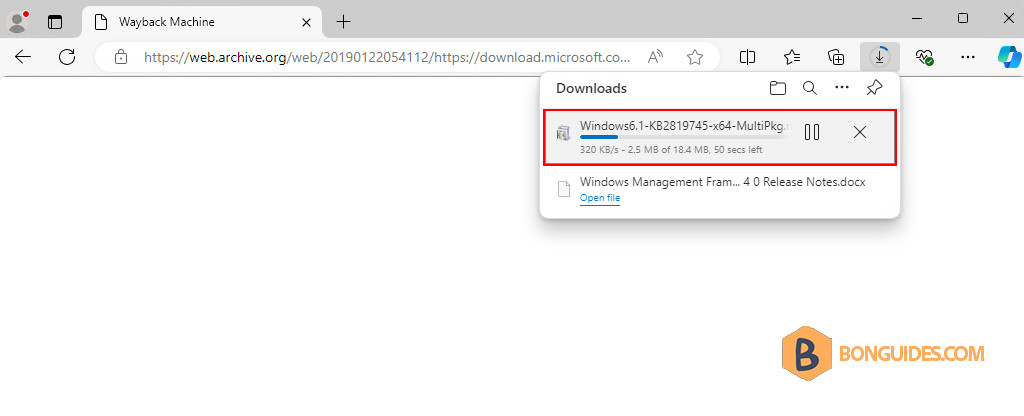
2. Then you go to Click here to download manualy, select the file you want, and finally, click here to download manually link to download the file.
PS C:\Users\bonben365> $PSVersionTable

Name                           Value
----                           -----
PSVersion                      4.0
WSManStackVersion              3.0
SerializationVersion           1.1.0.1
CLRVersion                     4.0.30319.42000
BuildVersion                   6.3.9600.16406
PSCompatibleVersions           {1.0, 2.0, 3.0, 4.0}
PSRemotingProtocolVersion      2.2
Download from OneDrive
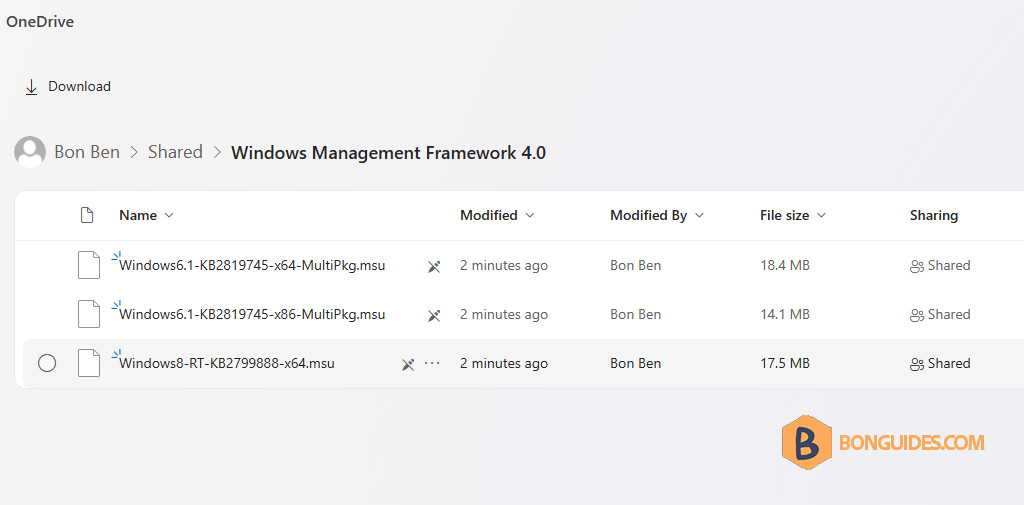
Alternatively, we’ve downloaded all files and put it in OneDrive. So, you can download them directly.