
Table of Contents
Uploaded File Exceeds The Upload_Max_Filesize CyberPanel
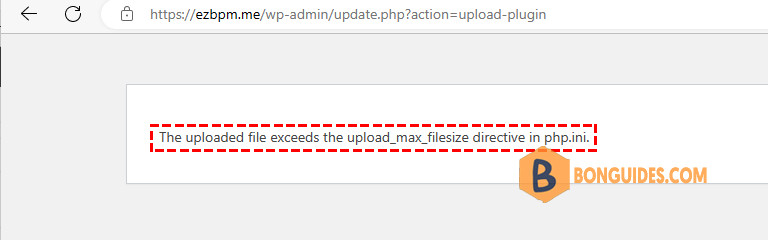
Sometimes, you get the following error when unloading a file to your WordPress website. The website is created by the CyberPanel.
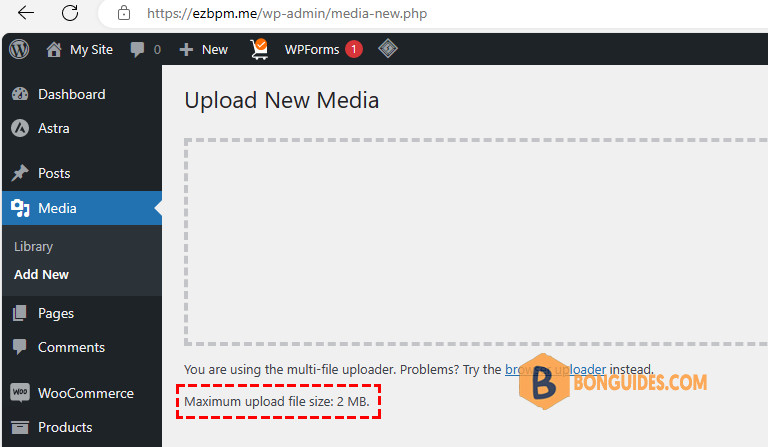
In the WordPress admin dashboard. You can check the current maximum upload file size for the site.
Check your website’s current PHP version
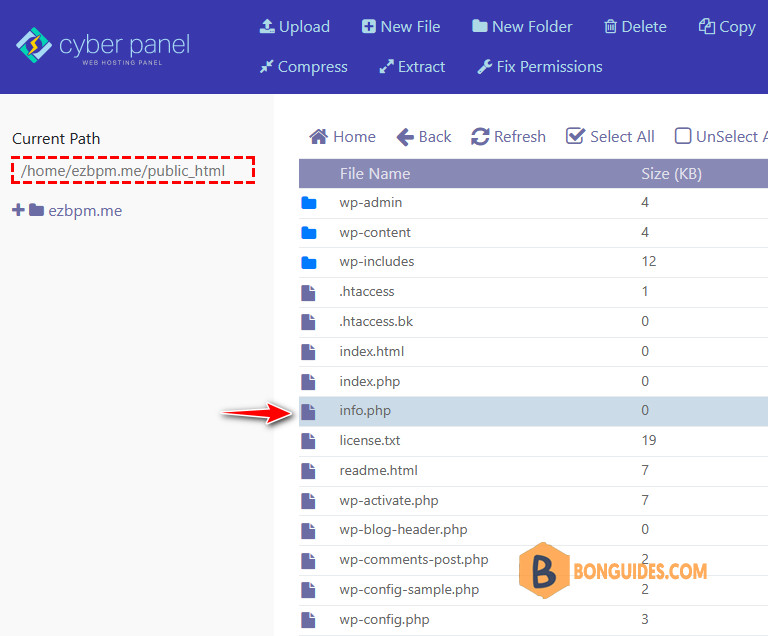
1. First, you need to check the website’s current PHP version by creating an info.php file in the directory containing your source code and inserting the code below.
<?php
phpinfo();
?>
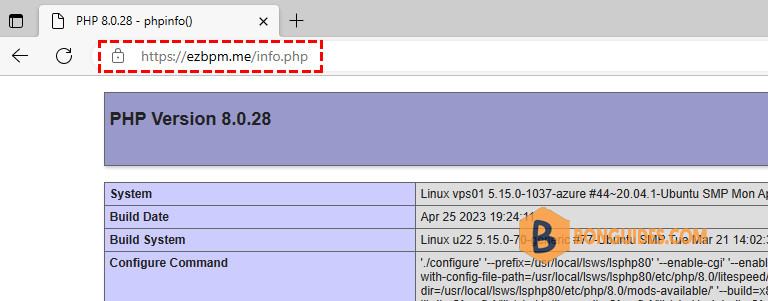
2. Then visit the created path to check, for example, https://ezbpm.me/info.php, and as shown, the site is running with PHP version 8.0.
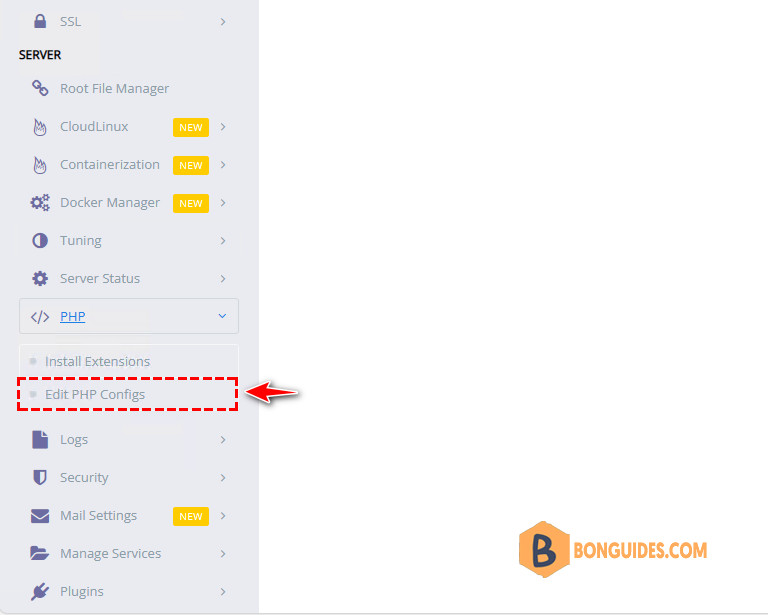
3. Next, go to the CyberPanel admin console, then navigate to PHP → Edit PHP Configs in the left navigation menu.
3. Select the PHP version that matches the current PHP version of your website. Then, change the upload_max_filesize and post_max_size as you need.
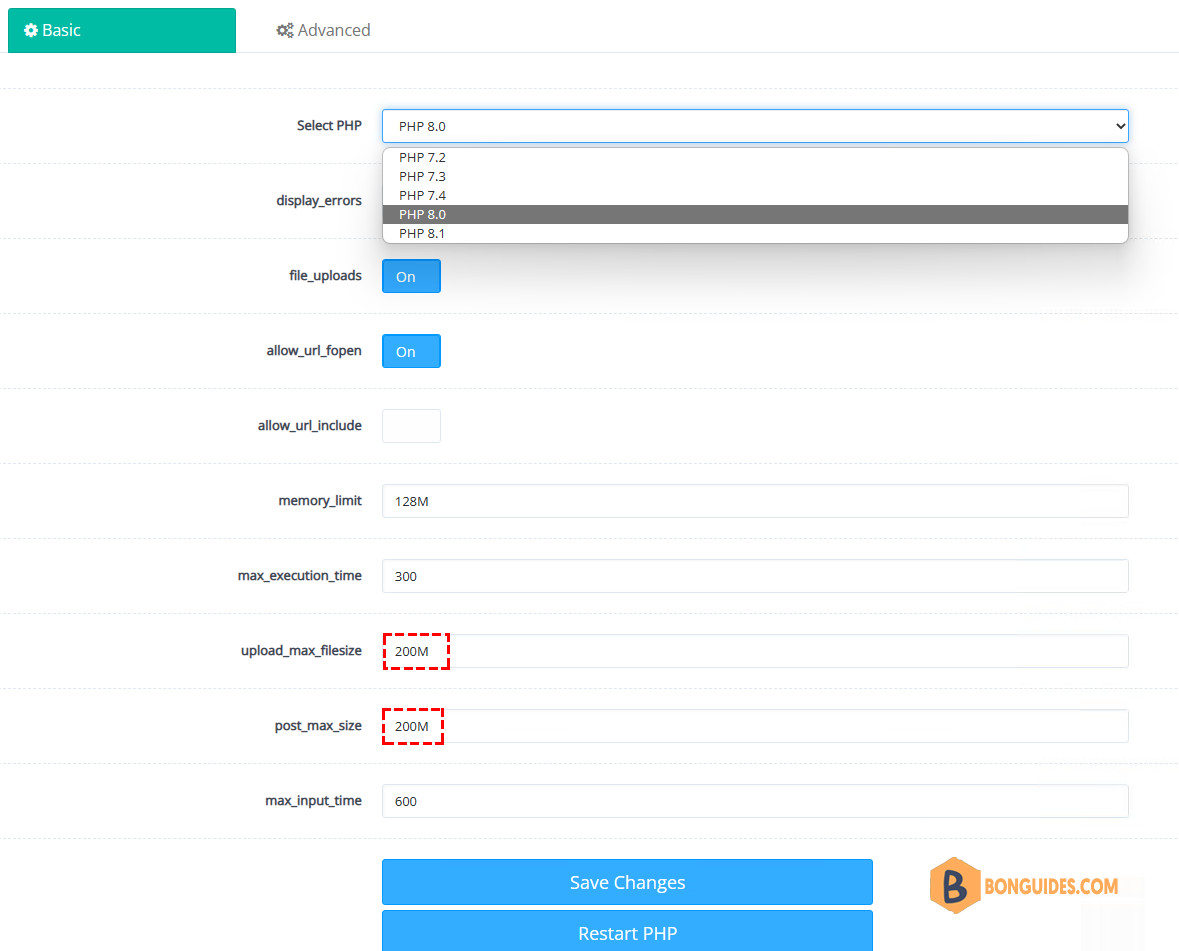
4. Save Changes → Restart PHP, then go to the WordPress dashboard to see if the changes have gone into effect.
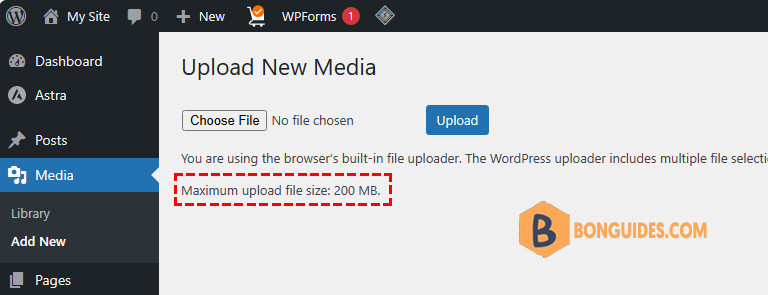
Re-upload the file to the site. This time, the error should be gone.


