
Table of Contents
The file types .Appx, .AppxBundle, and .Msixbundle are app installer or setup packages. On a default Windows 10 or 11 installation, you can double-click these file types to run them.
Fix Windows Can’t Open This Type of File (.msixbundle)
But, if the App Installer (Desktop Installer) store app is removed from the system, the .appx, .appxBundle, and .msixbundle files don’t run when double-clicked.
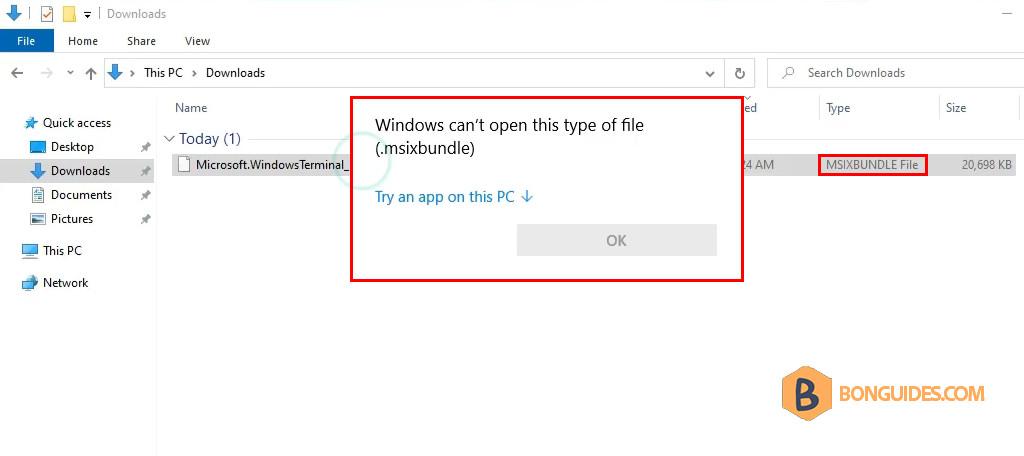
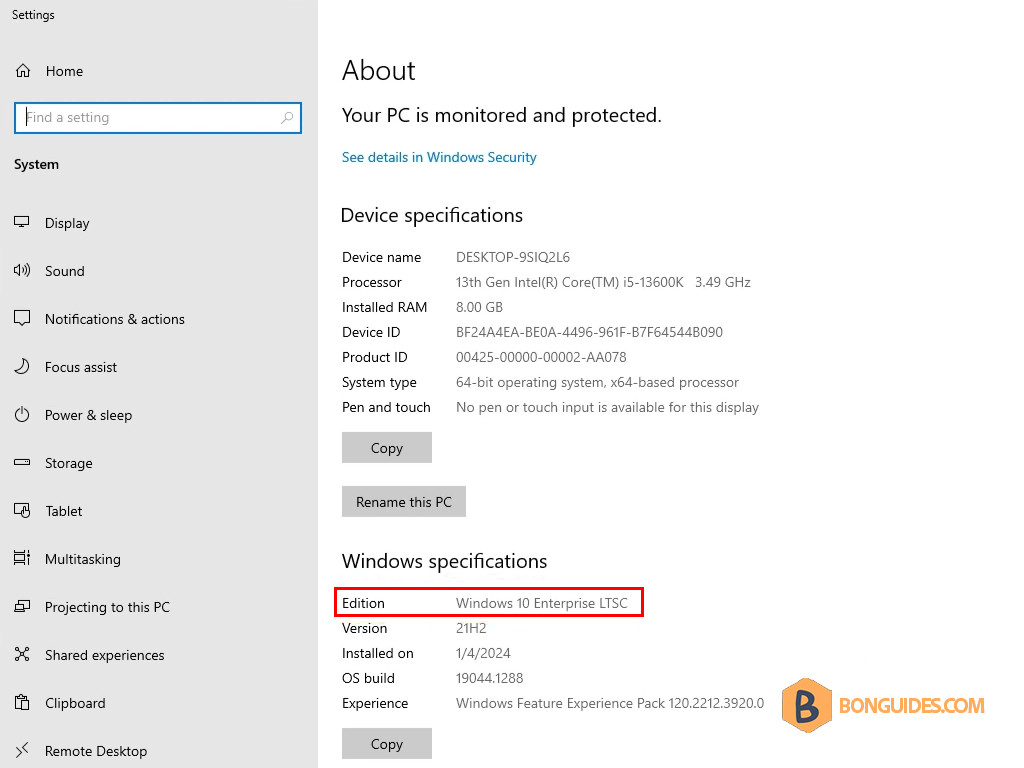
In our case, because we’re using Windows 10 LTSC. In the LTSC systems, App Installer and Microsoft Store are not available. So, we need to install them manually before be able to run .msixbundle files.
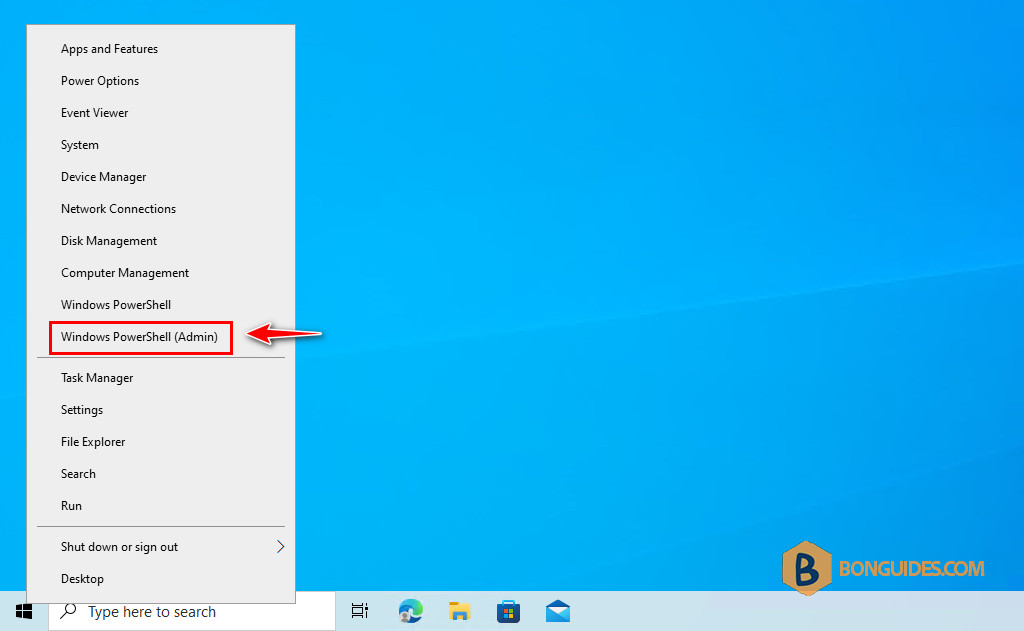
1. First, right click on the Windows Start icon then open an elevated PowerShell window.
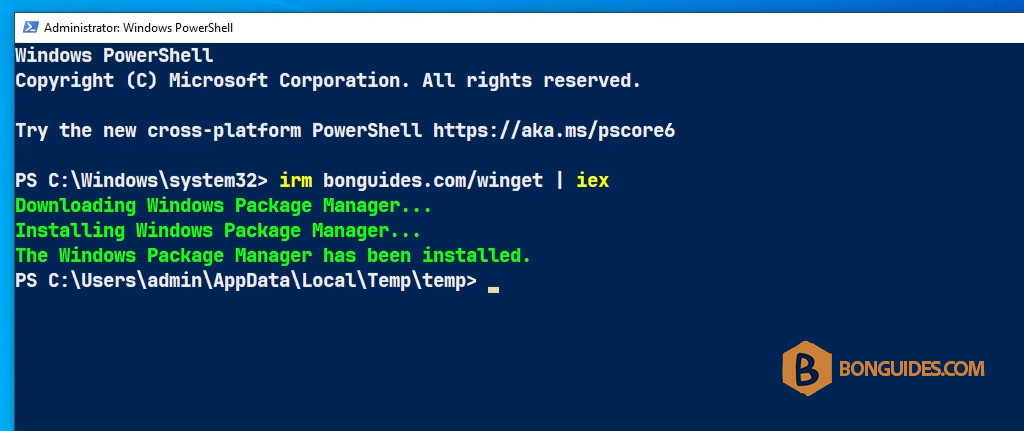
2. Run the following command to install the App Installer automatically.
irm bonguides.com/winget | iex3. The App Installer ( Windows Package Manager ) should be installed automatically.
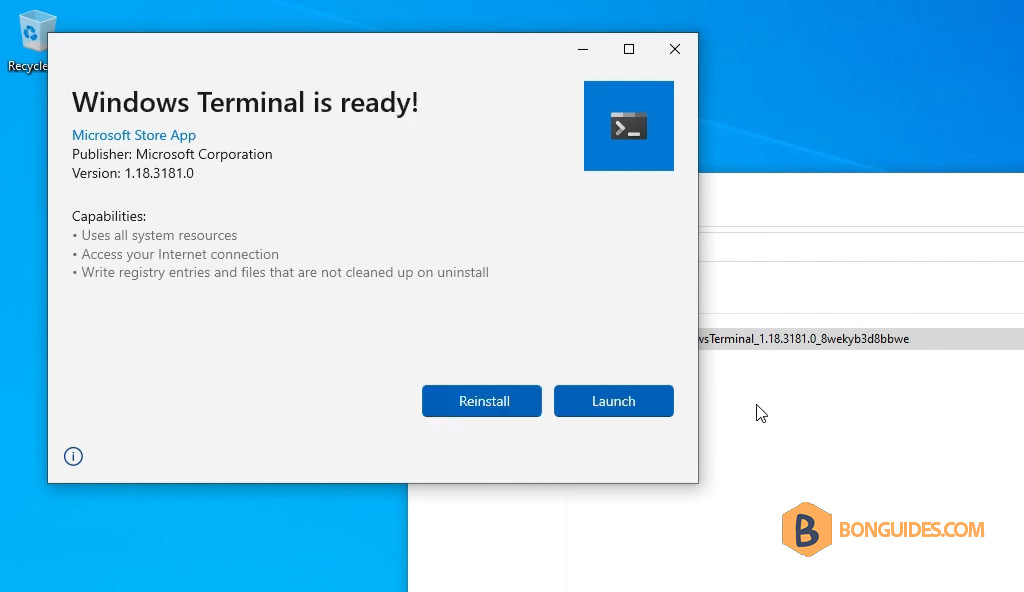
Finally, open a .msixbundle to verify it works.
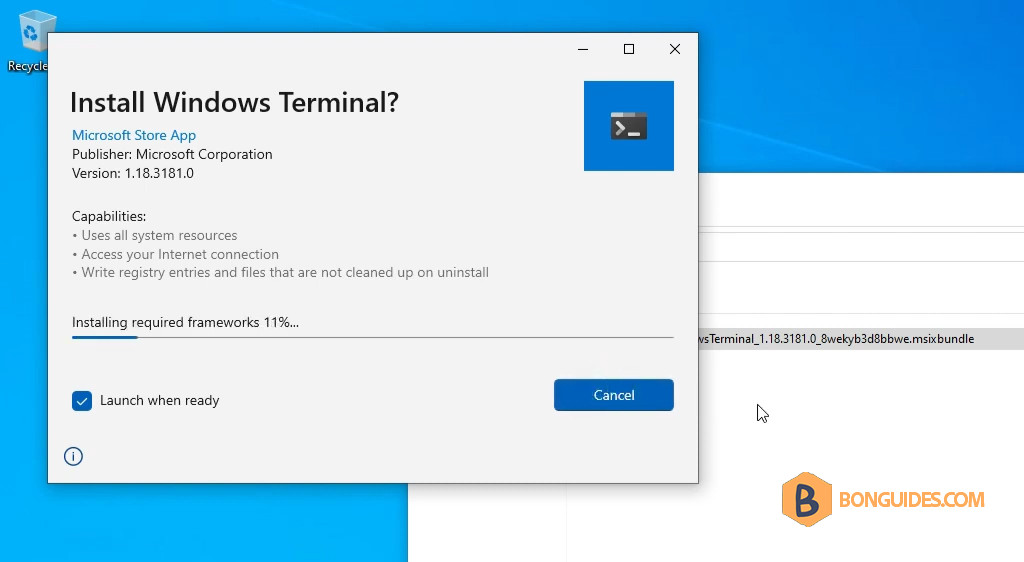
As you can see, the error was gone and the app has been installed successfully.


rrrrrrrr