Table of Contents
Fix the Installation Source for this Product is Not Available Error
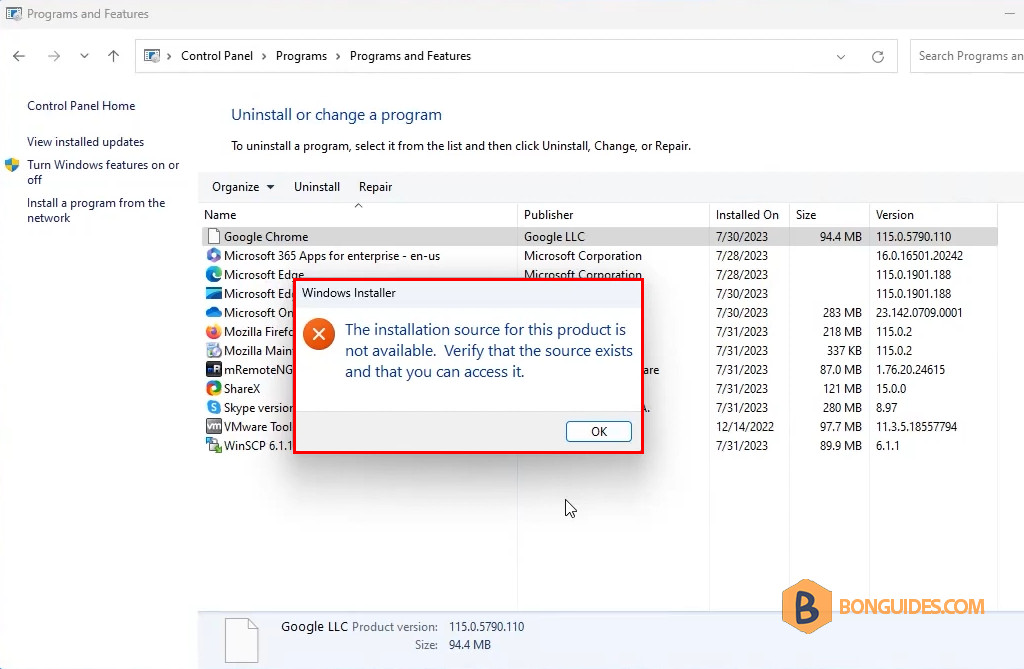
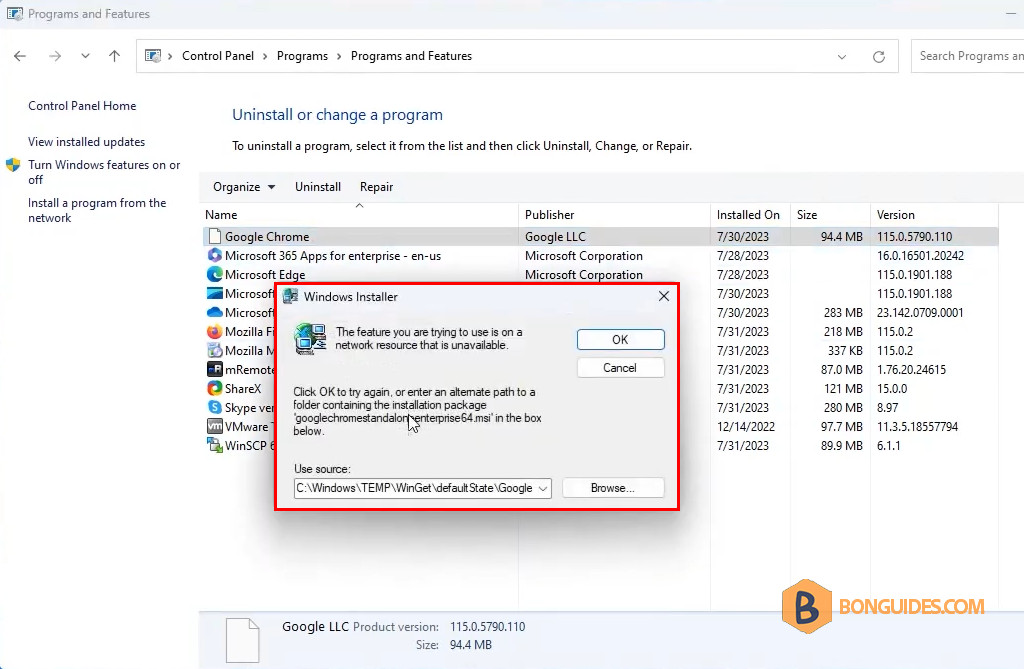
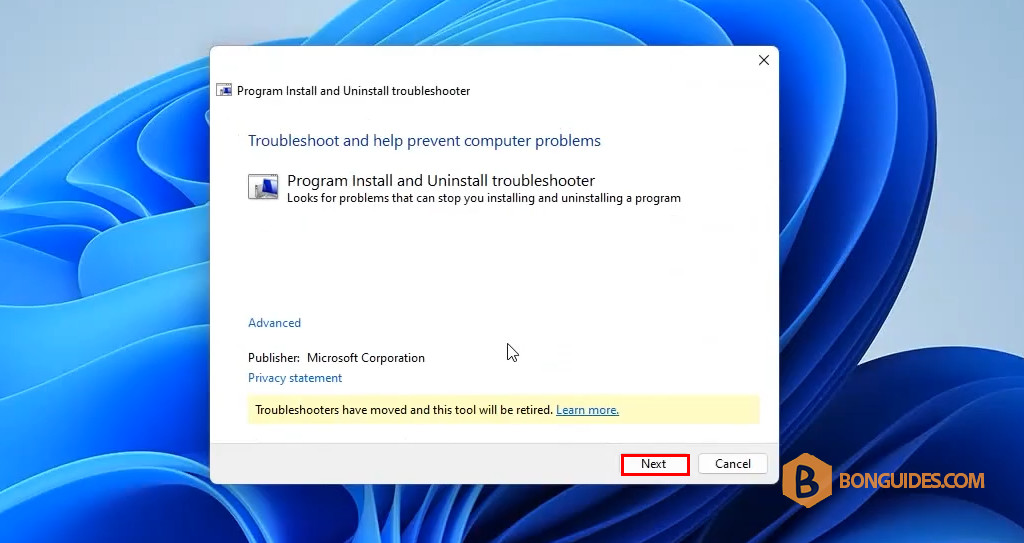
In some cases, you may encounter the following error when attempting to uninstall or remove an application on Windows. To fix it, we can use the Program Install and Uninstall troubleshooter to automatically repair issues when you’re blocked from installing or removing programs. It also fixes corrupted registry keys.
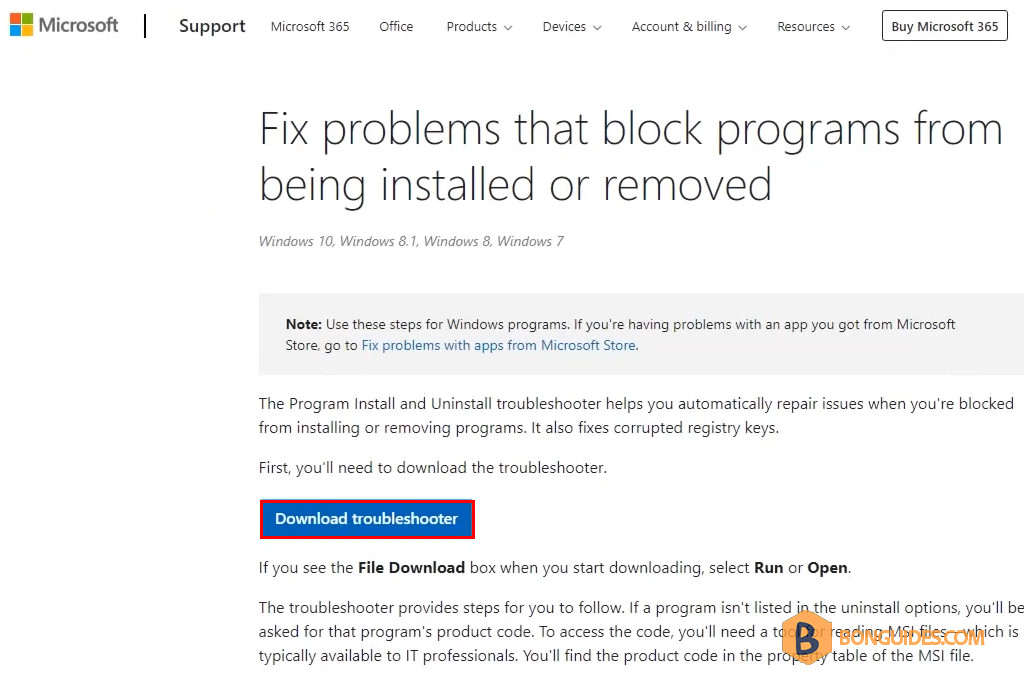
1. First, you’ll need to download the troubleshooter.
- Download Troubleshooter: https://support.microsoft.com/en-gb/topic/fix-problems-that-block-programs-from-being-installed-or-removed-cca7d1b6-65a9-3d98-426b-e9f927e1eb4d
2. If you see the File Download box when downloading, select Run or Open the downloaded file.
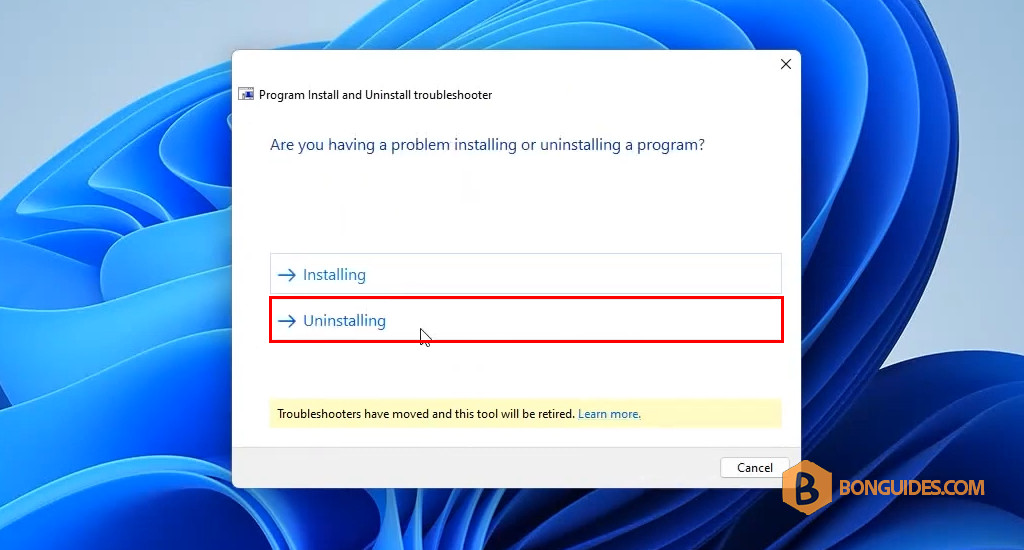
3. The troubleshooter provides steps for you to follow. Select Uninstalling.
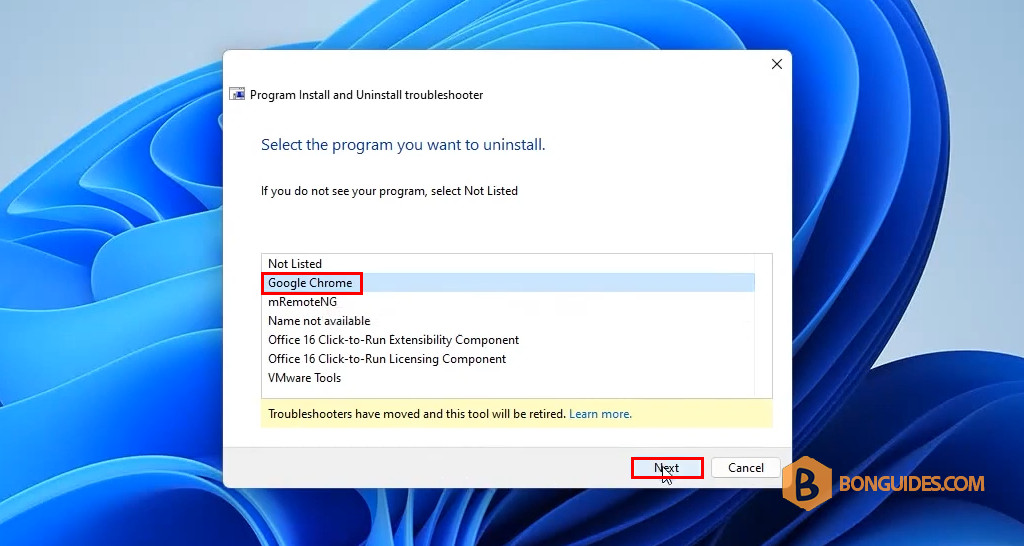
4. Select the app you want to remove or uninstall from your computer, then click Next.
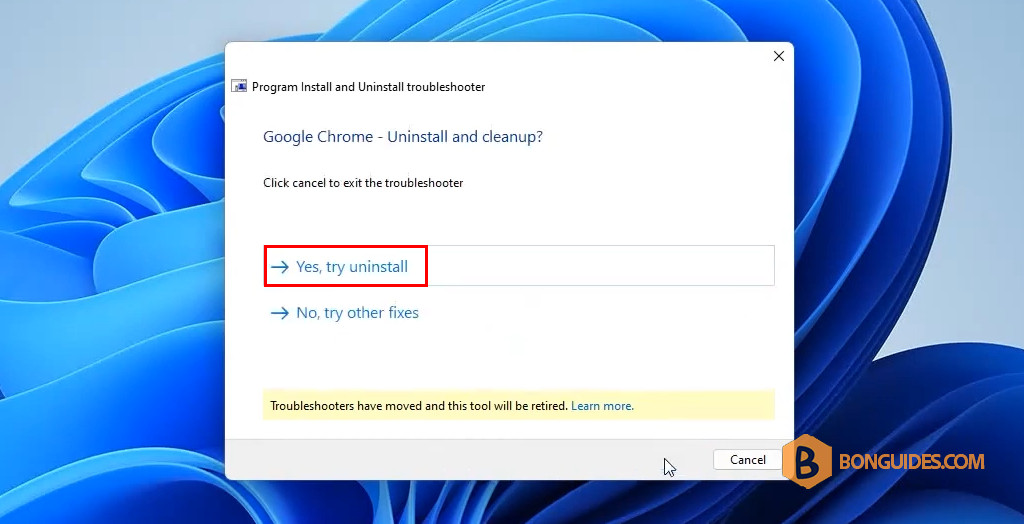
5. Confirm to uninstall by clicking on Yes, try the uninstall option.
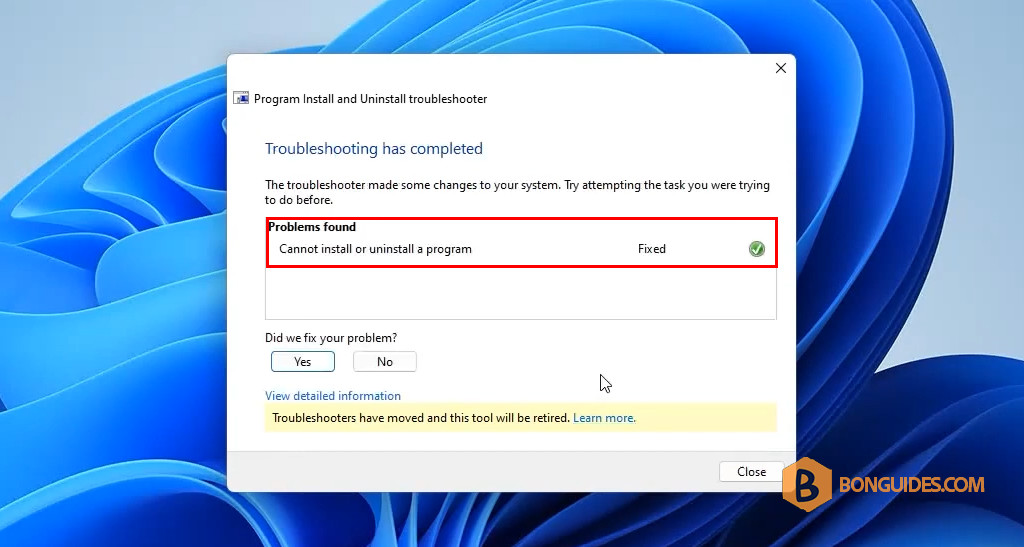
6. Wait a few minutes to complete. You should see it has been removed automatically.