Table of Contents
Cannot Install New Microsoft Teams Because It Uses Certain Restricted Capabilities
In some cases, you get the following error when trying to install the new Microsoft Teams client on your Windows 10/11 machine.
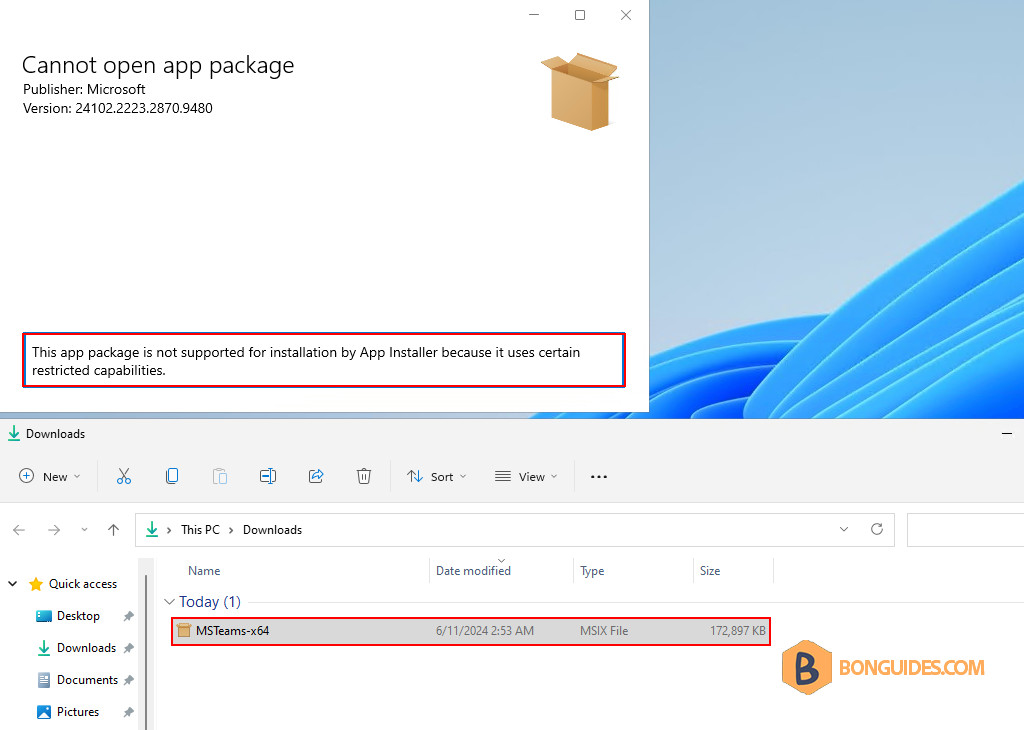
The new Microsoft Teams comes with the .msix package instead of the .exe file.
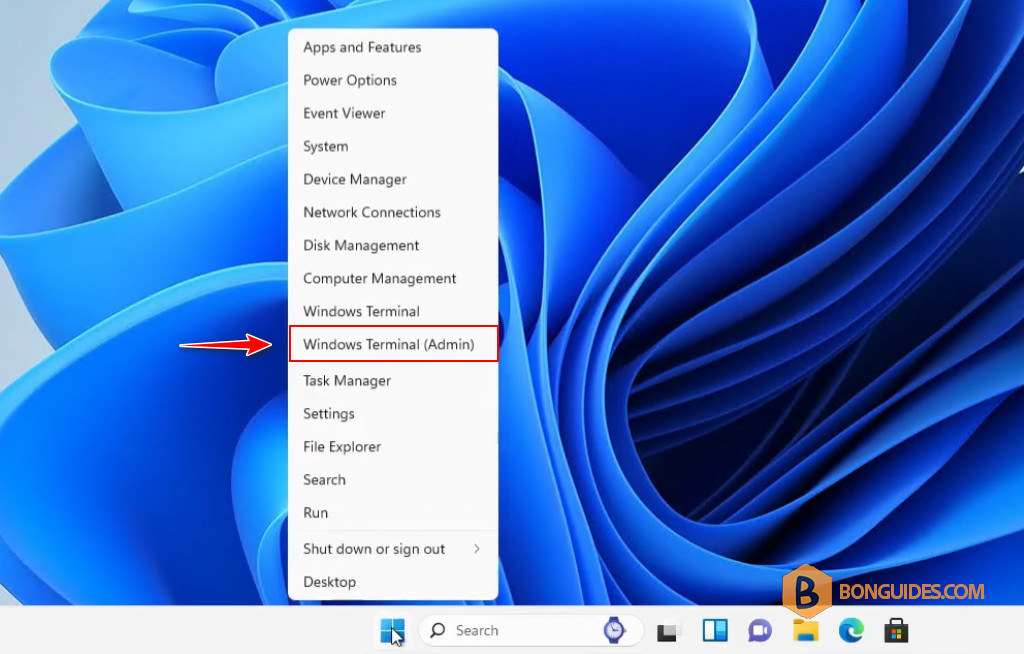
1. To fix it, right-click on the Windows Start icon and open a new elevated PowerShell (Terminal) window.
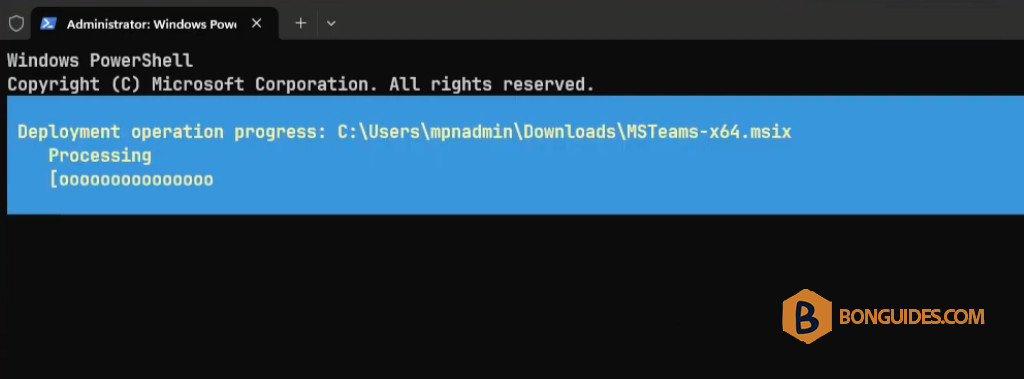
2. Run the following command to install the new Microsoft Teams app using the Add-AppxPackage cmdlet. Don’t forget to change the path of your downloaded installer package.
Add-AppxPackage -Path "C:\Users\admin\Downloads\MSTeams-x64.msix"3. The installation starts automatically without any prompts.
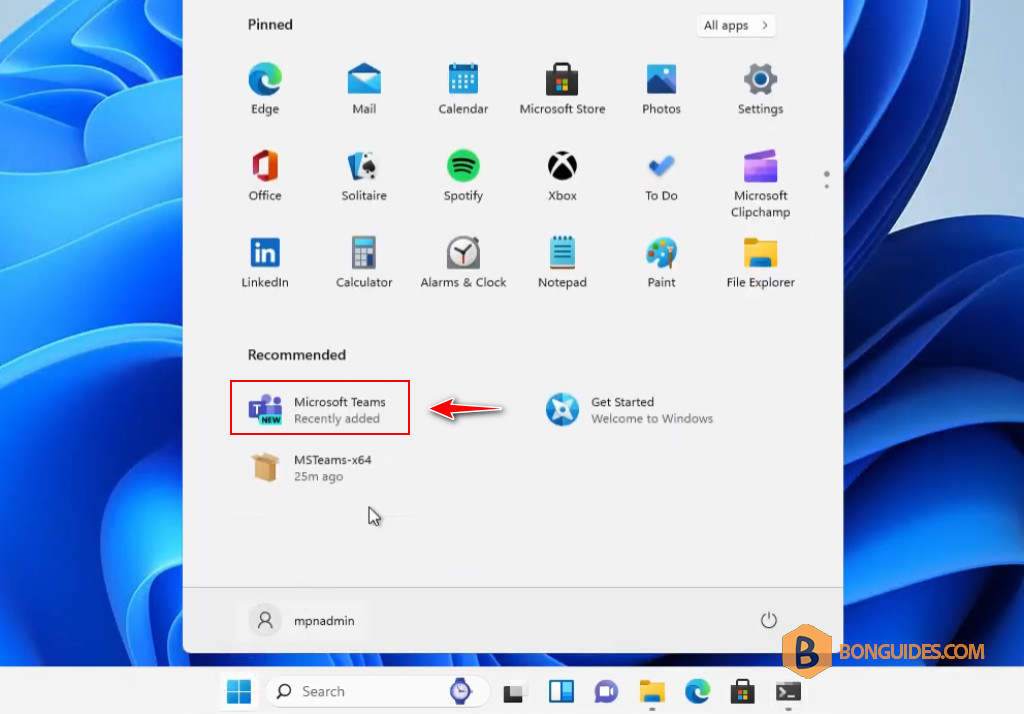
4. Once done, you can find the installed app from the start menu then open it to verify it works.