
Table of Contents
If you encounter a message stating that a “Newer version of OneDrive is installed” on your Windows PC, it generally means that there is a conflict between the version of OneDrive you are trying to install or update and the existing version.
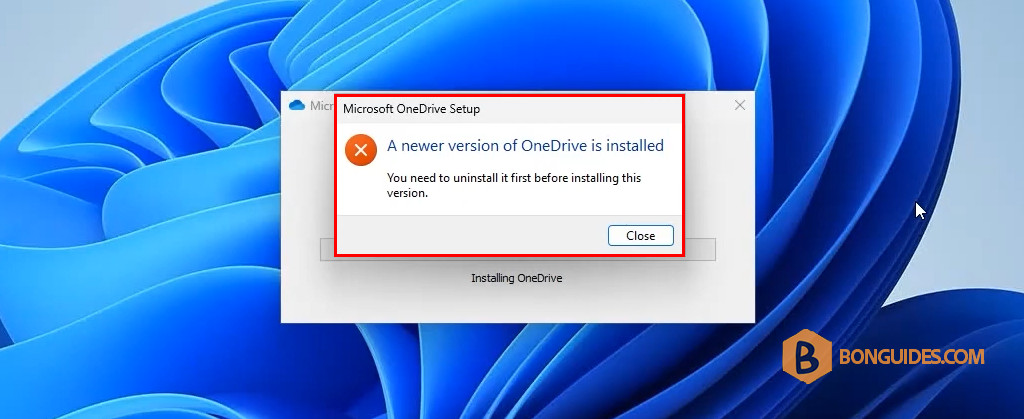
When you check the app in the Control Panel, OneDrive has not been installed yet.
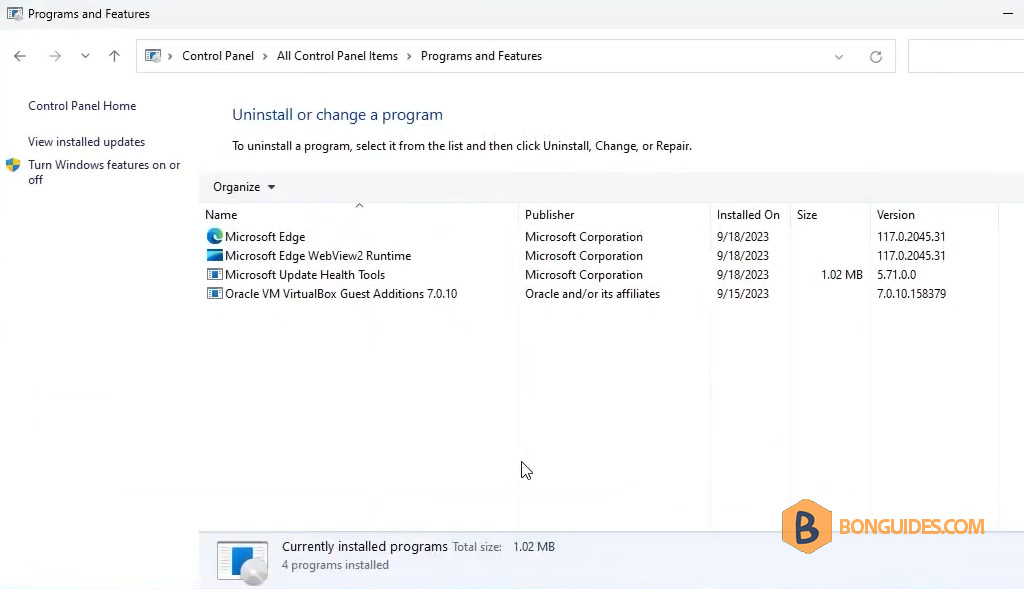
Fix a Newer Version of OneDrive is Installed in Windows
You are receiving this error because OneDrive was not completely removed. Therefore, you need to manually uninstall it before re-installing the OneDrive app.
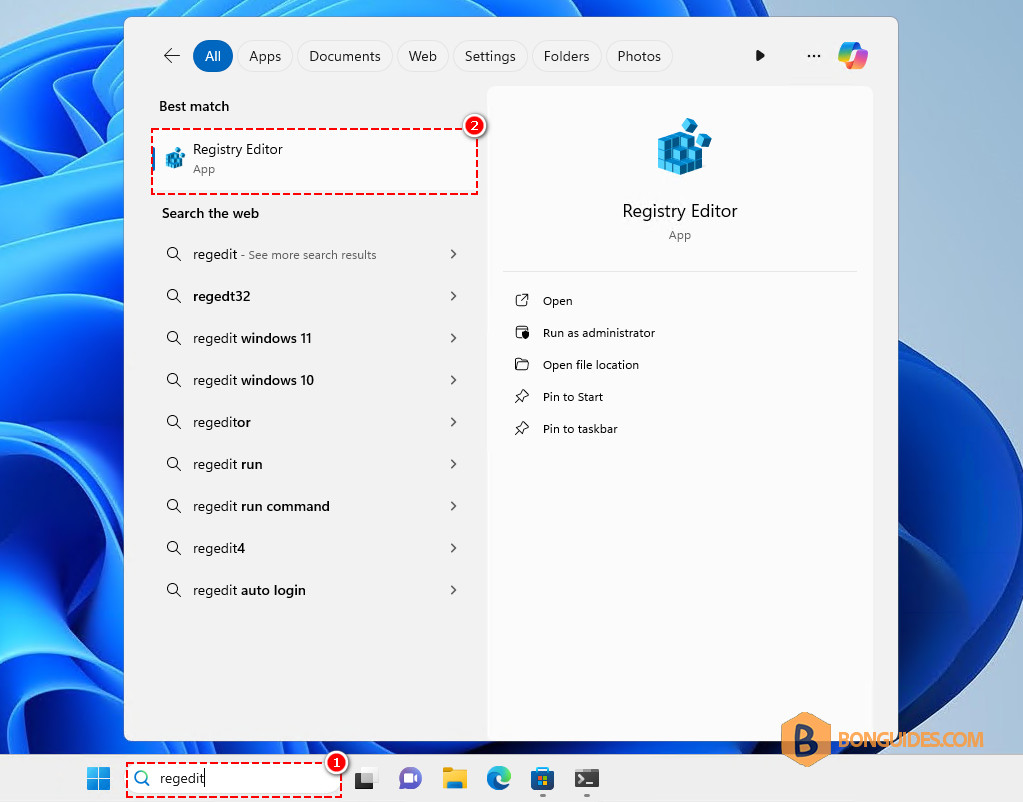
1. Search for regedit, then open the Registry Editor.
2. Navigate to the following key, then delete it.
HKEY_CURRENT_USER\Software\Microsoft\OneDrive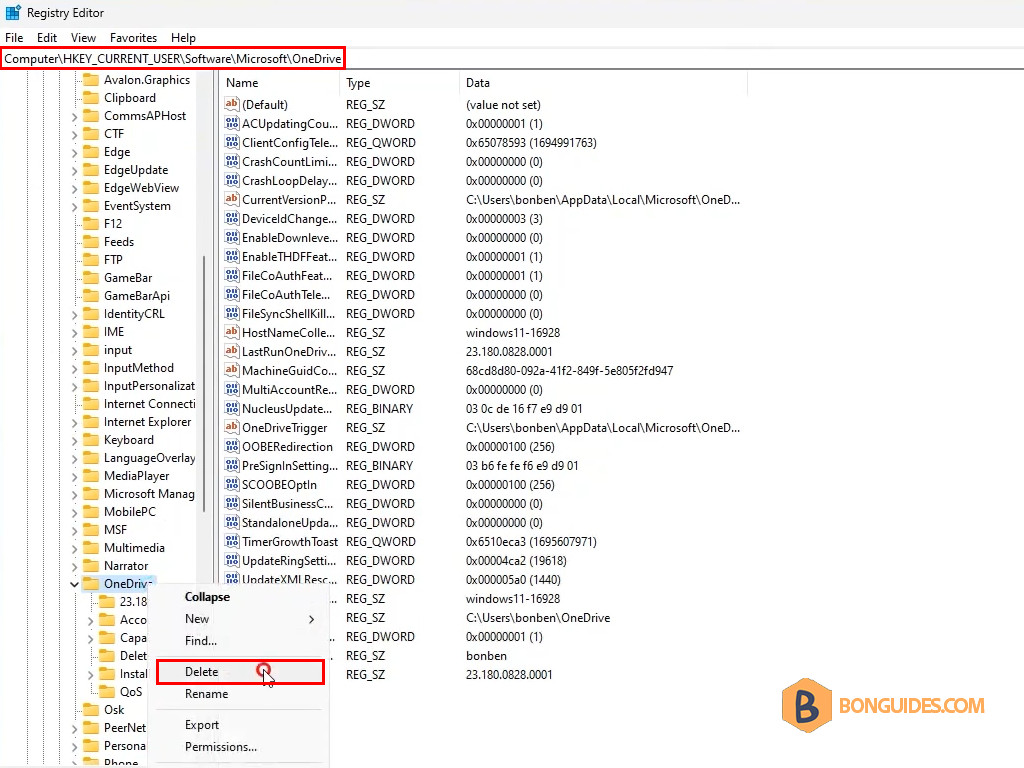
3. Once the key is deleted, close the Registry Editor, and then try to reinstall OneDrive. The error should be gone, and the app should install successfully.
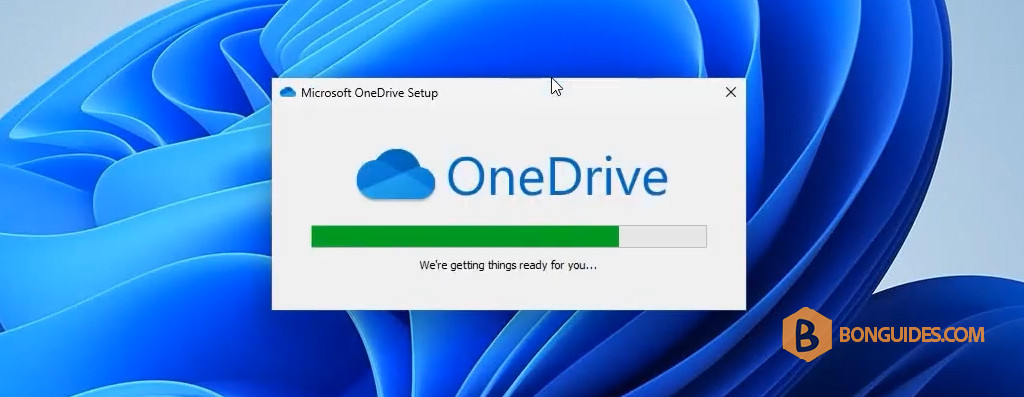
By following these steps, you should be able to resolve issues with installing a newer version of OneDrive. If you continue to face problems, it may be helpful to check for any specific error messages or consult Microsoft’s support resources for additional troubleshooting.


