Table of Contents
Domain Controller Status Unavailable
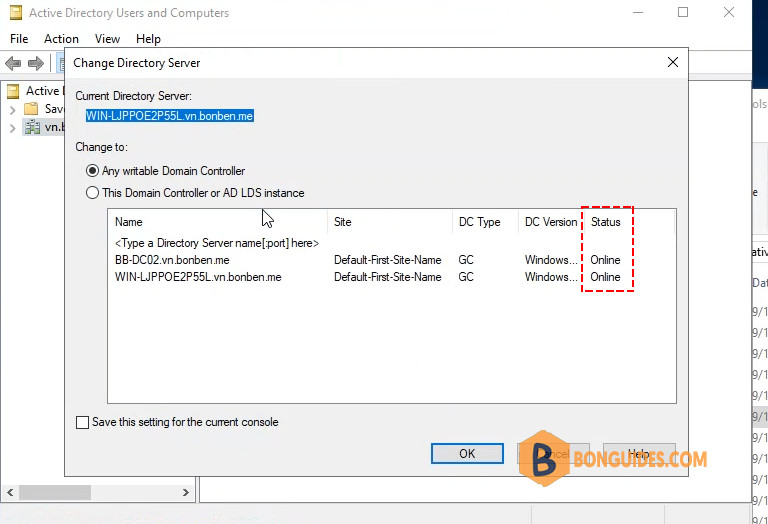
This problem was bugging me for a while now. Every time I have to connect to a different DC, status for one of them is showing as Unavailable. In my case this hasn’t got anything to do with the domain controller actually functioning or having connectivity. DC works fine and I haven’t had any problems with it.
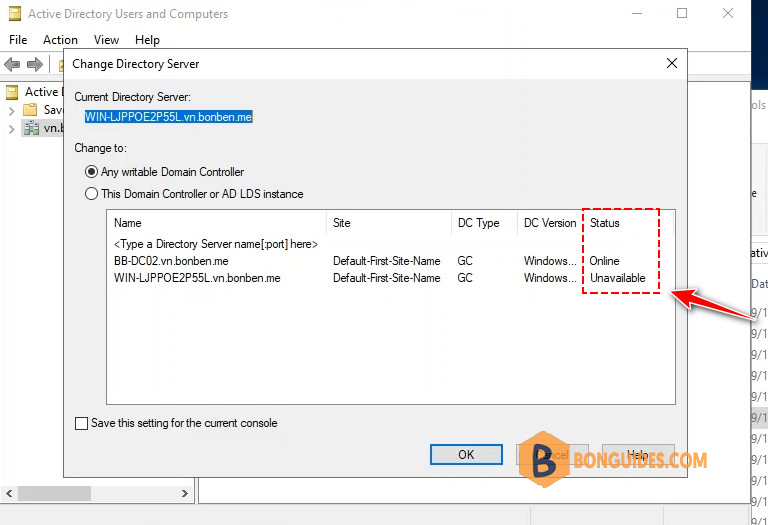
Solution to this problem is rather simple. On the domain controller that’s showing as Unavailable, IPv6 network connectivity is not enabled causing it to don’t report its status. To rectify this we have to re-enable the IPv6 stack under network card properties on the NIC that’s used by the DC. Here is an example:
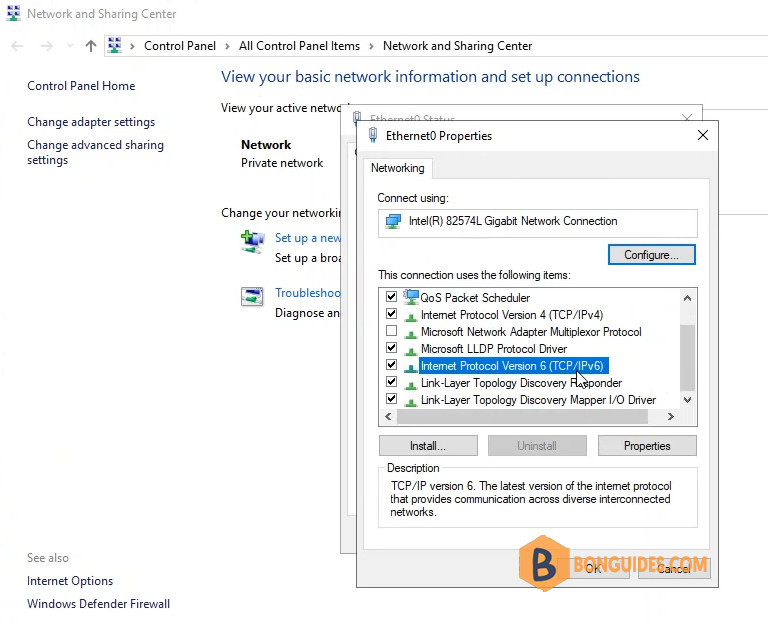
Generally, there is no reason to disable the IPv6 connectivity and it should remain on even if you don’t use it.