Table of Contents
PuTTY Fatal Error No Supported Authentication methods available
In some cases, you get the following error when trying to connect to a Linux system using PuTTY. Even you’ve configured all settings correctly.
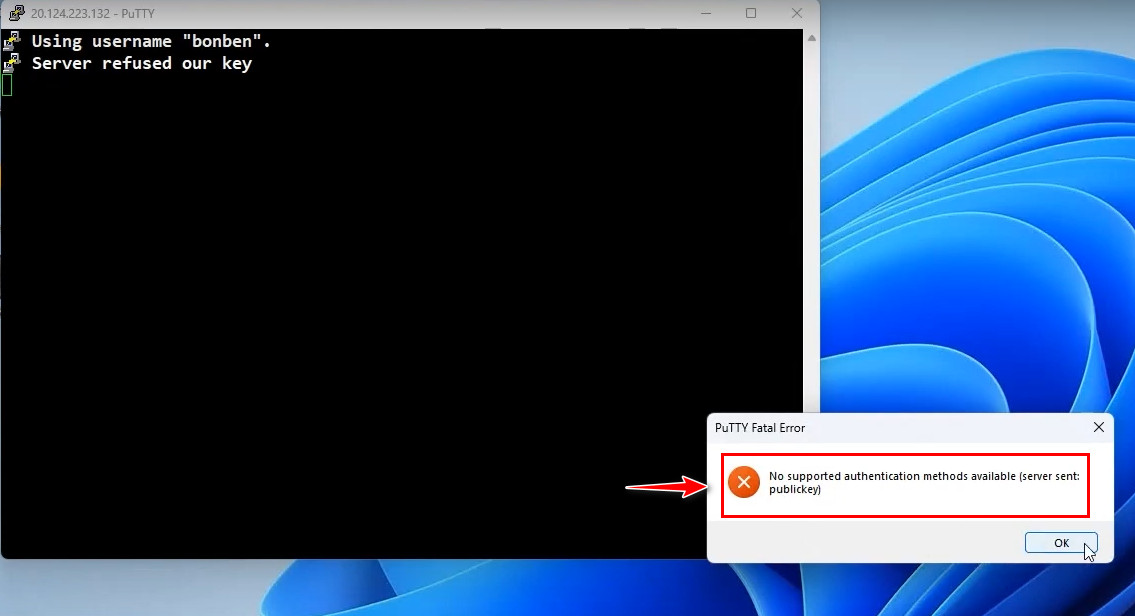
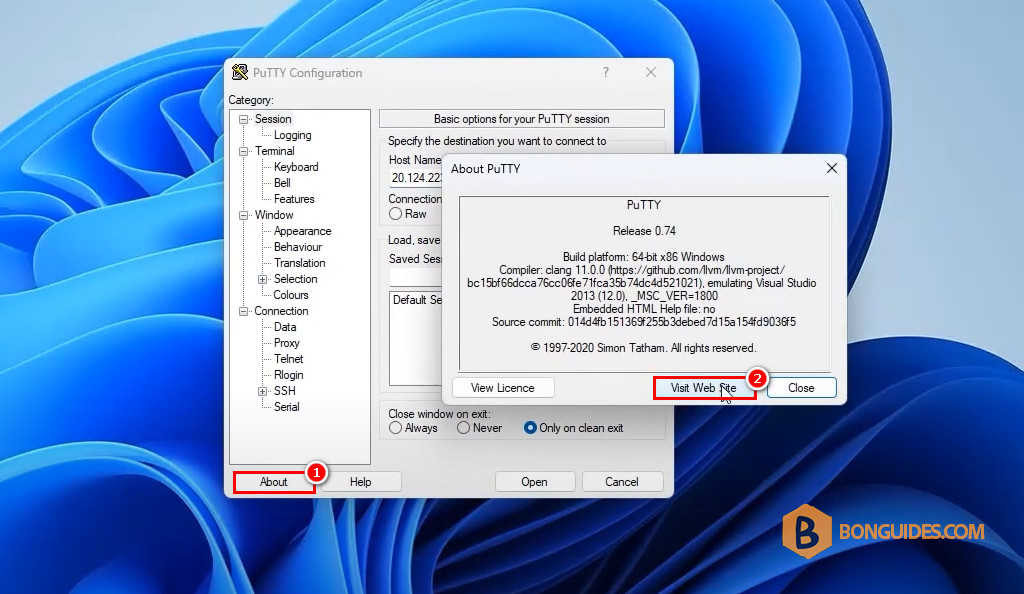
You got it because you’re using the old version of PuTTY. To fix it, let’s open PuTTY | About | Visit Web Site to go to the PuTTY official website.
In the PuTTY official site, download the latest version then install it normally.

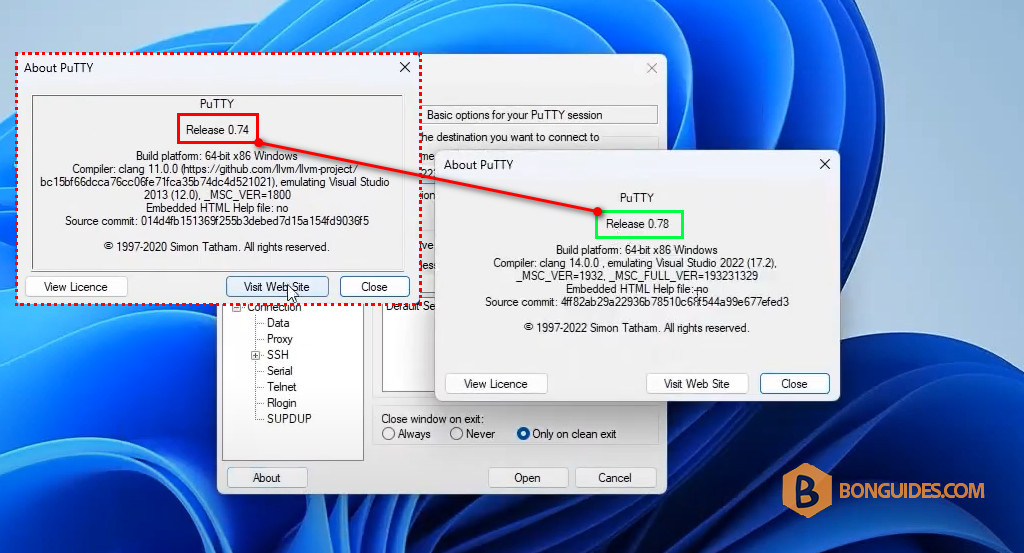
Once installed, open PuTTY and check the version to make sure it is updated to the latest version.
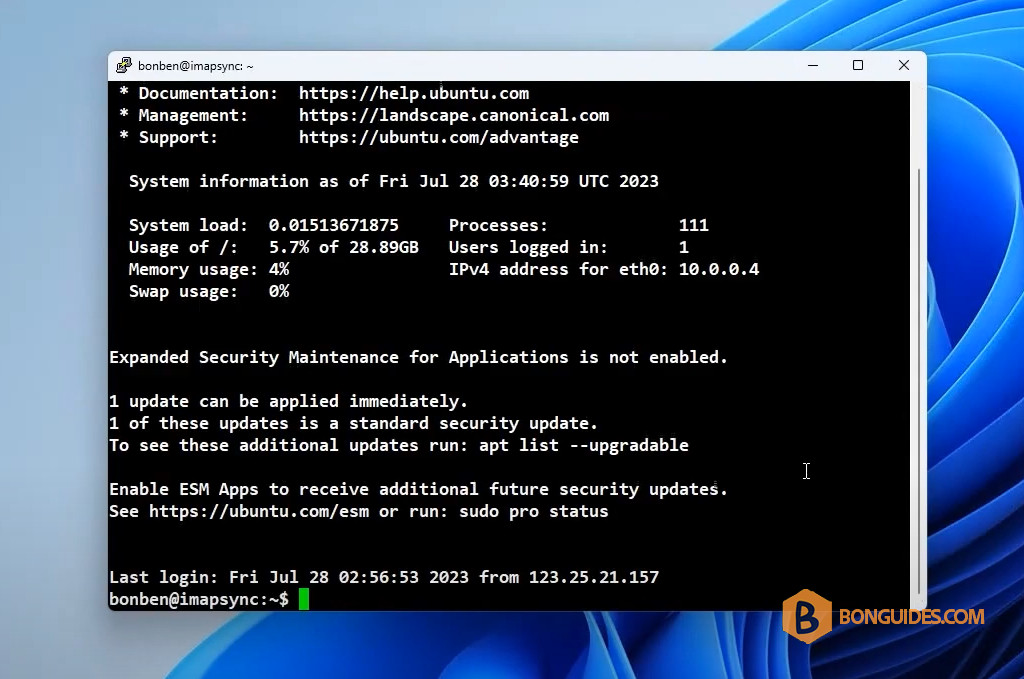
Finally, connect to a Linux remote system to verify it works.