Table of Contents
By default, MDaemon will log all mail and user activity into the C:MDaemonLogs directory and each log file will have that days date in it’s filename in the form MDaemon-YYYY-MM-DD-<servicename>.log.
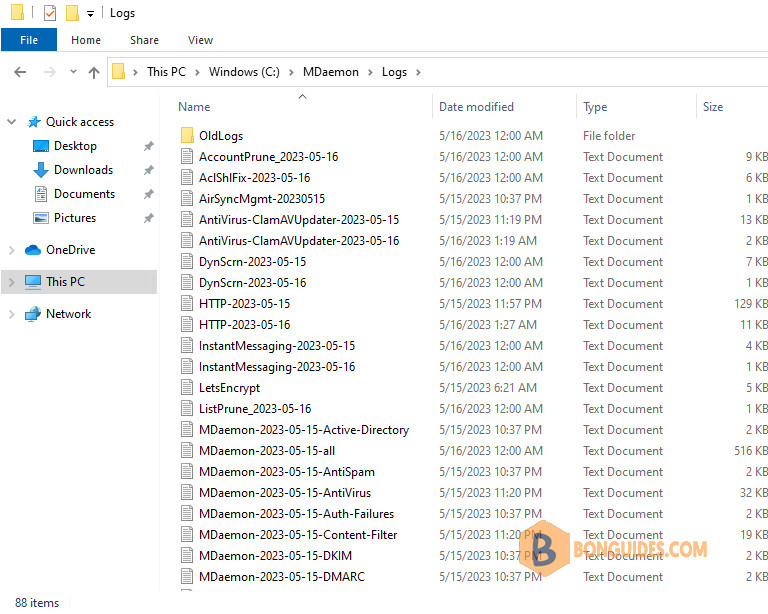
Prior to tracking an email through the logs, it’s important to check that you have the relevant logging enabled. The below details the order in which you would track an email and the scenario. Log files can be opened in a text editor such as Notepad or Notepad++.
Incoming email logs
Incoming External email which arrives via direct SMTP:
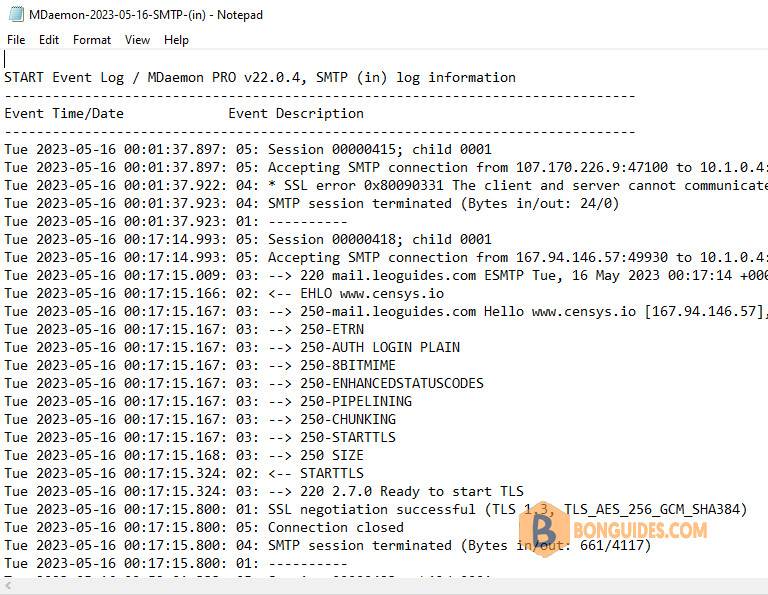
- MDaemon-YYYY-MM-DD-SMTP(in).log: This will show the email being accepted from the sending mail server.
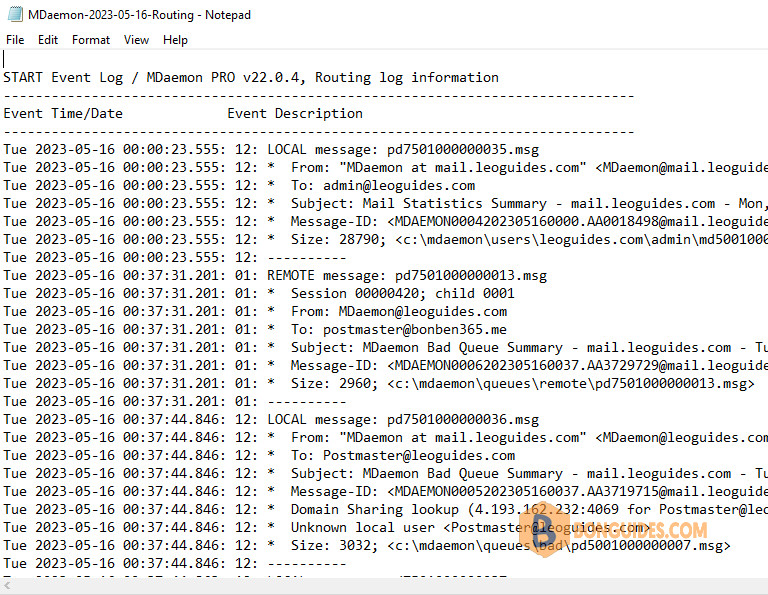
- MDaemon-YYYY-MM-DD-Routing.log: The first entry in this log will show the email being passed from the inbound queue to the local queue.
Outgoing email logs
Email sent from a local MDaemon account to a remote email address:
- MDaemon-YYYY-MM-DD-SMTP(in).log: This will show the email being accepted from the local email client.
- MDaemon-YYYY-MM-DD-Routing.log: This will show the email being passed from the inbound queue to the remote queue.
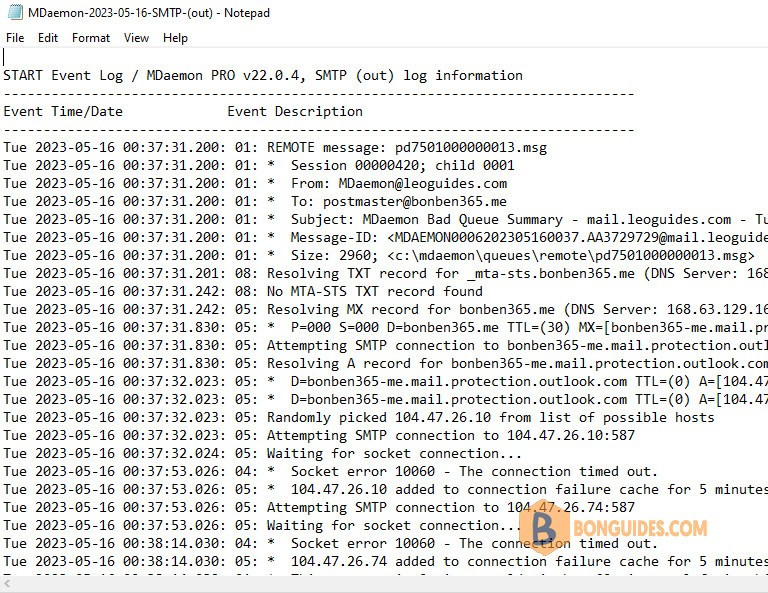
- MDaemon-YYYY-MM-DD-SMTP(out).log: This will show the email being sent from MDaemon to the remote mail server which handles mail for this external domain name.
Internal email logs
Email sent from an MDaemon local account to another local account:
- MDaemon-YYYY-MM-DD-SMTP(in).log: This will show the email being accepted from the local email client.
- MDaemon-YYYY-MM-DD-Routing.log: The first entry in this log will show the email being passed from the inbound queue to the local queue. The second entry in this log will show the email being passed from the local queue to the user’s mailbox
Security email logs
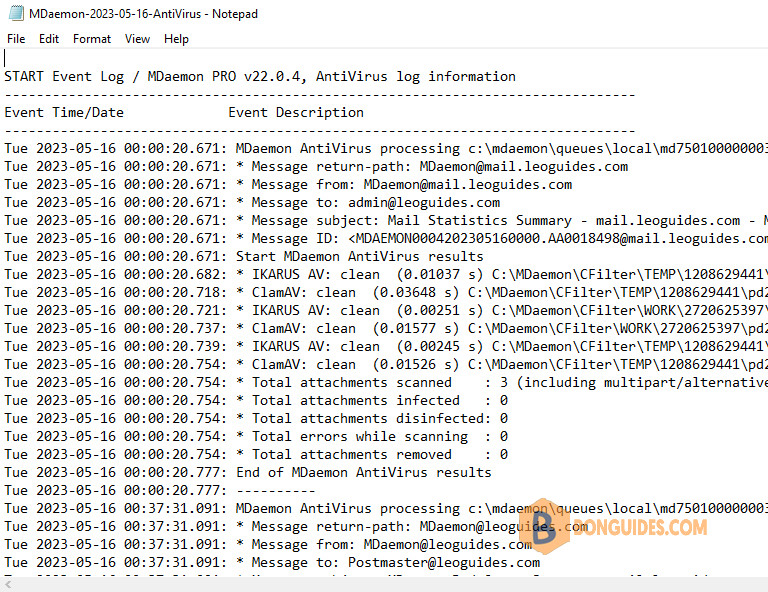
- MDaemon-YYYY-MM-DD-AntiVirus.log: This indicates if the email was flagged as virus infected (Security -> AntiVirus).
- MDaemon-YYYY-MM-DD-AntiSpam.log: This indicates if the email was scored as spam, but only if email from local users is being spam scored at Security -> Spam Filter.
- MDaemon-YYYY-MM-DD-ContentFilter.log: This indicates if the email was flagged by a Content Filter Rule (Security -> Content Filter).