Table of Contents
Redirect www to Non-www in CyberPanel
In some cases, you want to redirect from www to Non-WWW through a Cyber panel on your website. When a visitor type https://www.bonguides.com in the url address bar then hit enter. He would be redirect to https://bonguides.com instead of https://www.bonguides.com.

Add the A Records
Before you begin, you need to add an A record for the www version of your site. We use Cloudflare to point the IP address to our domain. This step would be vary depending on your domain registrar.
Note
The www version of the site should be using the same public IP address with the non-www version.
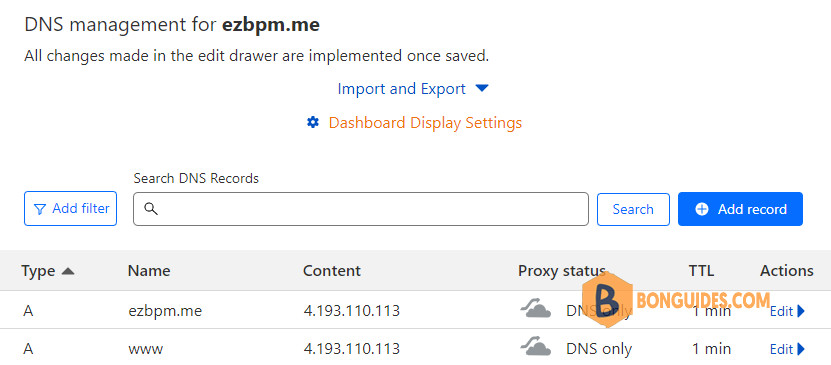
Redirect www to Non-www
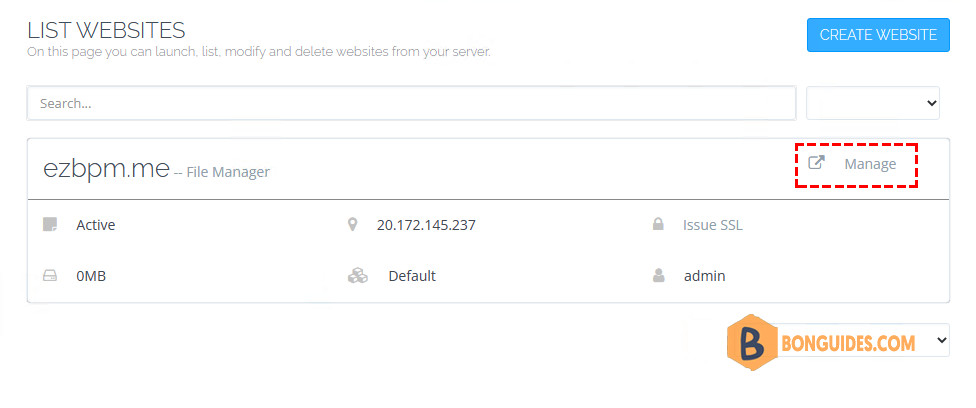
1. Open the CyberPanel Dashboard | Websites | List Website.
2. Click on the Manage button given on the right corner so that you can manage the selected website and access all its files.
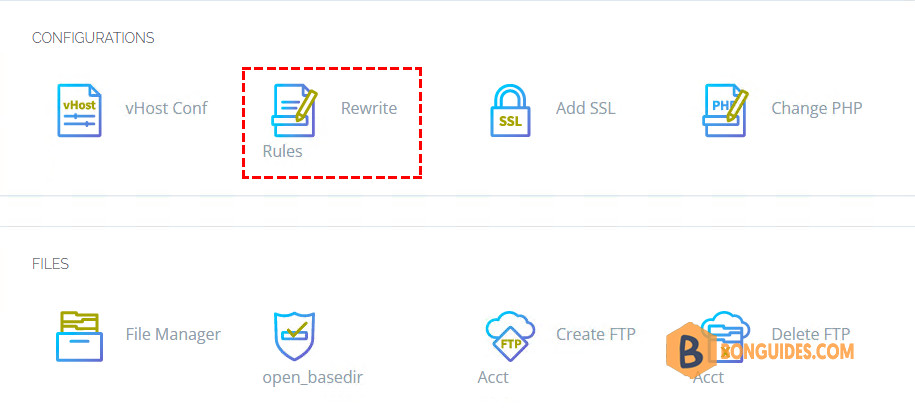
3. Go to the section of the configuration below where you will see the option of Rewrite Rules.
4. You have to select the Force WWW -> NON-WWW option in the Select Template section. After selecting, a simple code will be generated automatically in the below htaccess file which will redirect your website from WWW -> NON-WWW.
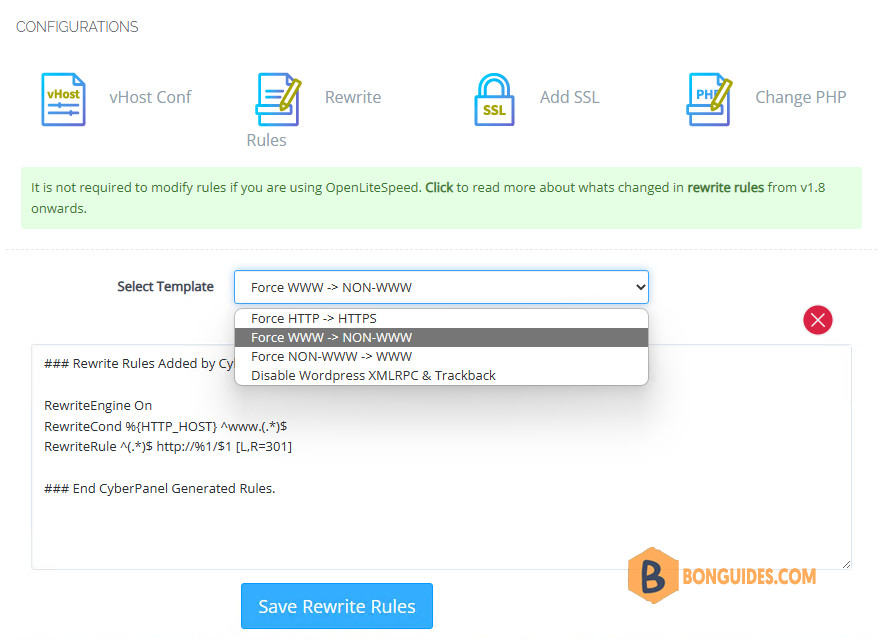
5. Click Save Rewrite Rules button and then after opening your website, it will start redirecting to www automatically.