Table of Contents
Enable Microsoft Store on Windows LTSB
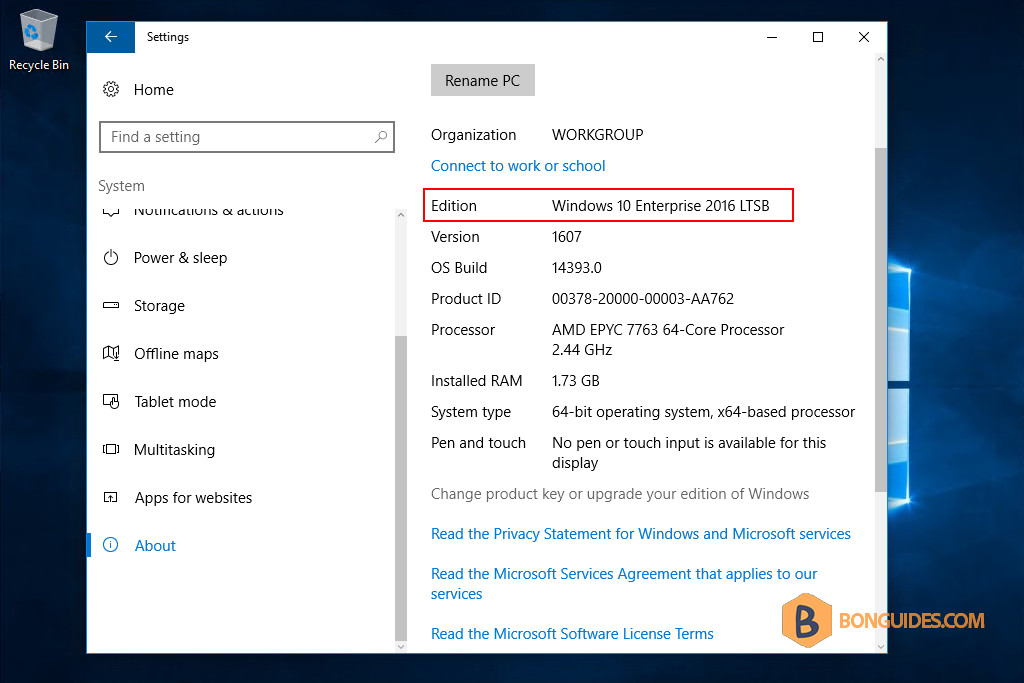
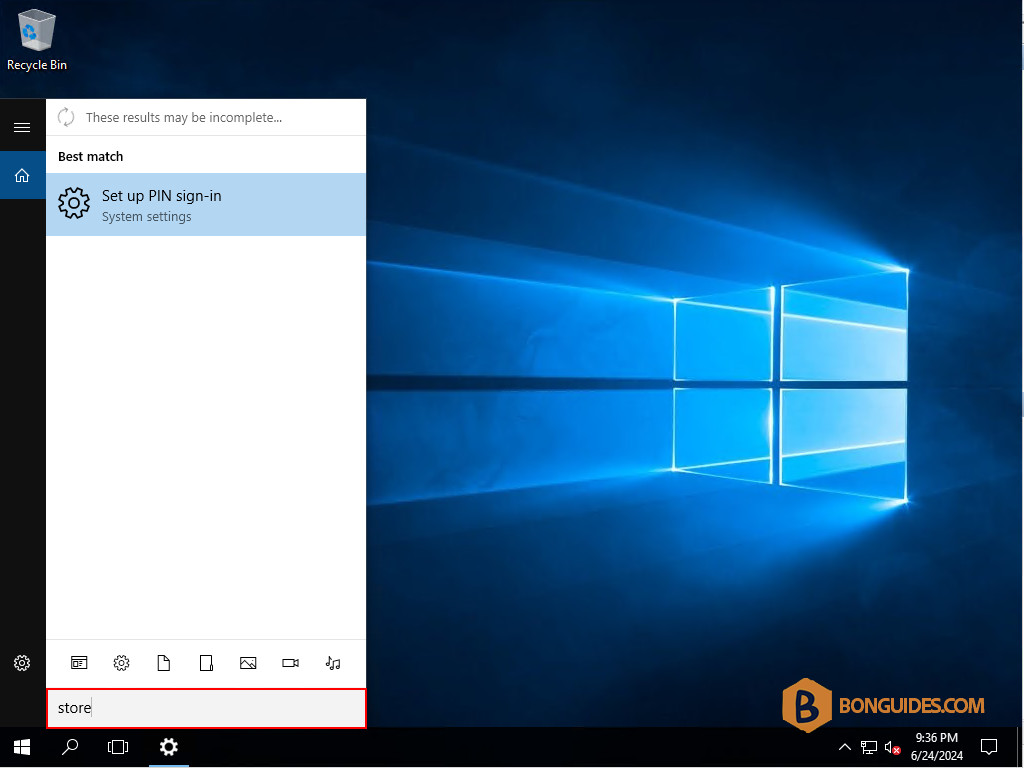
By default, in Windows LTSB, the Microsoft Store is not available. You cannot find it from the Windows Search.
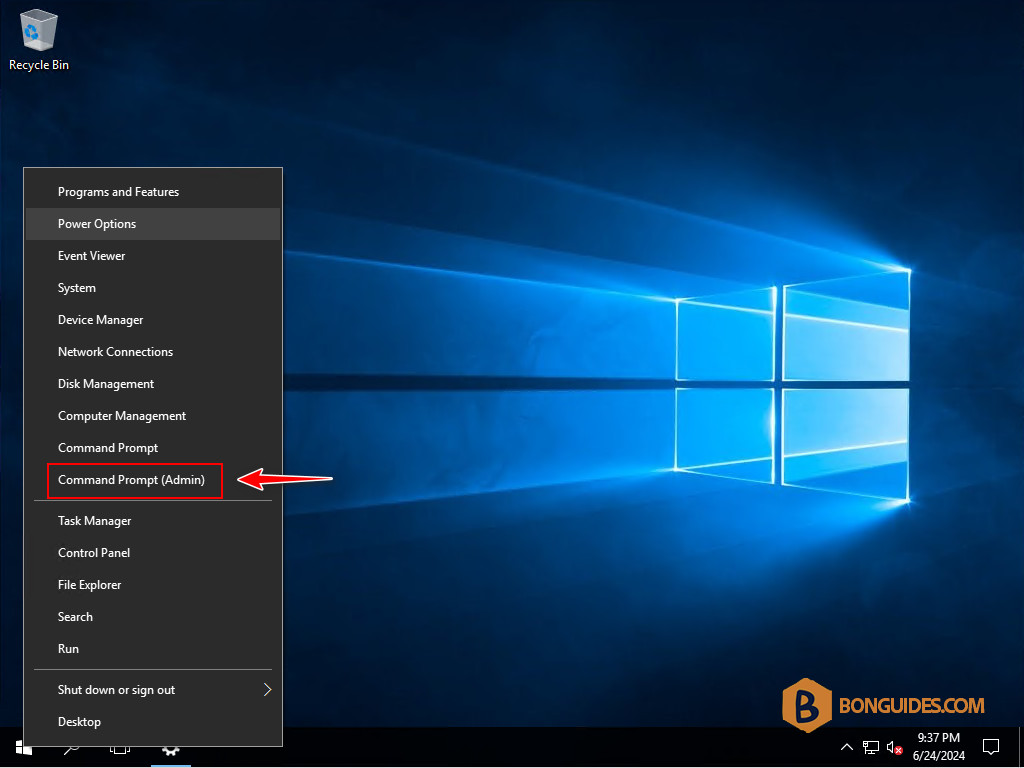
So, we need to enable it manually. To do it, let’s right-click on the Windows Start icon then open an elevated Command Prompt window.
Run the following command to enable the Microsoft Store on Windows LTSB.
wsreset -iThere’s nothing show in the console, but it’s running in the background. Wait a few minutes to complete.
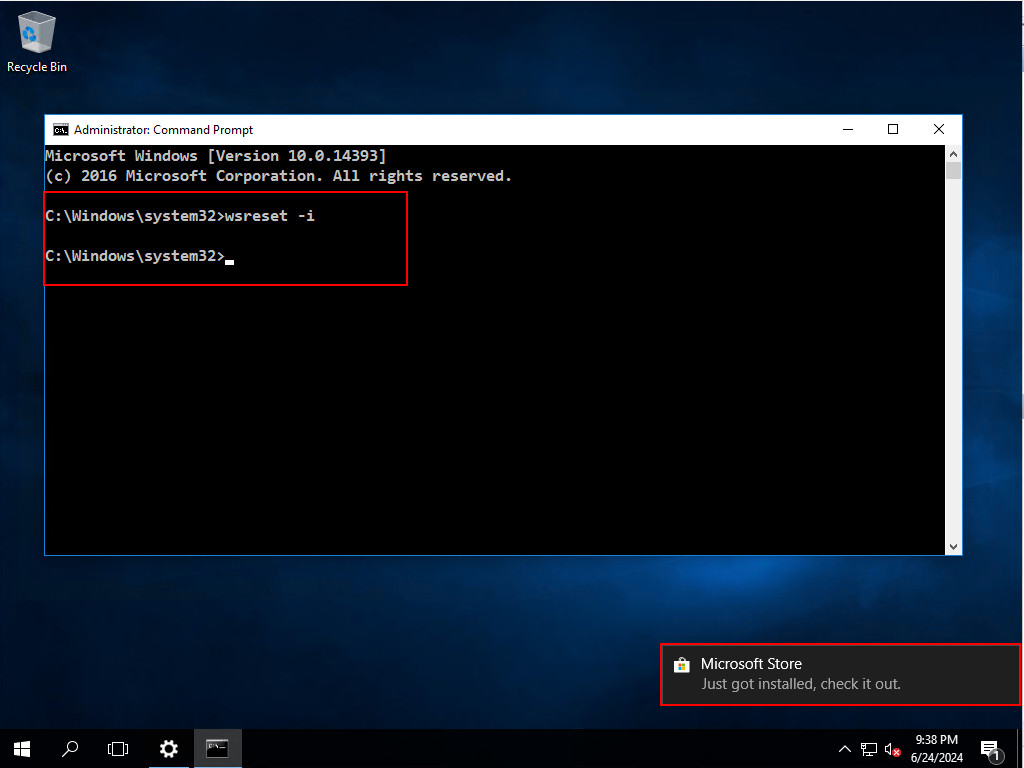
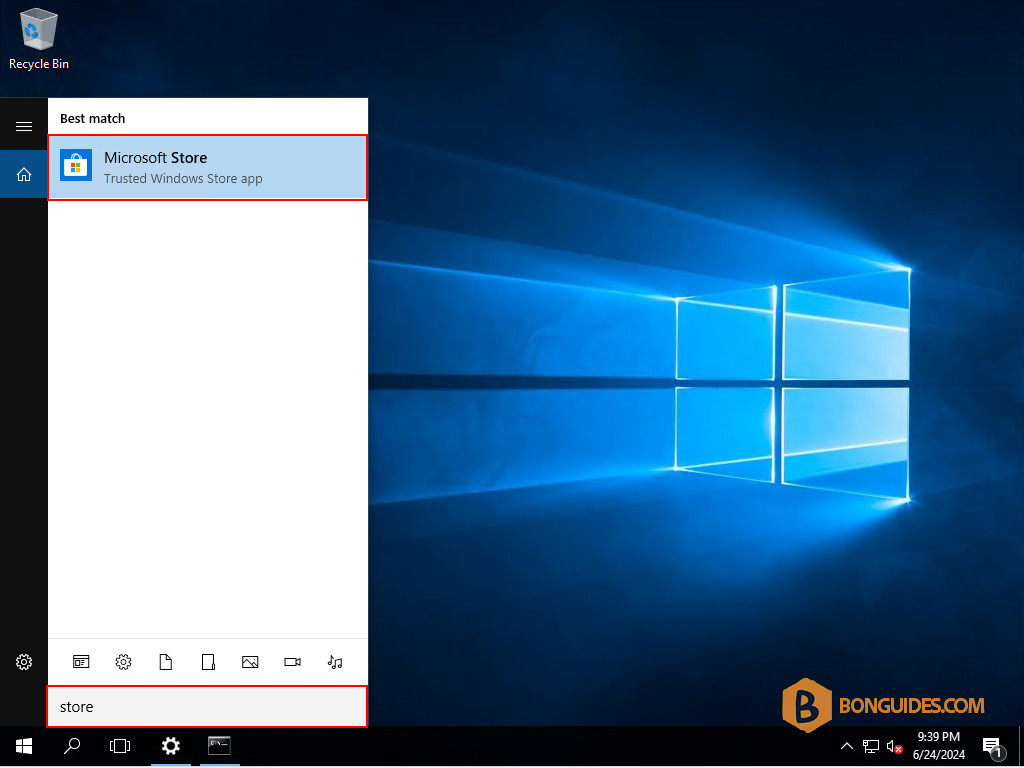
Once done, open the Microsoft Store to verify it works.