Table of Contents
Kernel Panic Not Syncing Attempted to Kill the Idle Task
In some cases, you got the error Kernel Panic – not syncing: Attempted to kill the idle task when you trying to install an Ubuntu 22.04 VM in VirtualBox.
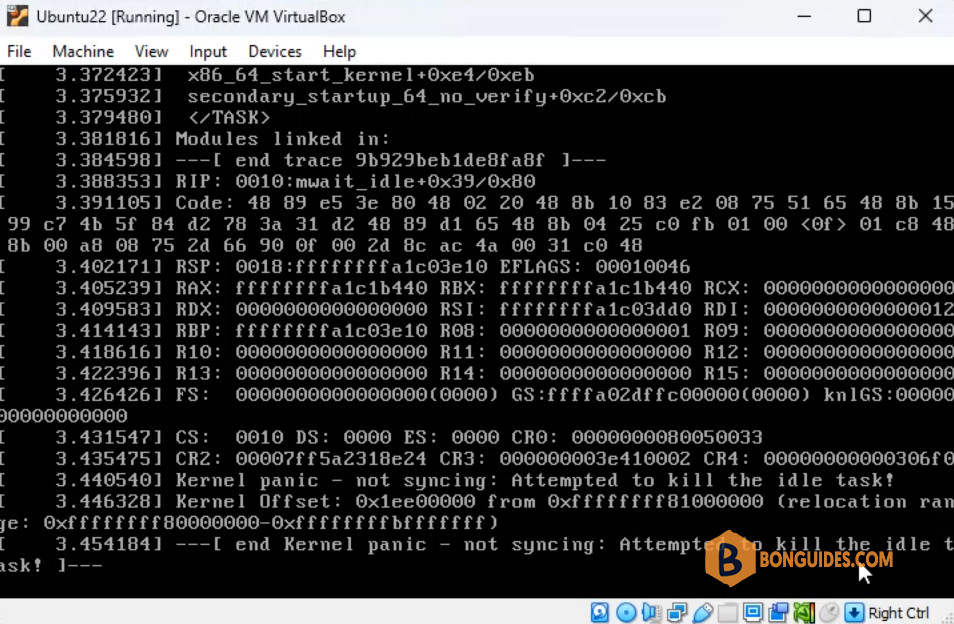
The solution is quite simple:
1️⃣ To fix it, let turn off the Ubuntu VM.
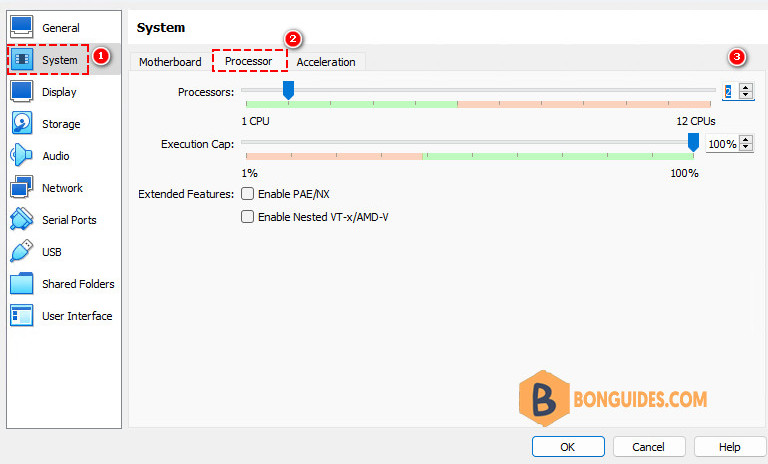
2️⃣ Open VM Settings | Select System section.
3️⃣ Under the System options, select Processor tab then assign more than 2 processor cores for the VM. Click OK to save the change then start your VM.
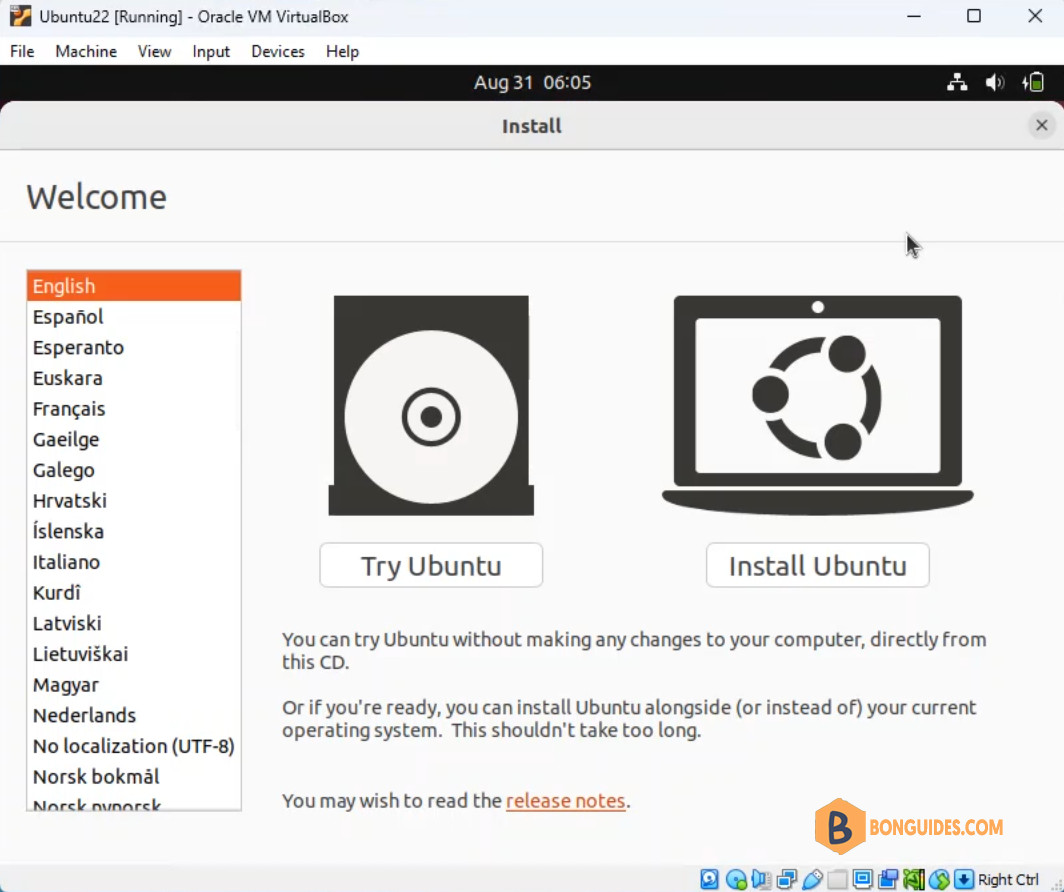
4️⃣ As you can see, the error was gone, and now you able to install a new Ubuntu VM in VirtualBox.